



Copyleaks (copyleaks.com) is a company founded in 2015 that initially focused on plagiarism detection.[1] Today, it offers a range of products, including AI detection tools geared towards businesses and educators.
Pros
- Detected 7 of 8 AI-written texts.
- No false positives for human content.
Cons
- Failed to detect AI in 6 of 8 humanized articles.
- Poor user rating on Trustpilot.
Features
- AI text detector: Supports over 30 languages.
- AI image detector: Scans PNG, JPEG, BMP, and other image formats.
- Grammar checker: For spelling corrections and writing suggestions.
- Plagiarism checker: Detects plagiarism in text, code, and images.
- AI moderation: Flags unsafe or noncompliant user-generated content.
- IP infringement scanner: Identifies copyright infringements.
- Deepfake detector: To see if an image has been manipulated.
- API
- LMS integration
- Google Docs add-on
- Google Chrome extension
- Microsoft Edge browser extension
Pricing Plans
| Free | Personal | Pro |
| No login required | $16.99/month or $167.88/year | $99/month or $899.88/year |
| Maximum of 25,000 characters per scan | 100 credits/month (1-month expiry) | 1,000 credits/month (1-month expiry) |
| Single-scan AI detection. | Includes AI text and plagiarism detection, browser extensions, and Google Docs add-on. | All Personal features, plus full site scans, advanced filters, analytics dashboard, cross-language AI detection, and up to 25 users. |
In addition to the plans above, Copyleaks offers enterprise and education plans with customized pricing based on requested features, organization size, and overall usage.
- Enterprise Plan – Includes API, data hosting, content moderation, and detection for IP infringement and code plagiarism.
- Education Plan – Includes grammar checker, LMS integration, cloud storage, grade synchronization, and AI detection training.
Credit Values
Test #1: Copyleaks vs. LLMs
We asked several LLMs to generate content using the prompt below, then ran the results through Copyleaks to see whether it would flag the text as AI-generated.
Note: Copyleaks provides three AI detection sensitivity levels. We used Level 1 for our tests, as it targets unedited content copied directly from an LLM.
Prompt Used
“Write a 400 to 500-word essay explaining what causes the aurora borealis and when it can be seen. Use a natural, conversational tone that reads as human, with the goal of bypassing AI detection, and avoid using em dashes.”
 Expand
 Collapse
| LLM | Test Result | Proof |
| ChatGPT – 5.2 Thinking Model | 100% AI ✅ |
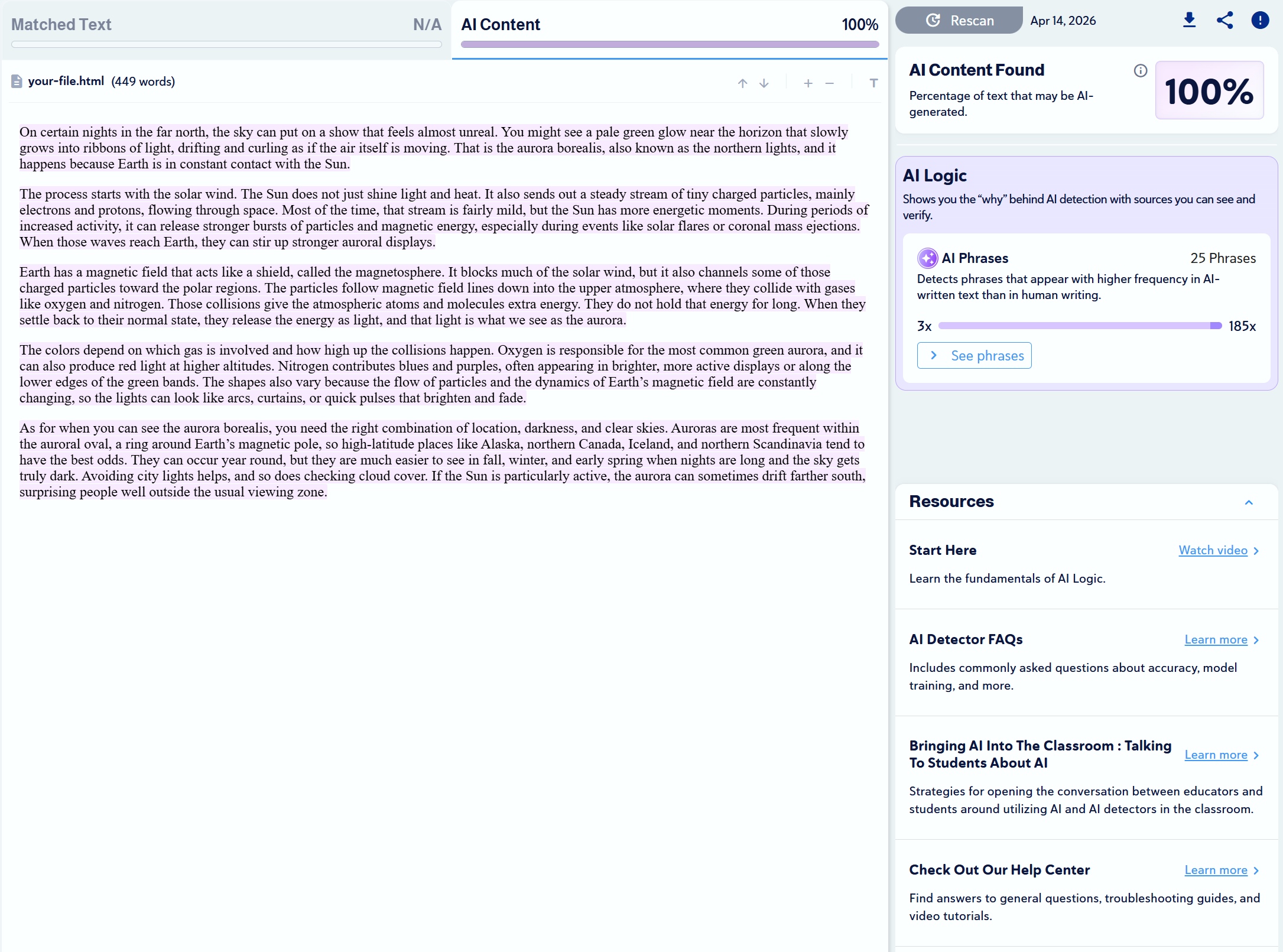 |
| Claude – Sonnet 4.6 | 100% AI
✅ |
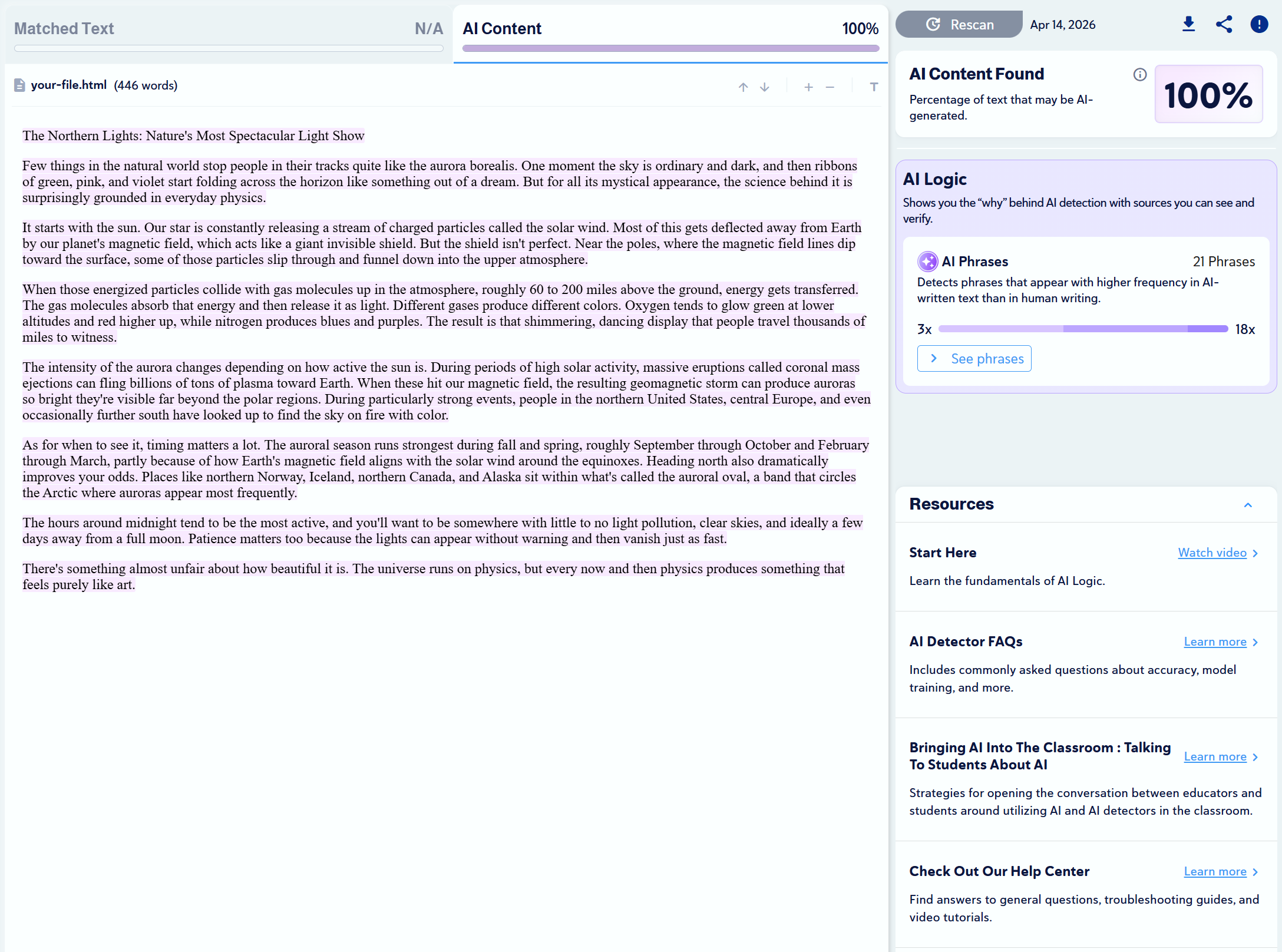 |
| Google Gemini – Thinking | 100% AI
✅ |
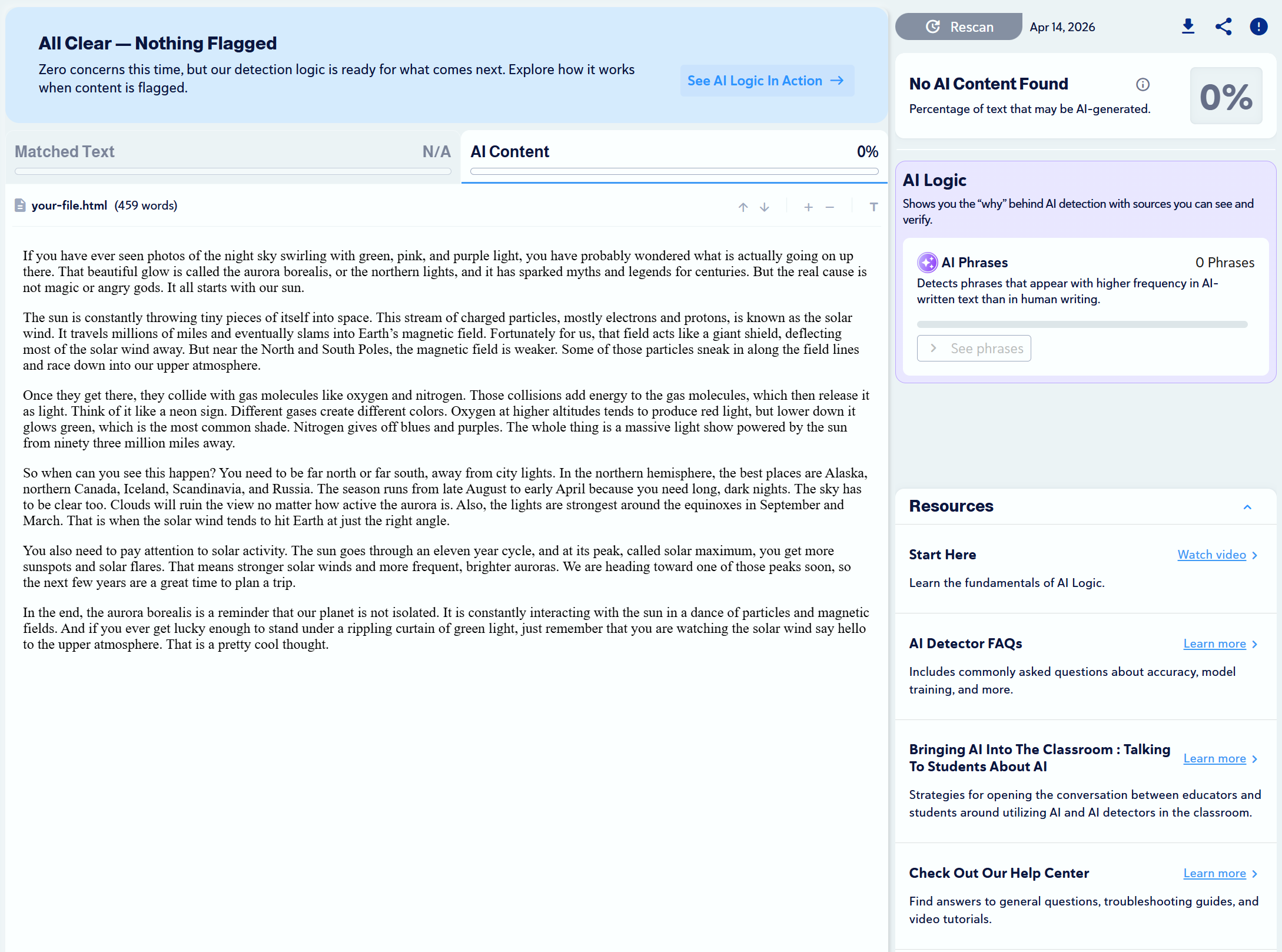
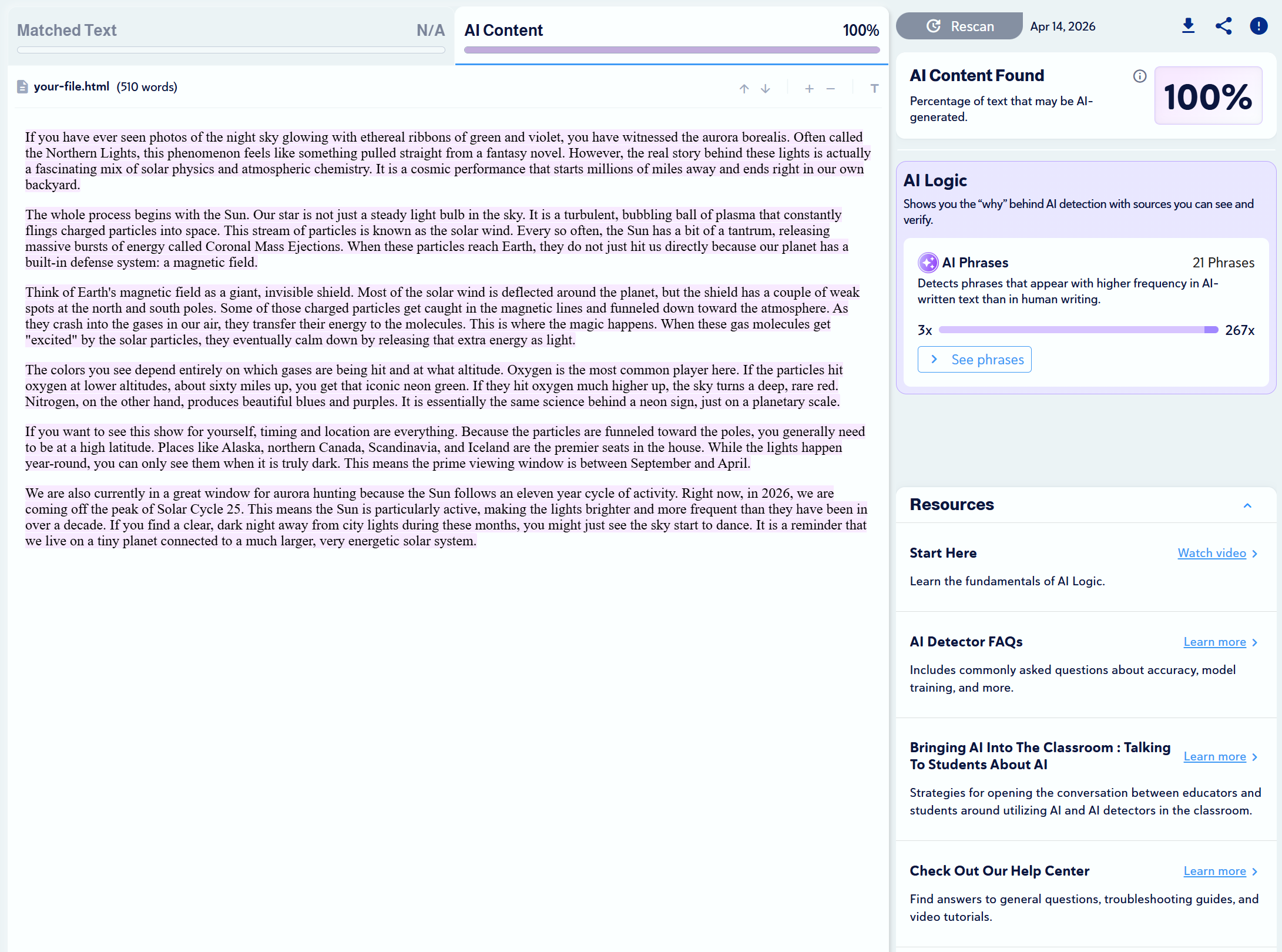 |
| DeepSeek – DeepThink | 0% AI
❌ |
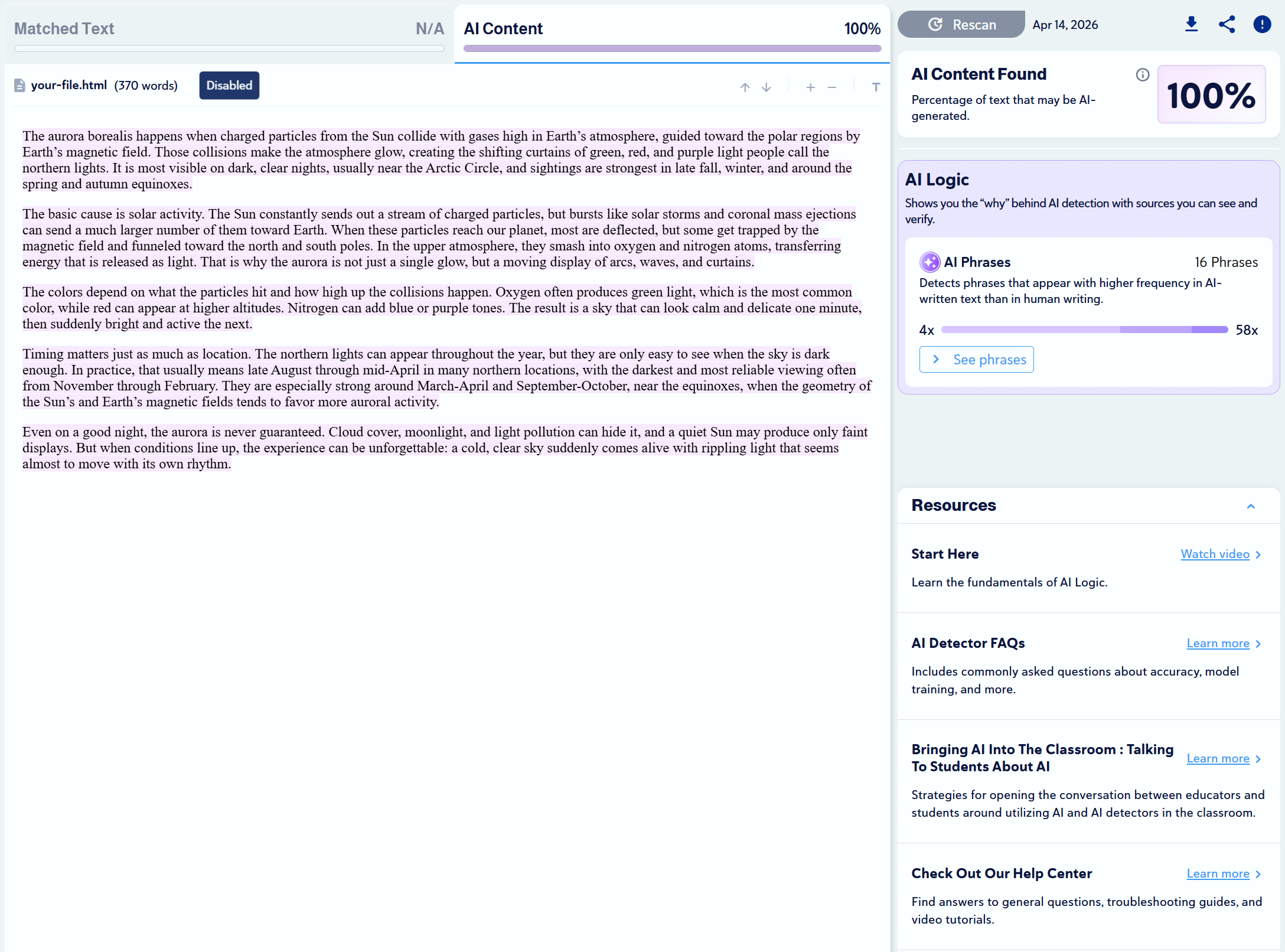
 |
| Perplexity – Free Model | 100% AI
✅ |
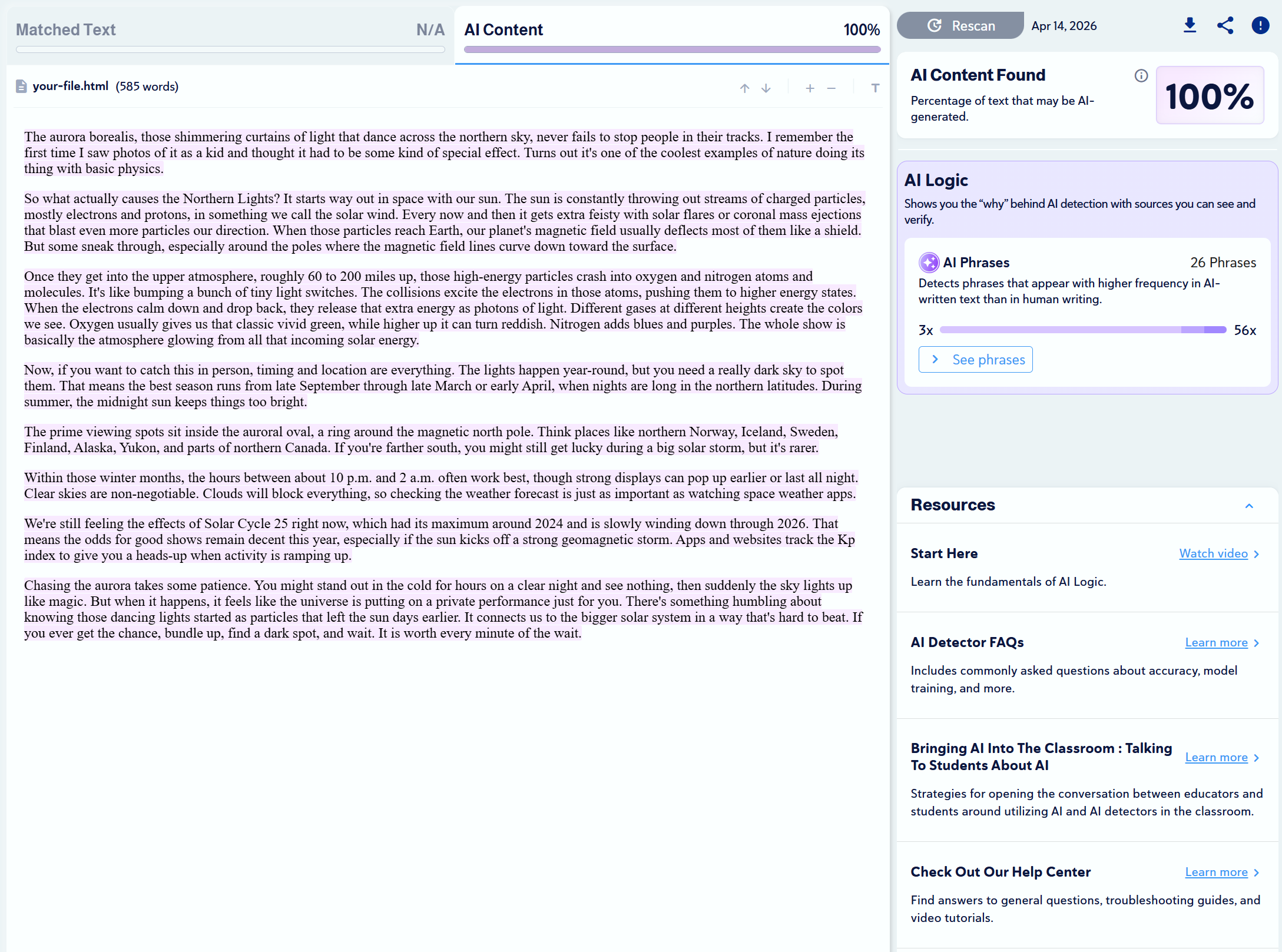
 |
| Grok – Auto | 100% AI
✅ |
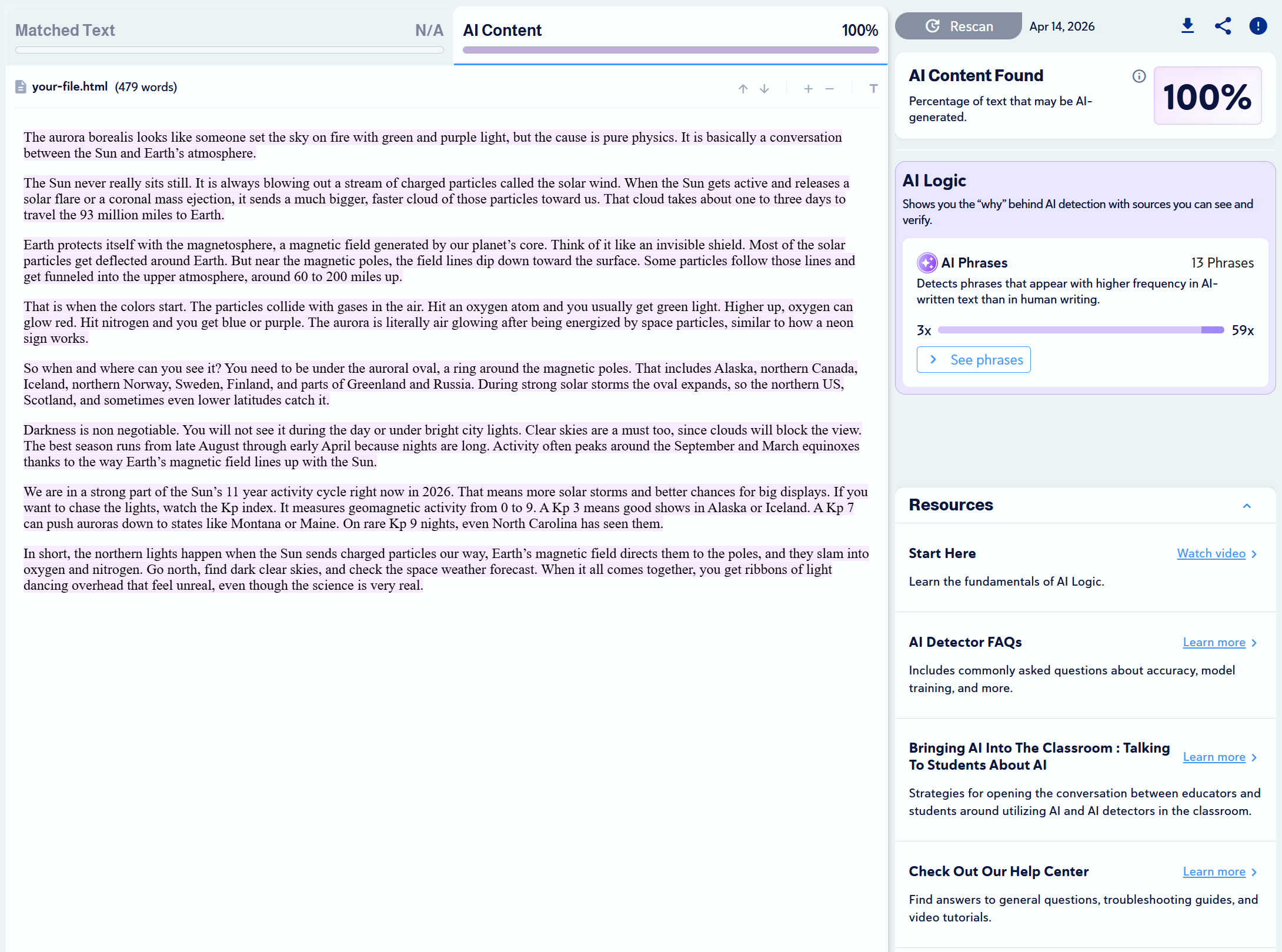
 |
| Meta | 100% AI
✅ |
 |
Test #2: Copyleaks vs. Humanizers
In this phase of testing, we ran the above DeepSeek-generated text through the humanizers listed below, then asked Copyleaks to scan the results to see how it would handle the modified content. ❌ ❌ ❌ ✅ ❌ ❌ ❌ ❌
Expand
AI Humanizer
Test Result
Proof
Humanize.ai
0% AI
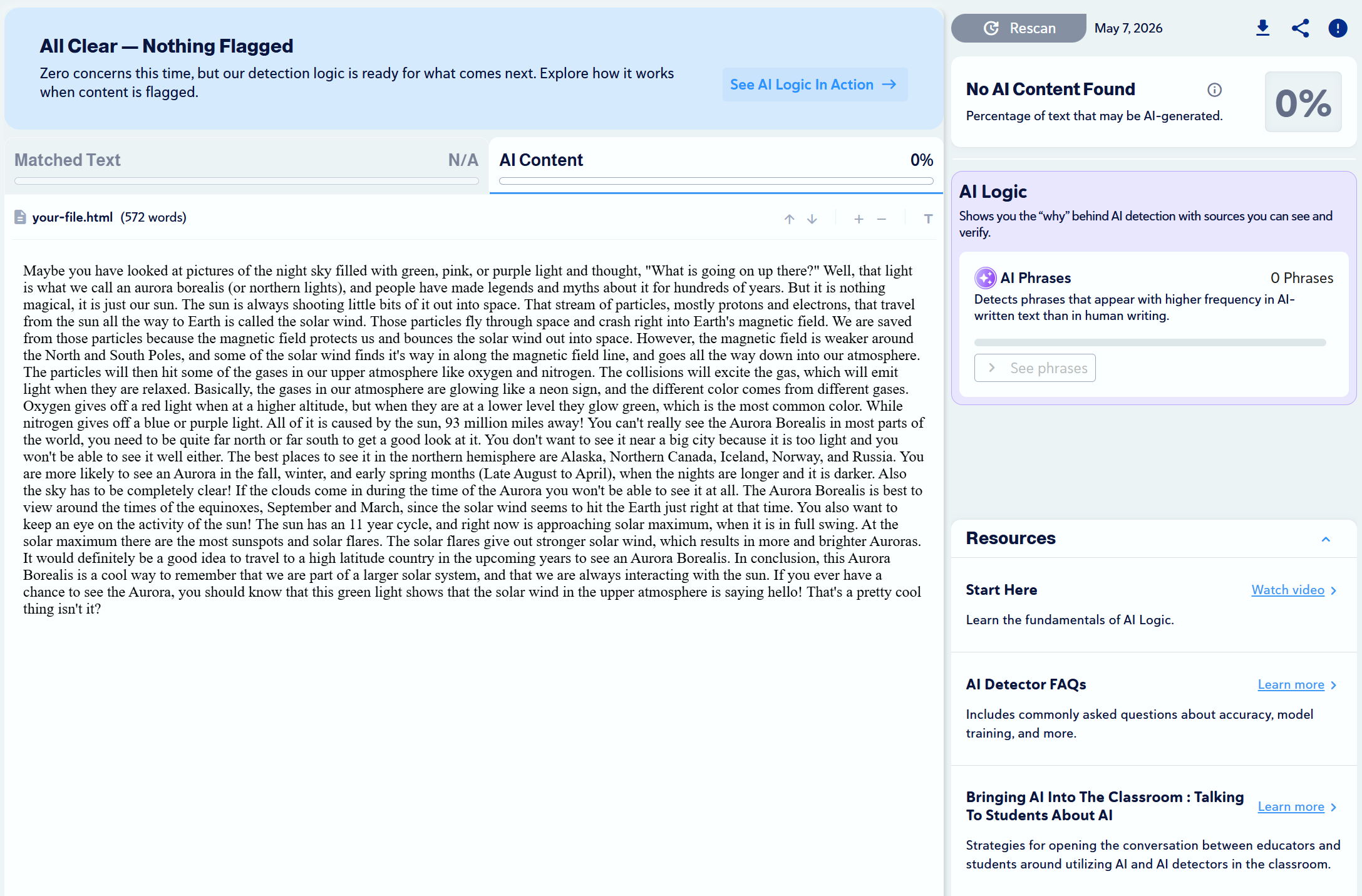
StealthGPT
0% AI
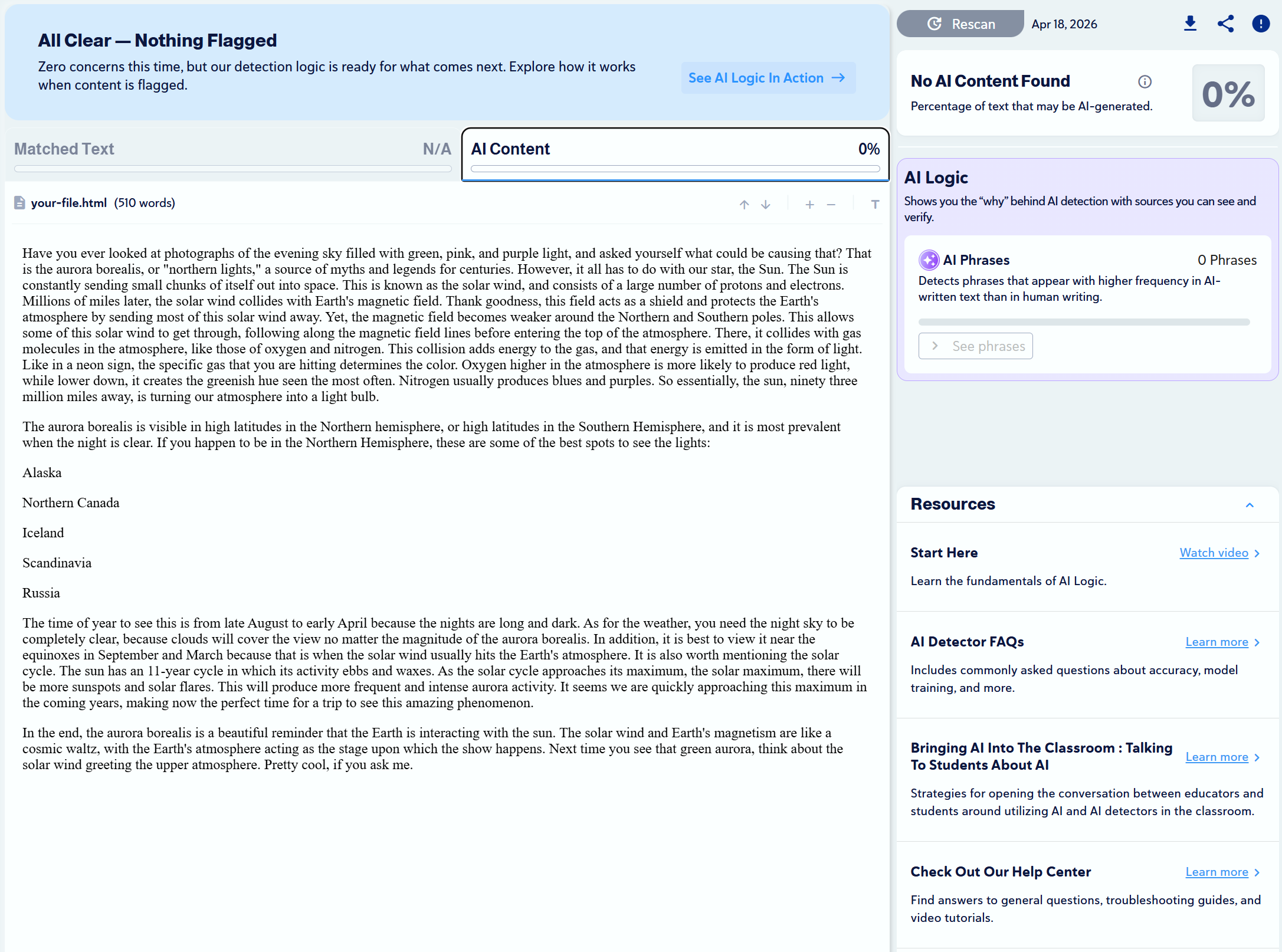
WriteHuman.ai
0% AI
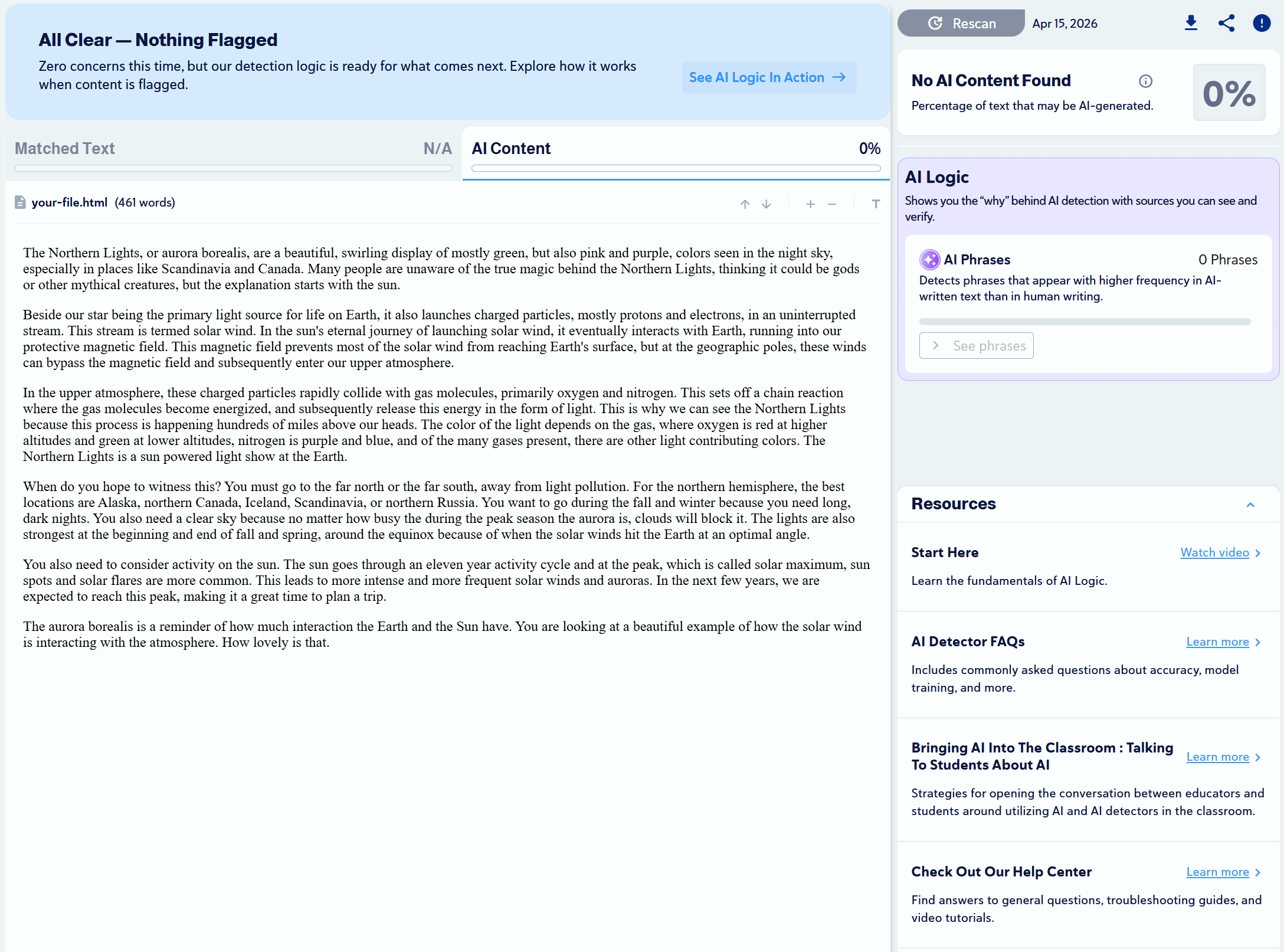
Undetectable.ai
100% AI
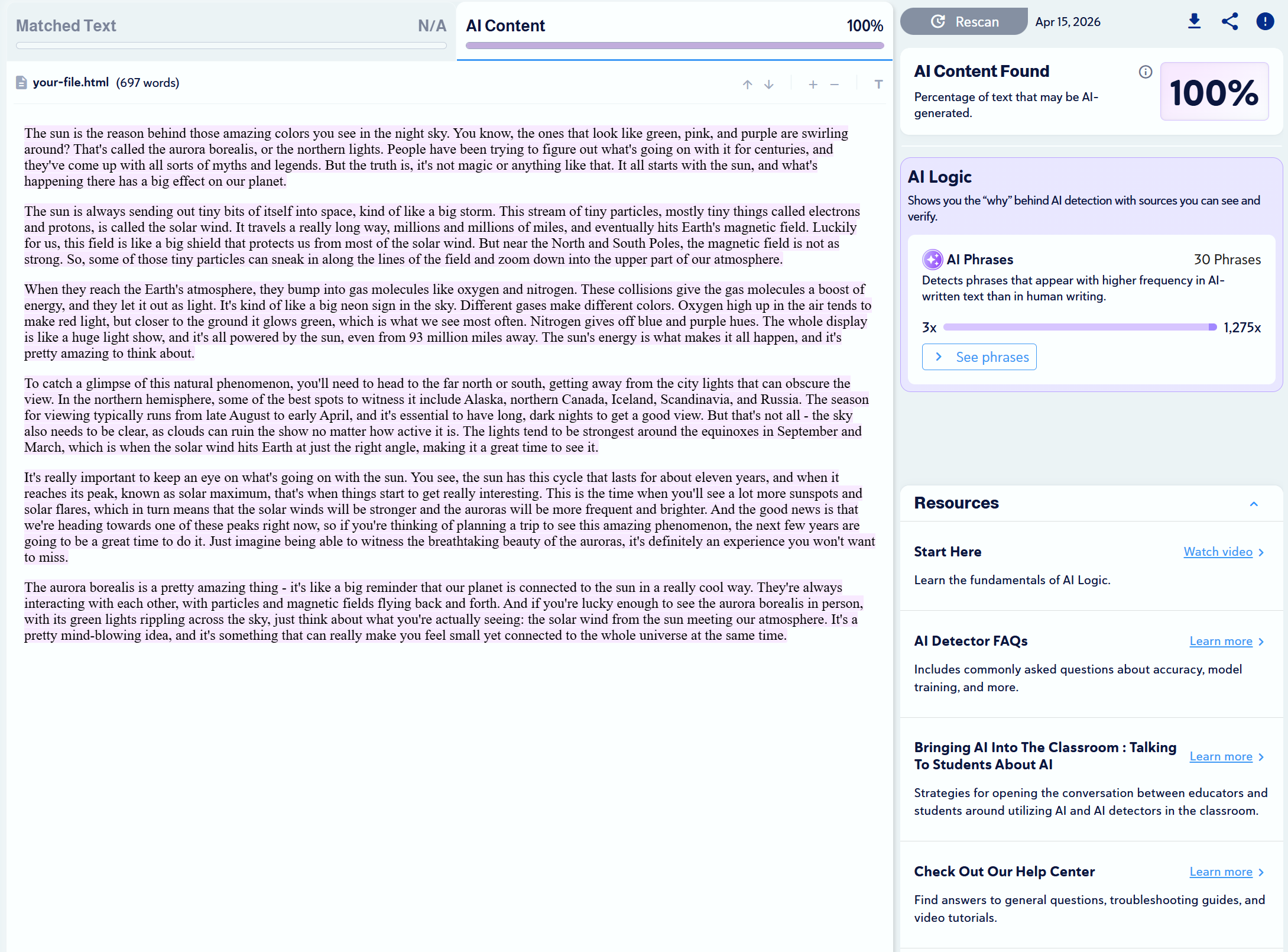
StealthWriter.ai
0% AI
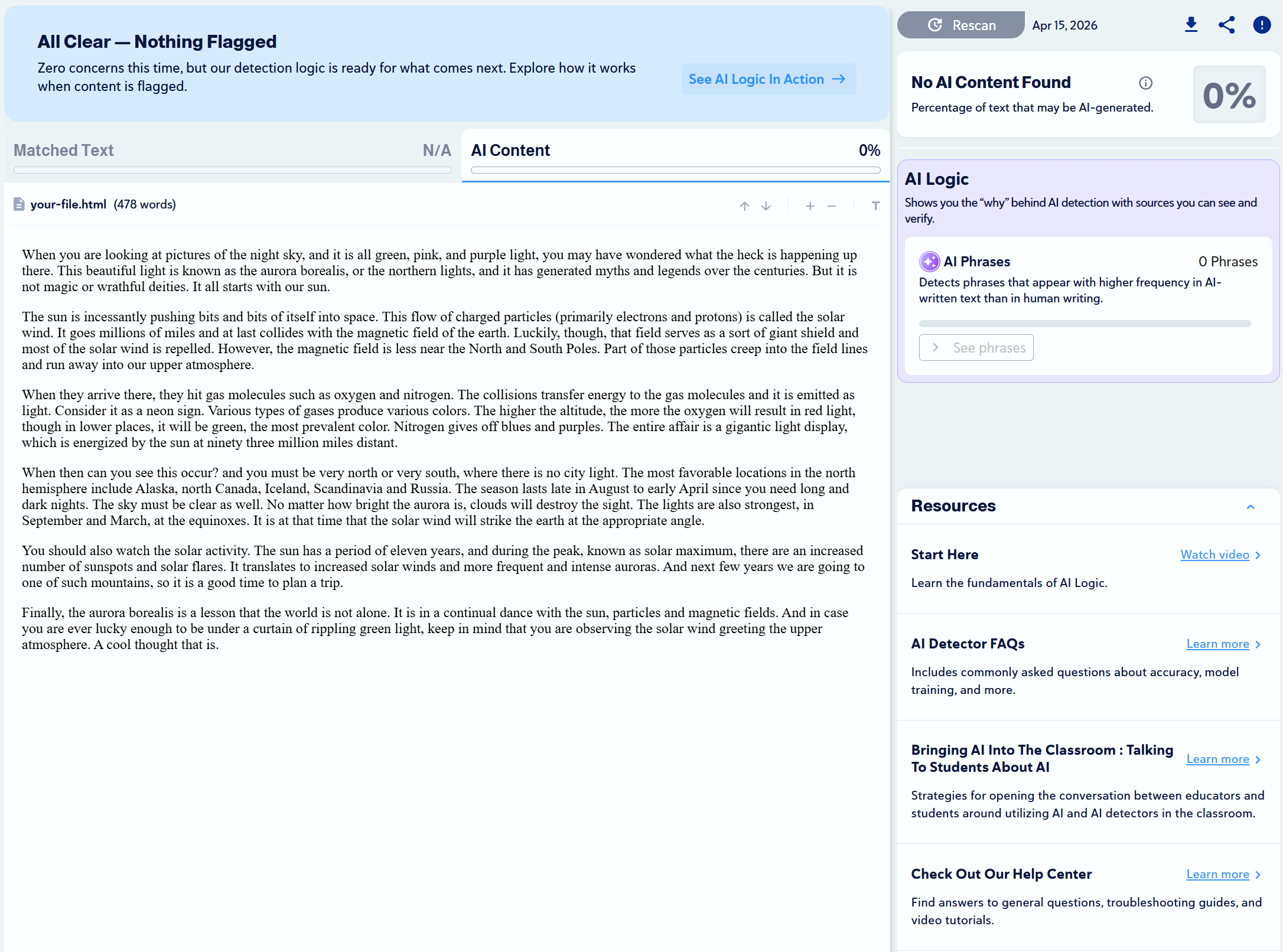
WalterWrites.ai
0% AI
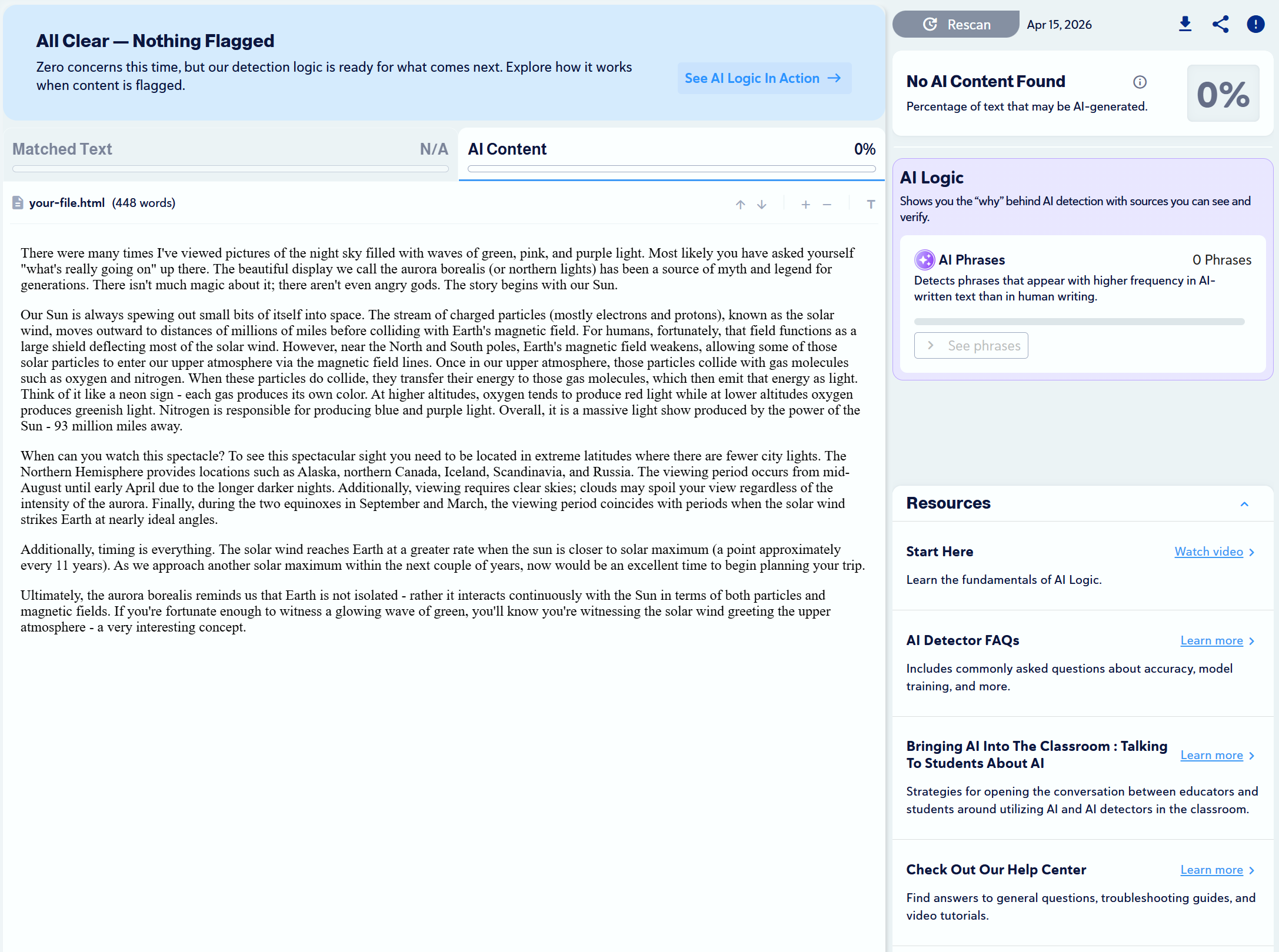
Grammarly
0% AI
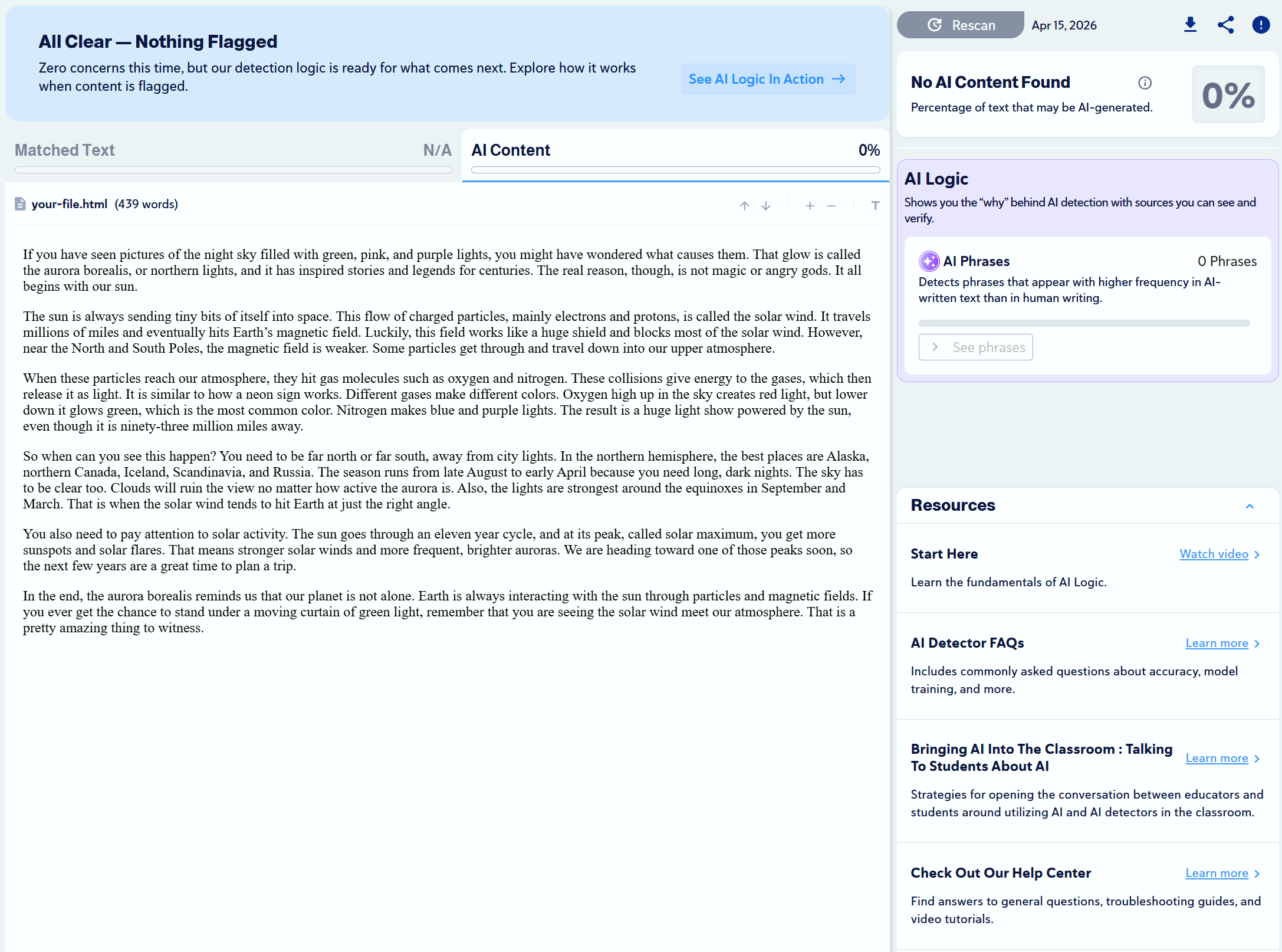
QuillBot
0% AI
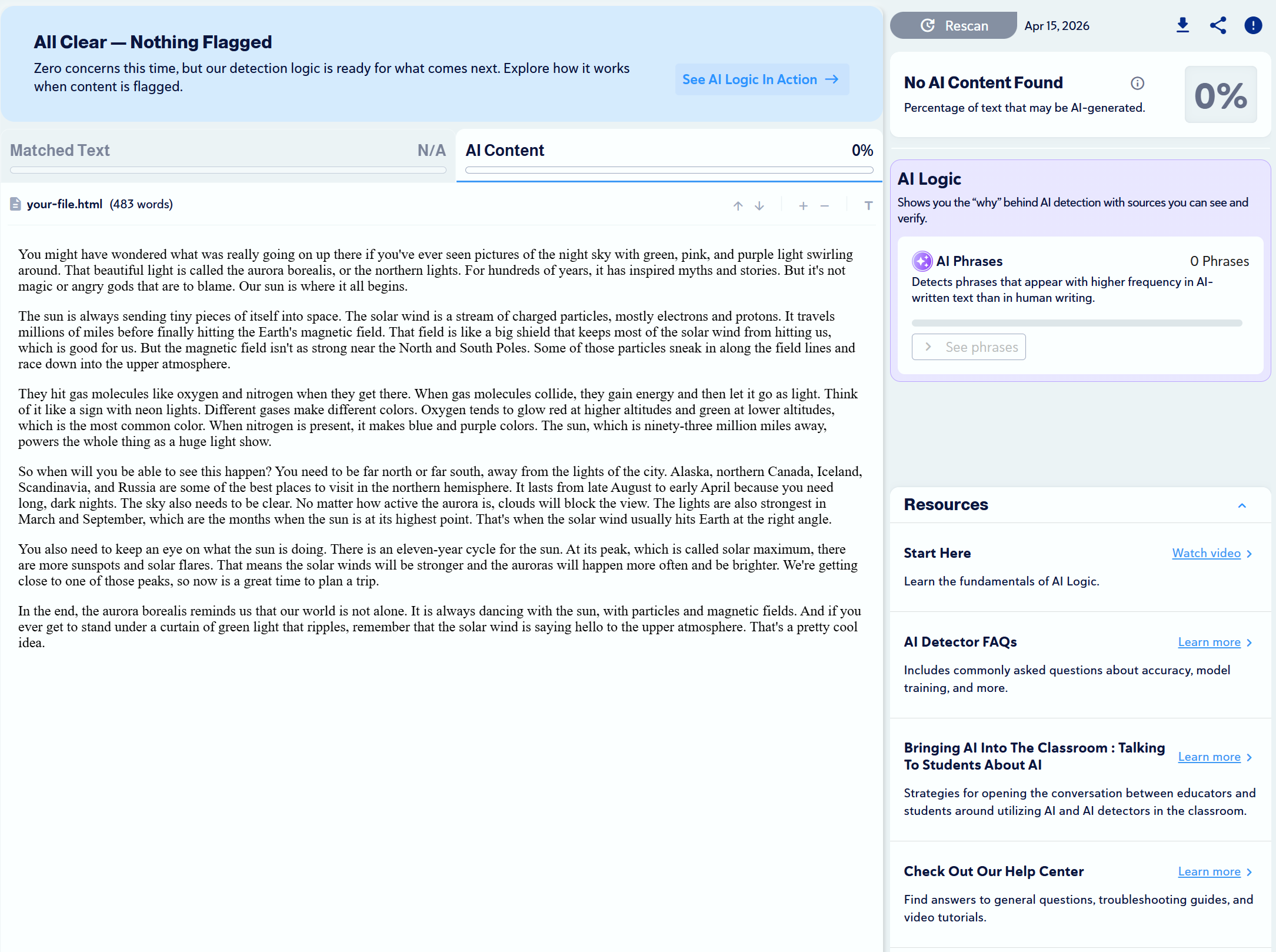
Test #3: False-Positives + Plagiarism
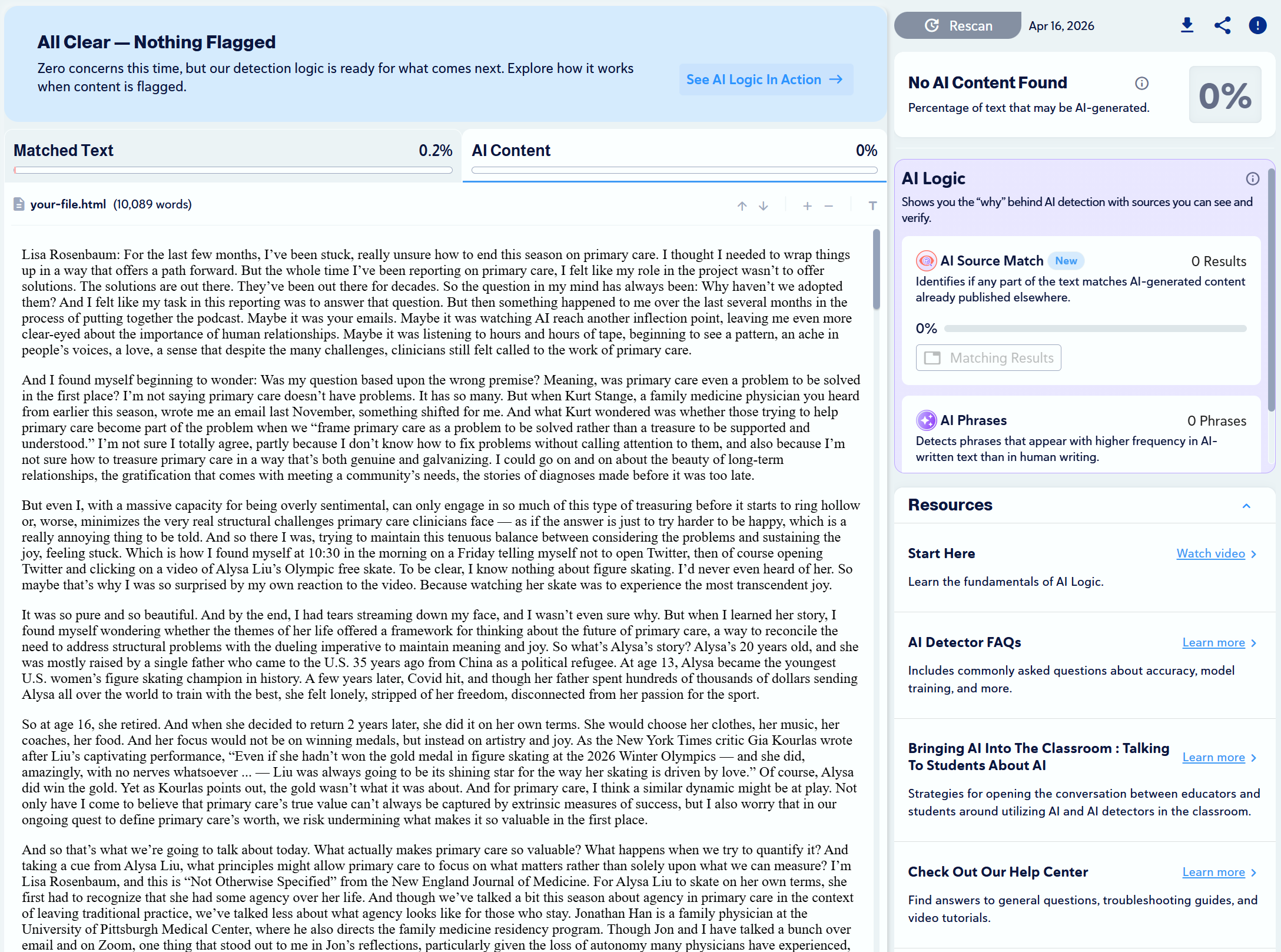
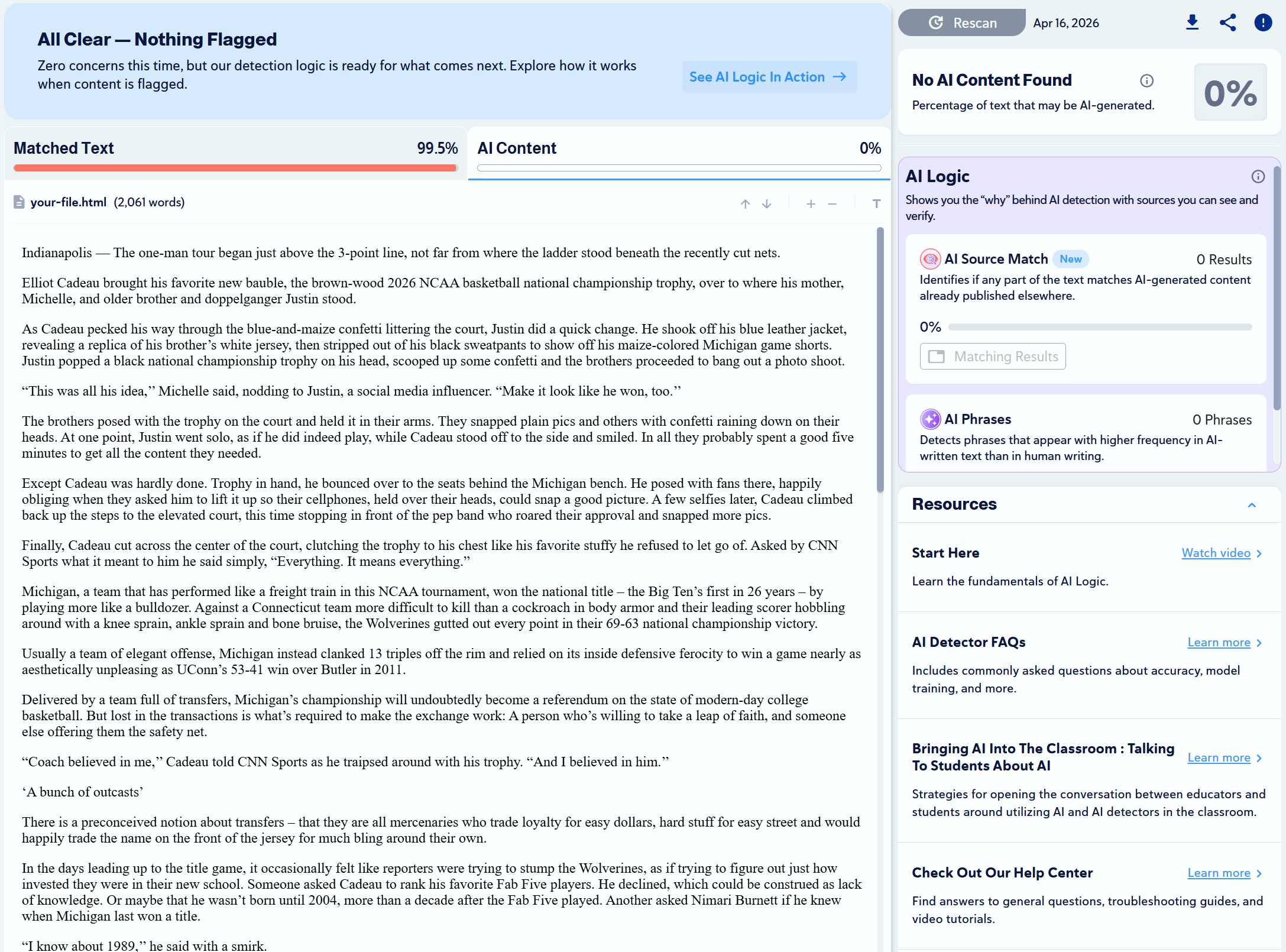
We found 10 articles written by humans and scanned them with Copyleaks to check for plagiarism and to see if any would be mistaken as AI-generated.
Expand
| Article URL | Test Result | Proof |
| Evergreen Museum (article) | 100% Human, 100% Plagiarism
✅ |
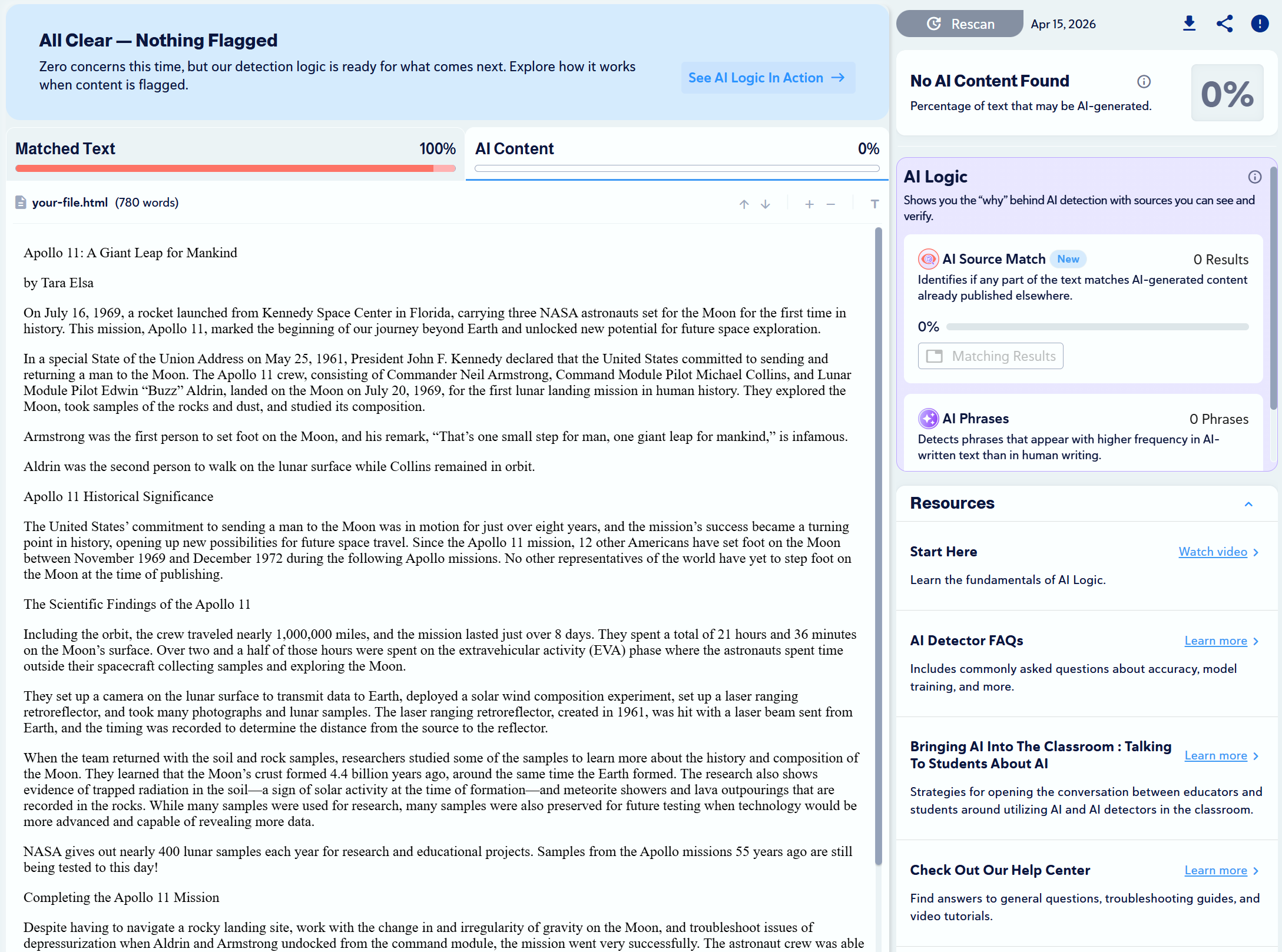 |
| Blood, Toil, Tears and Sweat (speech) | 100% Human, 100% Plagiarism
✅ |
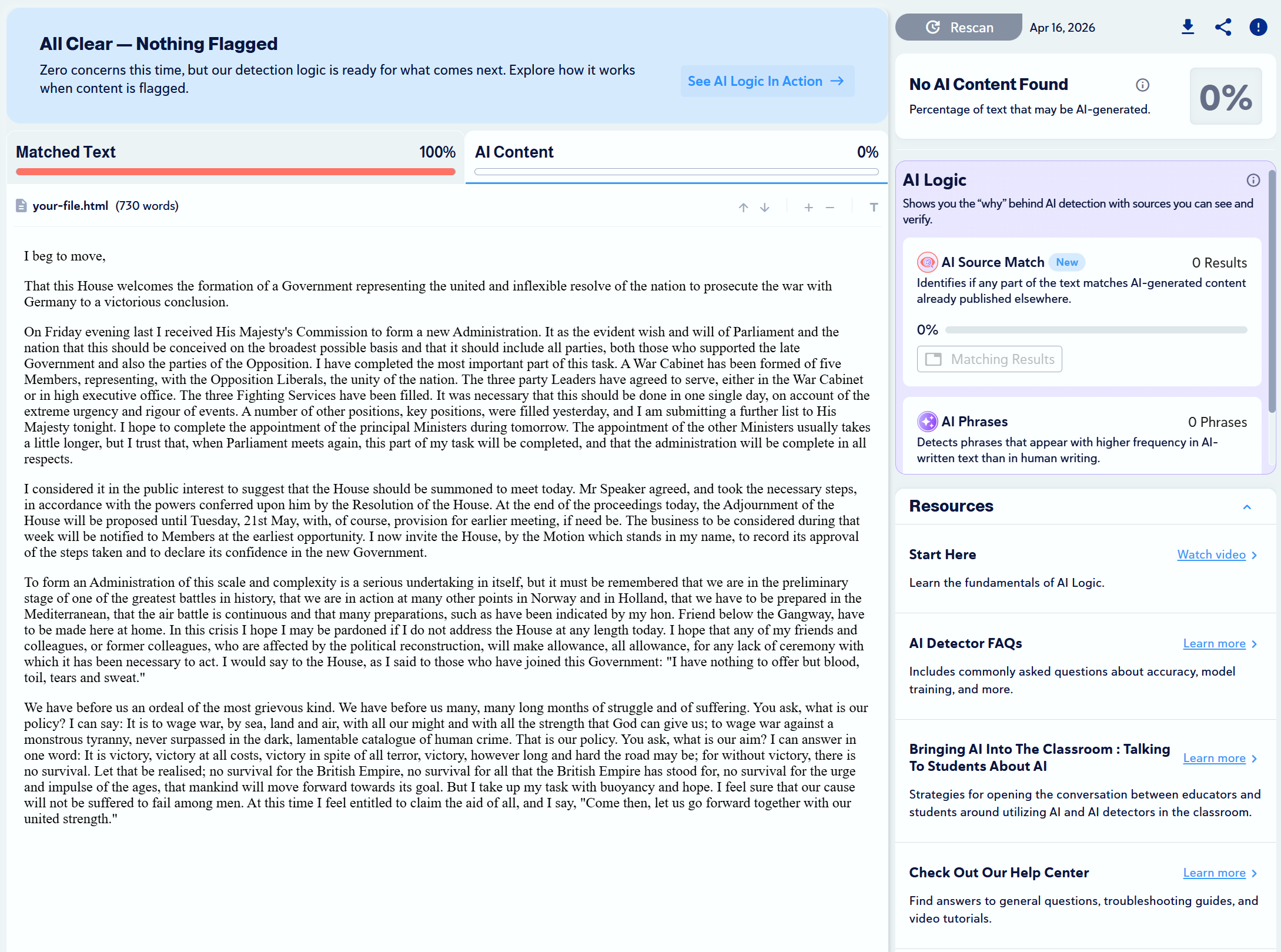 |
| Xerces Society (blog) | 100% Human, 100% Plagiarism
✅ |
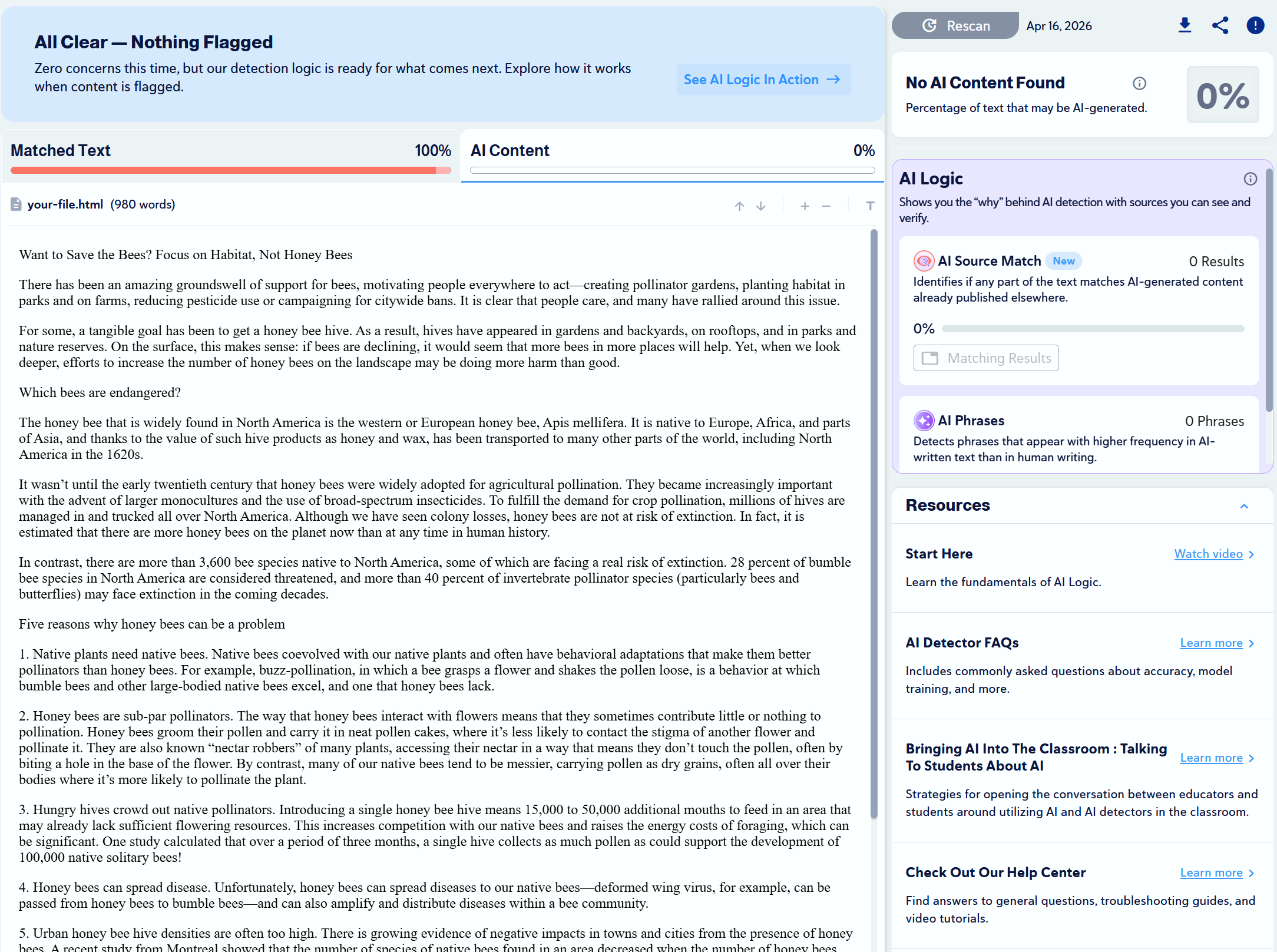 |
| Debbie Kruger (interview) | 100% Human, 96.7% Plagiarism
✅ |
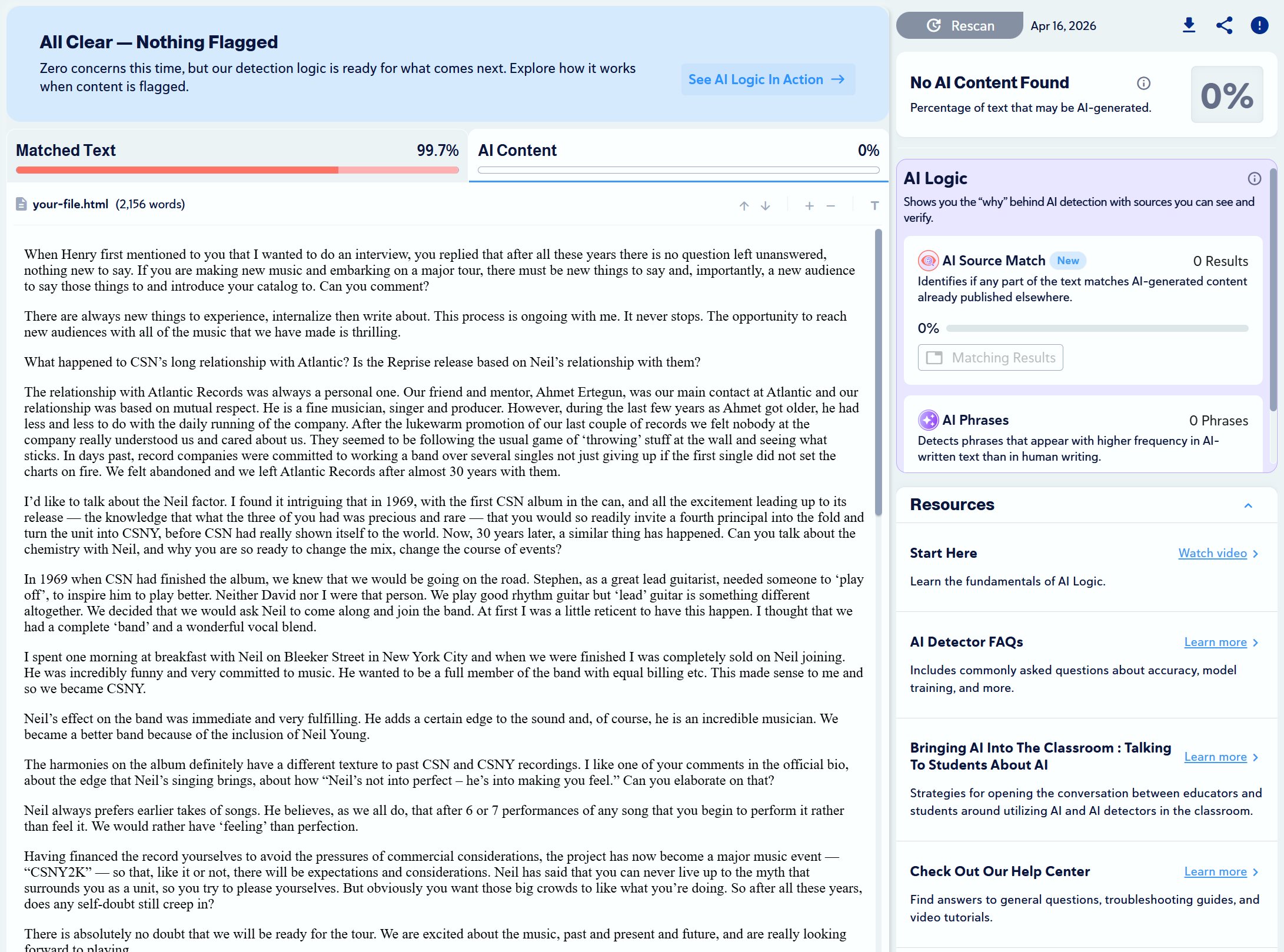 |
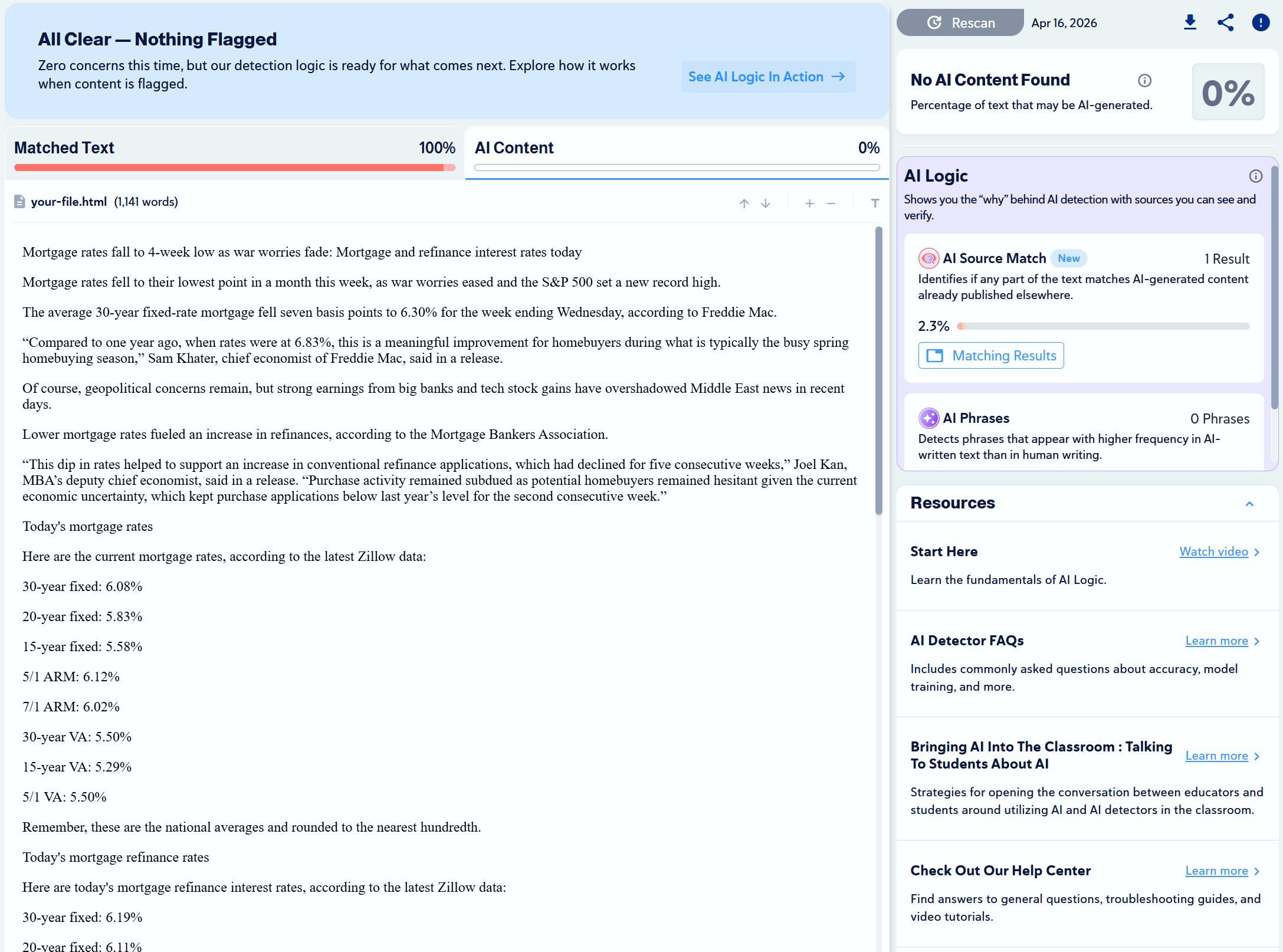
| Yahoo Finance (article) | 100% Human, 100% Plagiarism
✅ |
 |
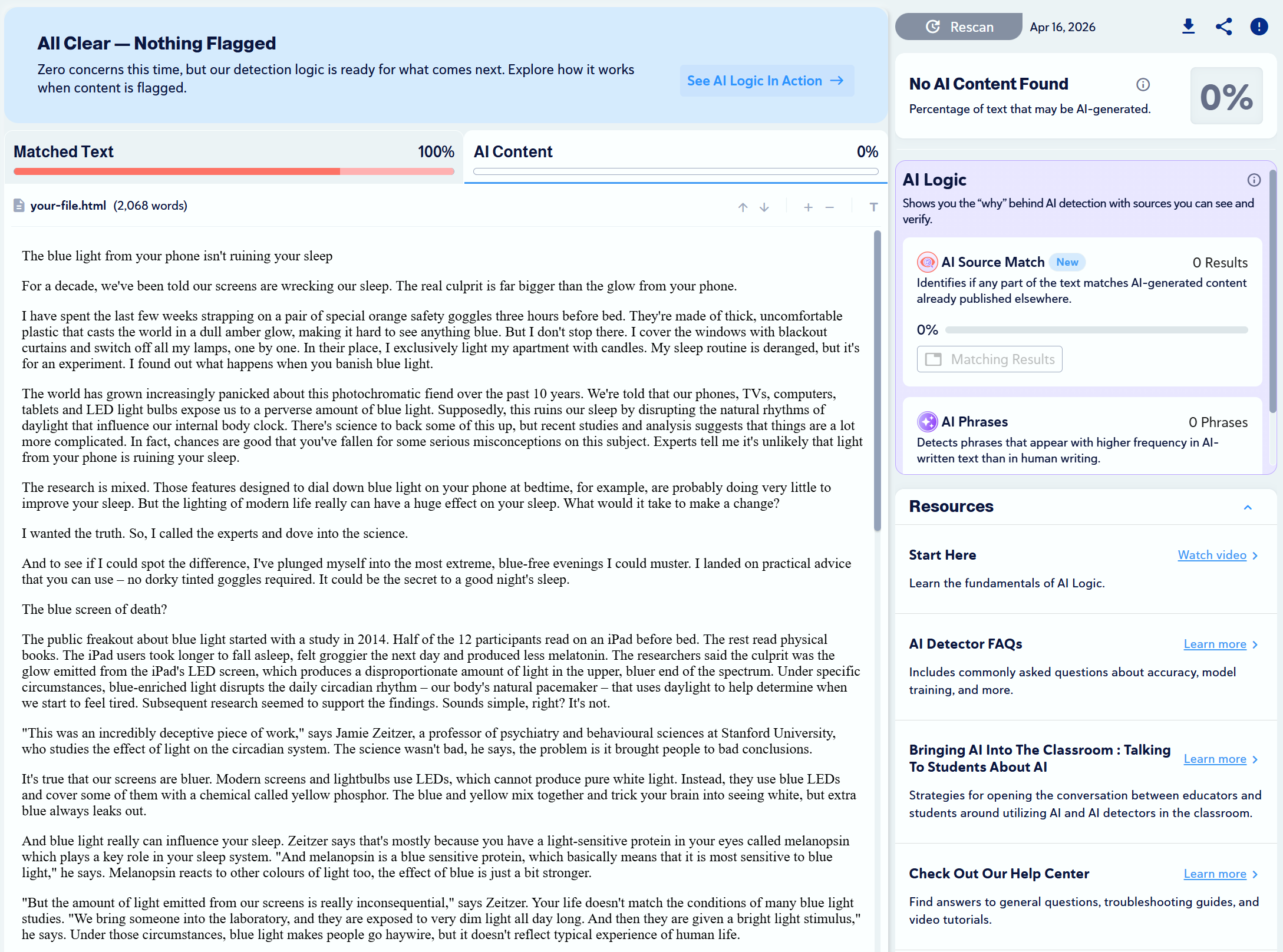
| BBC.com (article) | 100% Human, 100% Plagiarism
✅ |
 |
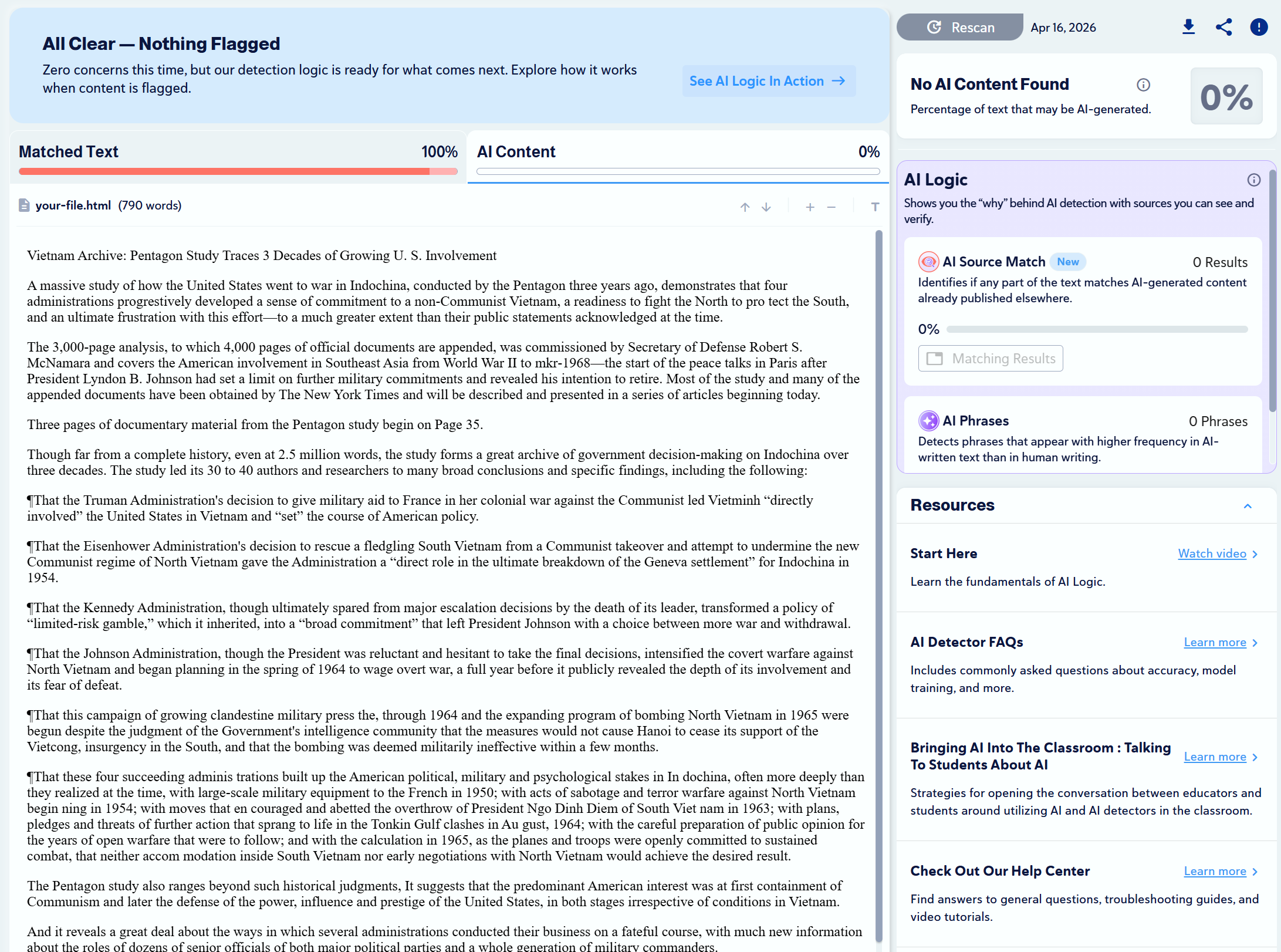
| The New York Times (article) | 100% Human, 100% Plagiarism
✅ |
 |
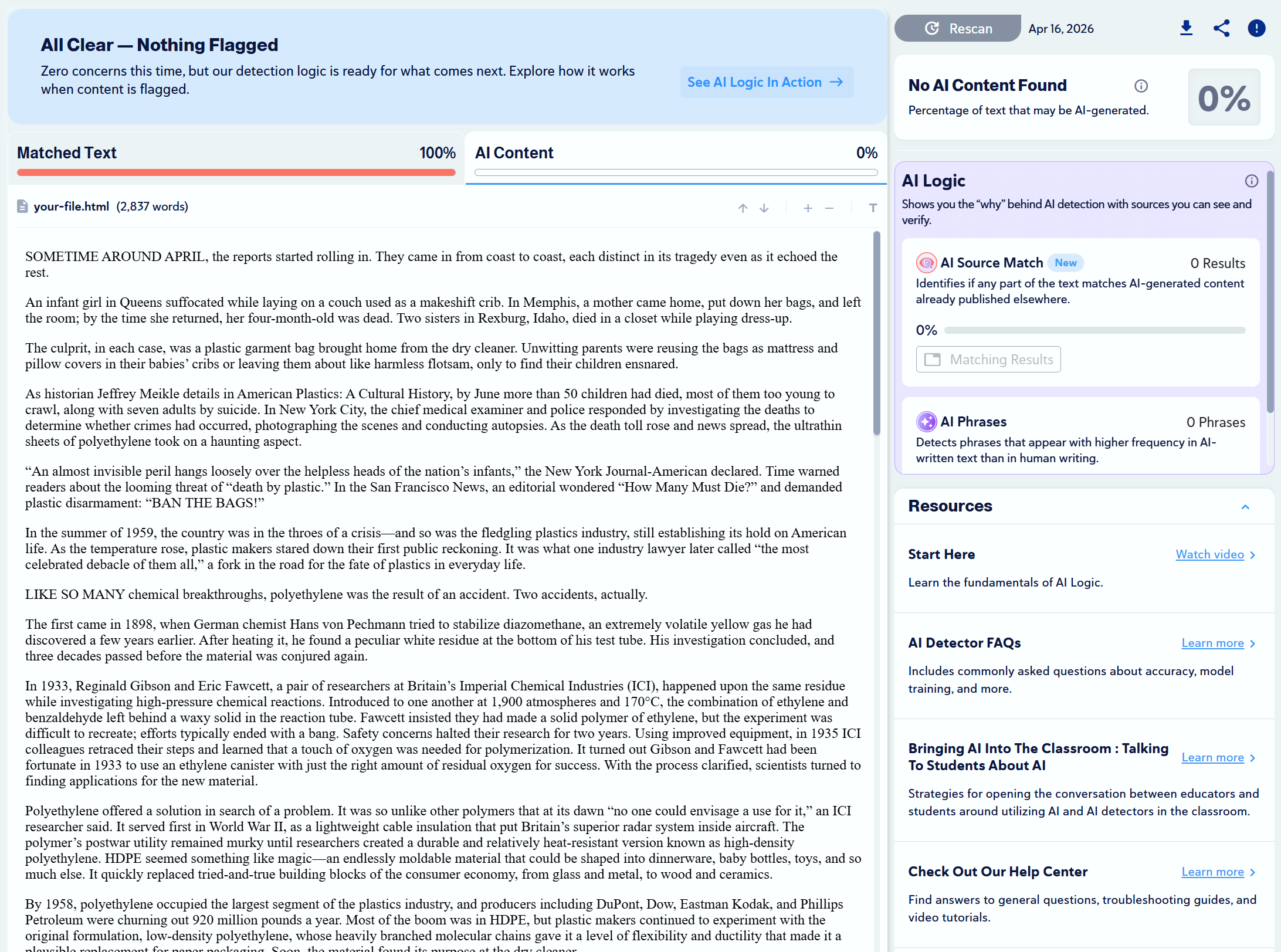
| Science History Institute (article) | 100% Human, 100% Plagiarism
✅ |
 |
| NEJM.org (podcast transcript) | 100% Human, 0.2% Plagiarism
🟡 |
 |
| CNN Sports (article) | 100% Human, 99.5% Plagiarism
✅ |
 |
Is Copyleaks Accurate?
What Users Are Saying
Copyleaks is generally poorly reviewed on Trustpilot, as 48% of its reviews are rated 1 star.
A common complaint is that Copyleaks often flags human-written content as AI. However, we did not encounter this issue during our testing.

Frequently Asked Questions
Do unused credits carry over?
No, unused credits expire at the end of the billing cycle.[4]
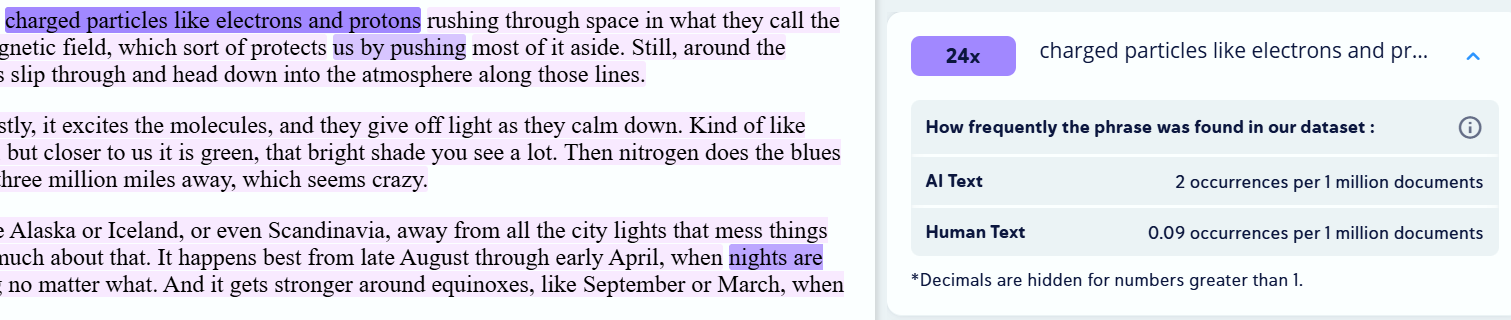
Are sentence-by-sentence breakdowns provided?
Yes, Copyleaks highlights content that resembles AI-generated text and indicates how often specific phrases are used by AI versus humans (see image).
Is document scanning included?
Yes, users can scan PDFs, MS Word documents, text files, and various other document formats (see list of supported file types).[5]
Is image scanning provided?
Yes, images can be uploaded and scanned, with support for PNG, JPEG, JPG, and other image files.[6]
Are reports shareable?
Yes, reports can be shared with and edited by members within an organization, and Copyleaks also provides view-only links for public access.[7]
Does Copyleaks provide certifications?
No, there aren’t any certifications attached to detection results.
Are AI detections used for internal training?
Yes, though paid subscribers can withdraw by submitting a request via email to customer support at support@copyleaks.com.[7]
Sources
- https://thetechtribune.com/alon-yamin-of-copyleaks/
- https://help.copyleaks.com/s/article/Howmanywordsareinonecredit681ccb4cb27a3
- https://help.copyleaks.com/s/article/What-is-Copyleaks-AI-Image-Detector
- https://help.copyleaks.com/s/article/DomycreditsexpireifIdontusethemattheendofeachbillingcycle681cca7a123ed
- https://help.copyleaks.com/s/article/WhatfileformatscanIsubmit681cd2b02f3fd
- https://help.copyleaks.com/s/article/CanIscananimagethatcontainstext681cd0534830a
- https://help.copyleaks.com/s/article/HowcanIshareareportwithsomeoneinmyorganization681cd14d99444
- https://copyleaks.com/privacy-policy#elementor-toc__heading-anchor-0