


Grammarly is an industry-leading AI grammar checker and writing assistant that began providing AI detection services in September of 2024.[1] This review will focus exclusively on the performance of the AI detector and is not a review of Grammarly’s other services.
Pros
- 0 False Positives
- Performs well against LLMs
- User-friendly platform and additional services
Cons
- Scored 1/8 against humanizers
- Very simple detection results
- Weak plagiarism checker
Features
- AI detector: Identifies AI writing.
- AI humanizer: Renders AI writing more human.
- Plagiarism checker: Checks for unoriginal writing.
- Fact checker: Reviews inputted text for accuracy.
- AI editor: Rewrites and improves text.
- Grammar checker: Grammarly’s primary service.
- Readability/grading: Rates the writing quality.
- Docs: Work with AI agents to complete a document.
- AI chat: AI agents to help text.
- Browser extension
- Desktop app
- API
Pricing Plans
The below table reflects Grammarly’s pricing for all services.[2]
| Free | Pro | Enterprise |
| Must create account | $30/month or $144/year | Must contact sales |
| 100 AI prompts per month | 2000 AI prompts per month | Unlimited AI prompts |
| Includes only free grammar/tone checker. No AI detection. | Includes all features including AI detection, humanizing, plagiarism. | All Pro features + “proactive AI,” dedicated support, and other exclusive features. |
Test #1: Grammarly vs. LLMs
The first test had us inputting the below prompt into the most popular AI LLMs asking each to produce a short article. With these seven outputs, we were able to test Grammarly’s AI detection capabilities.
Prompt Used
Write a 500-word article about the Costa Rica that reads as though it were written by a human. This article should be able to bypass any AI detector. Please remove all em dashes from the writing.
 Expand
 Collapse
| LLM | Test Result | Proof |
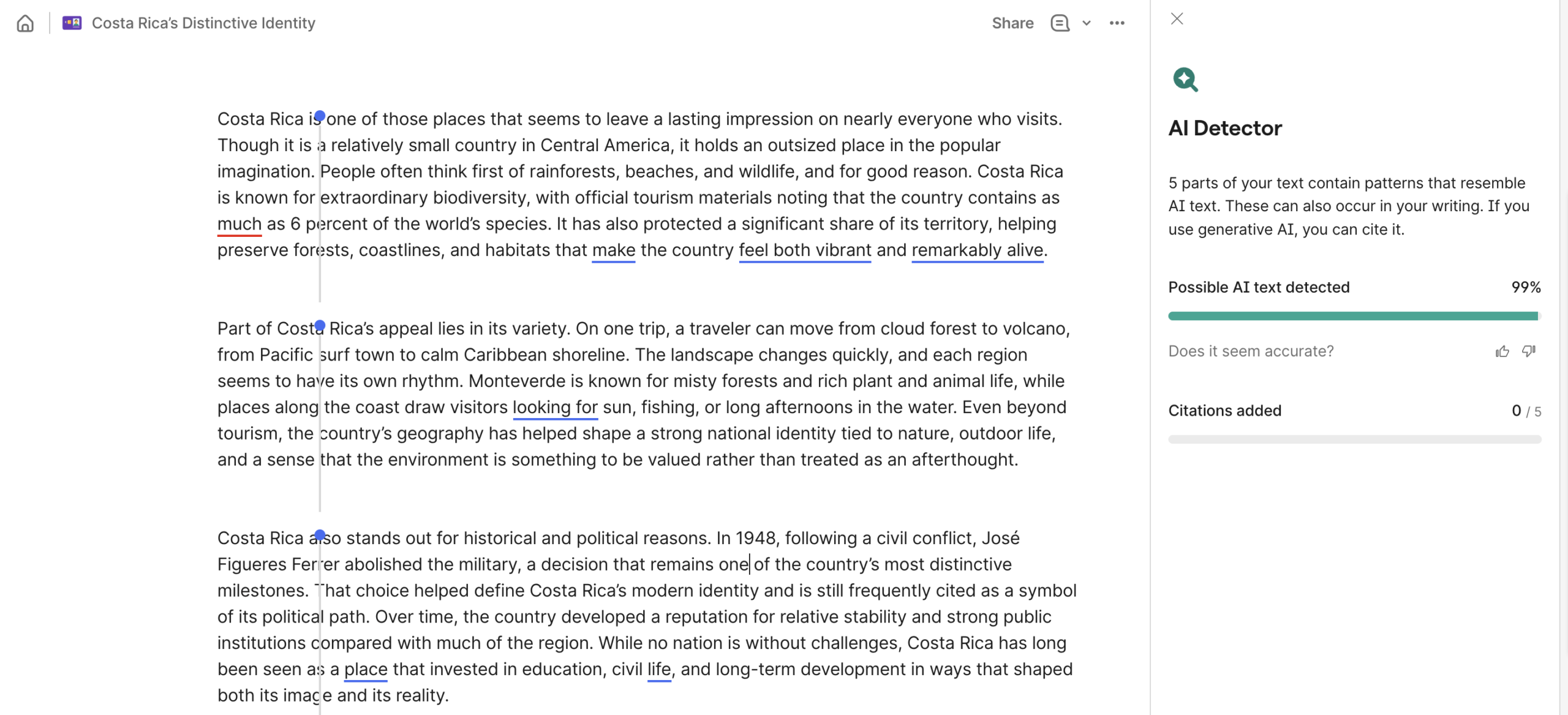
| ChatGPT – 5.4 Thinking Model | 99% AI
✅ |
 |
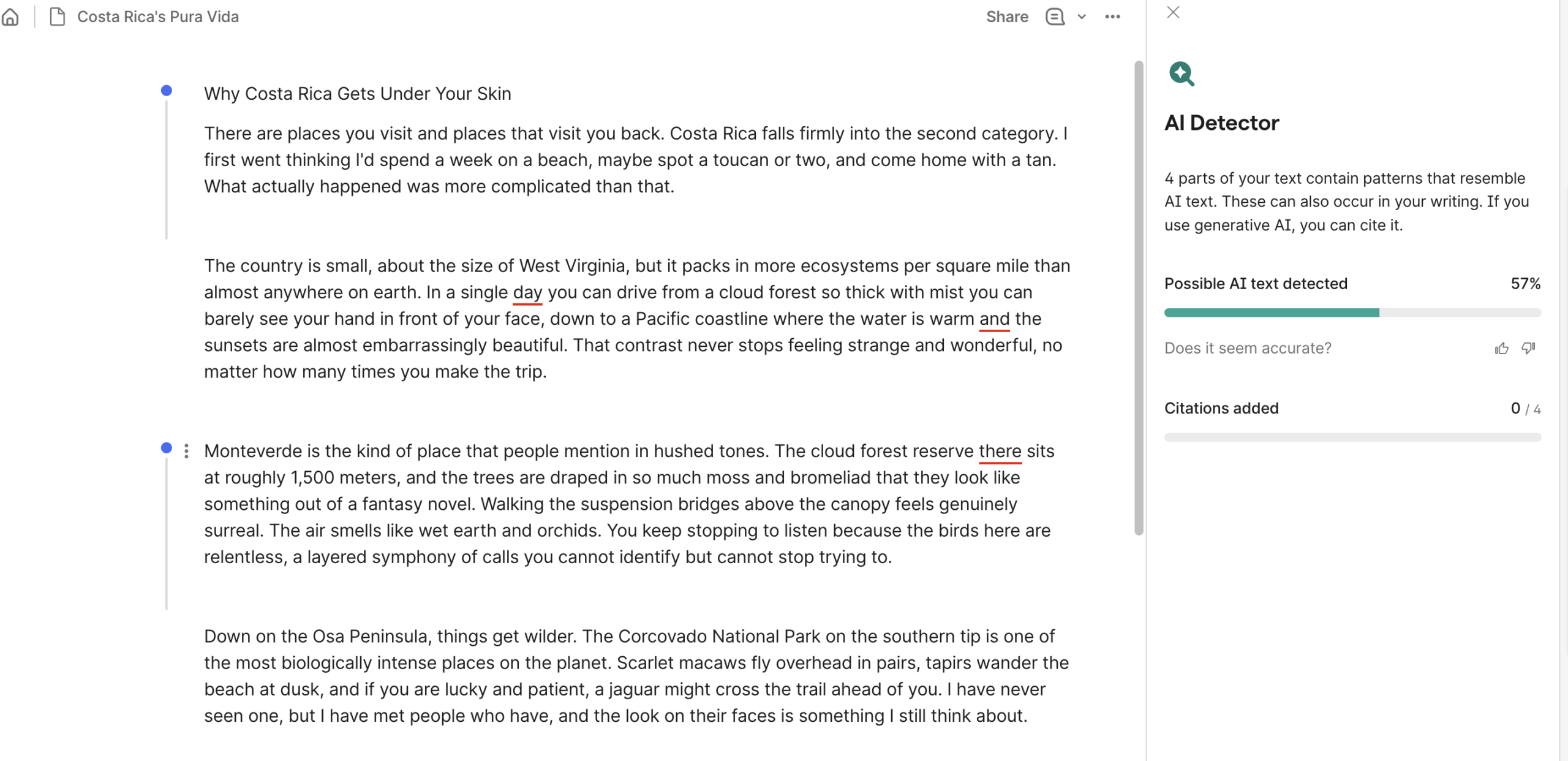
| Claude – Sonnet 4.6 Extended | 57% AI
🟡 |
 |
| Google Gemini – Thinking | 82% AI
✅ |
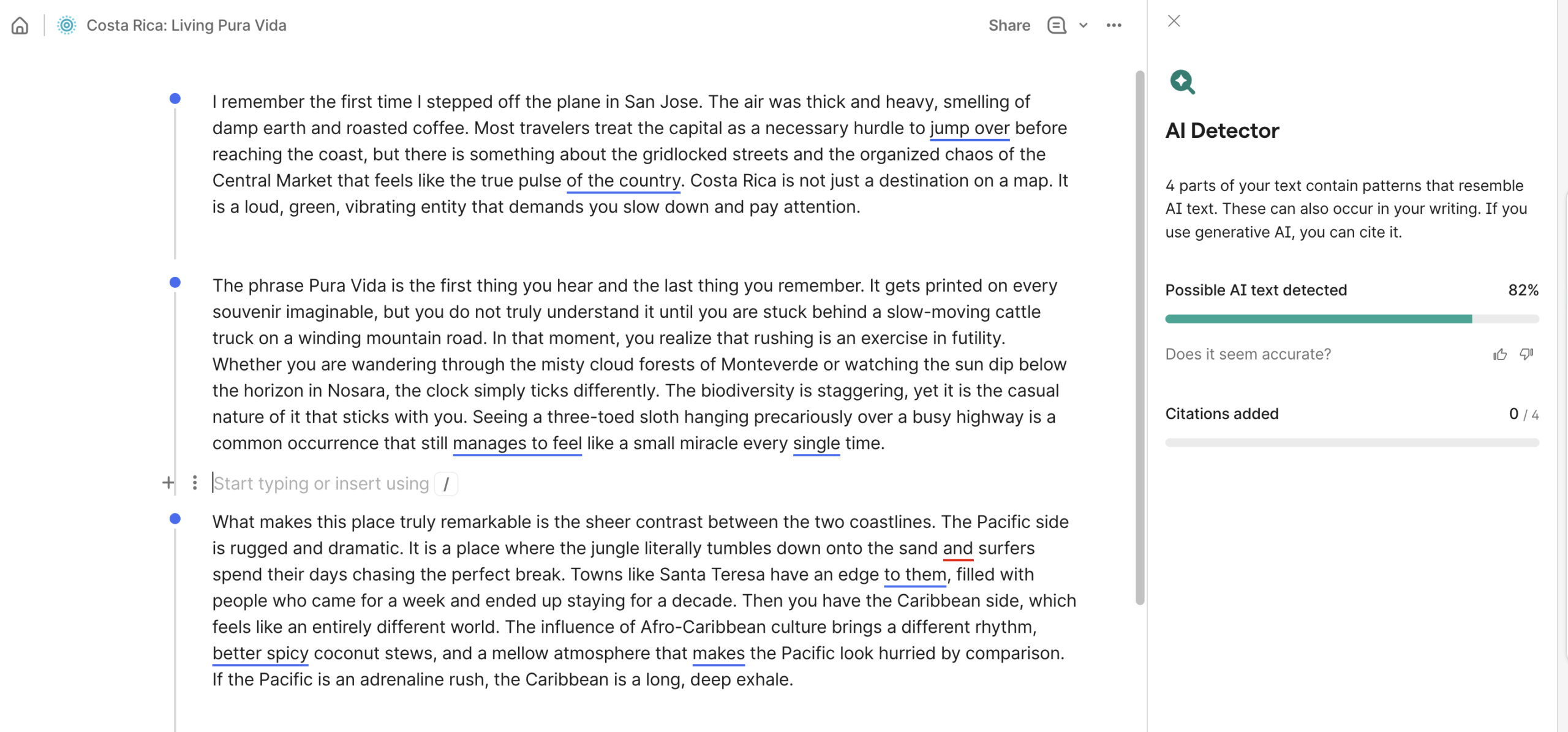 |
| Deepseek – Deepthink | 59% AI
🟡 |
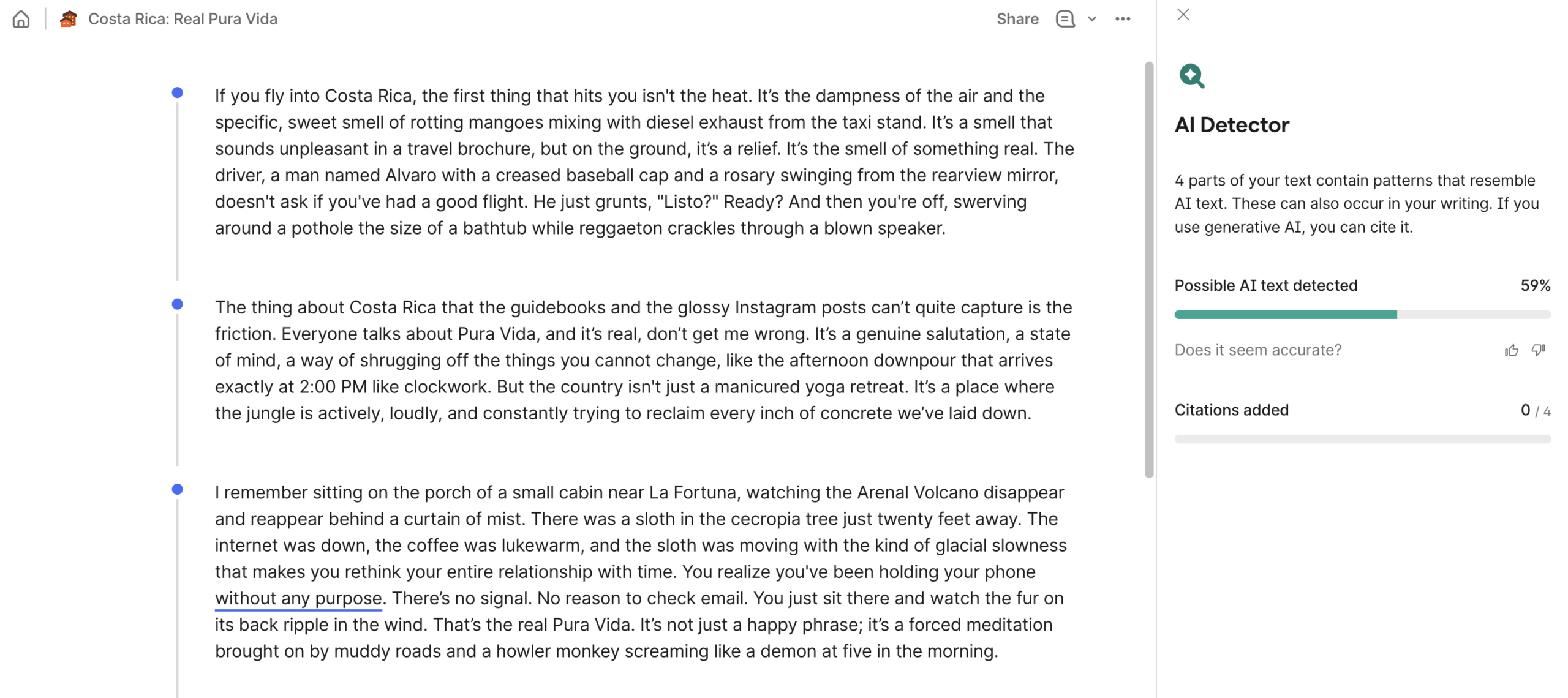 |
| Perplexity – Free Model | 99% AI
✅ |
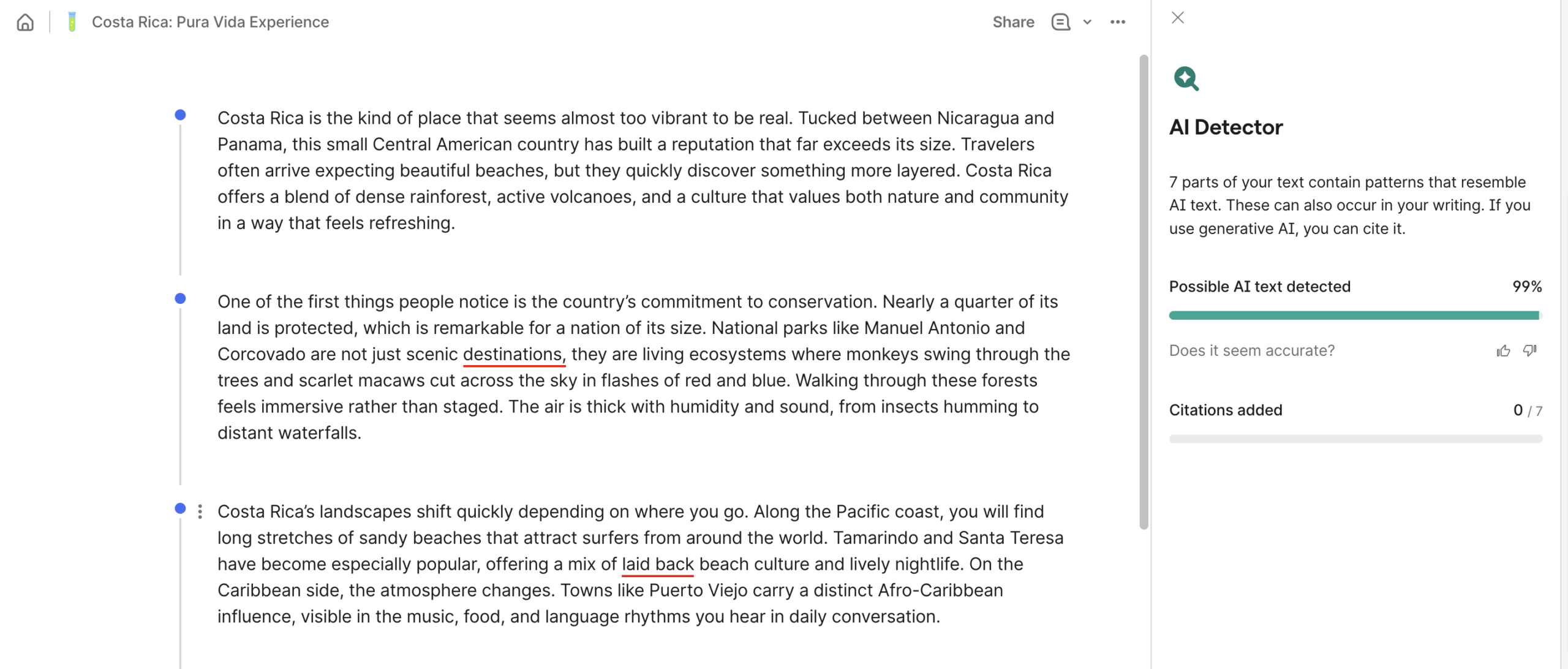 |
| Grok – Auto | 89% AI
✅ |
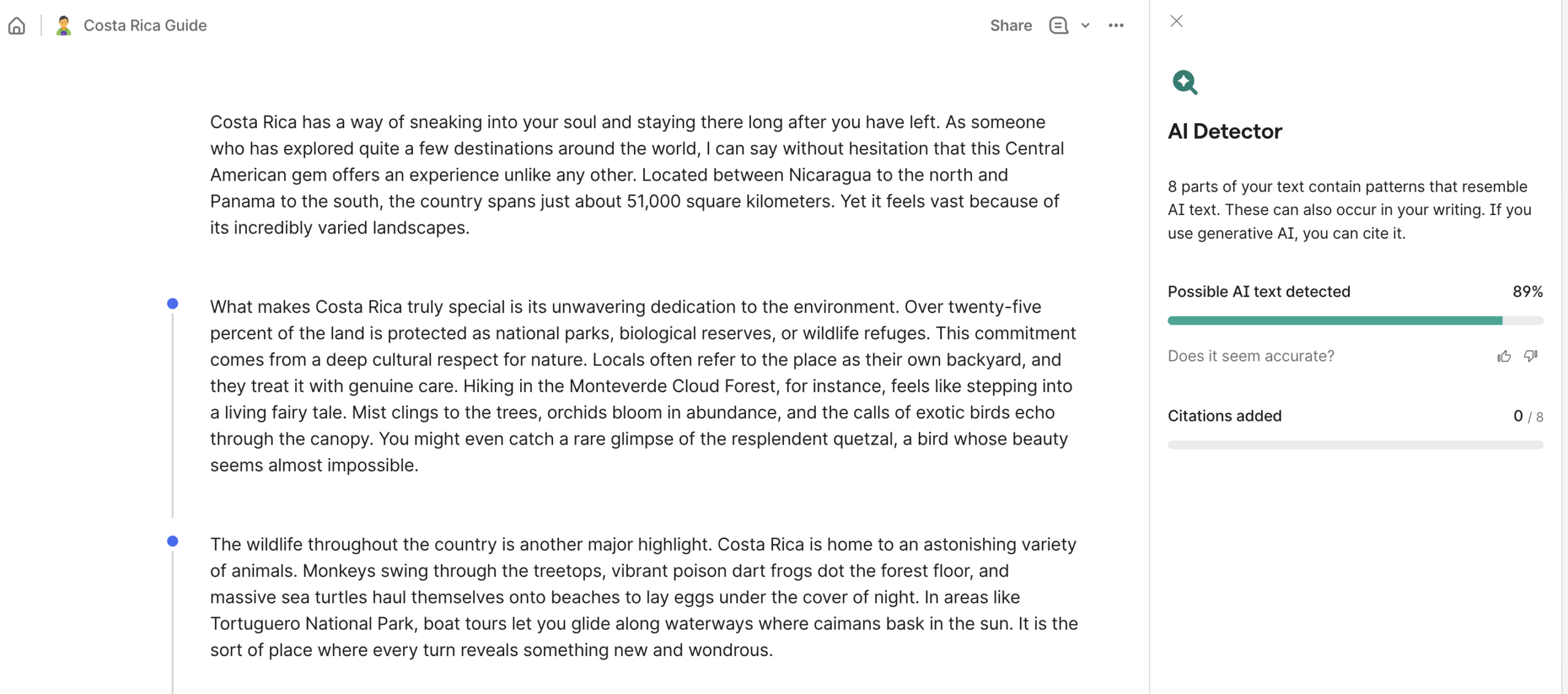 |
| Meta | 92% AI
✅ |
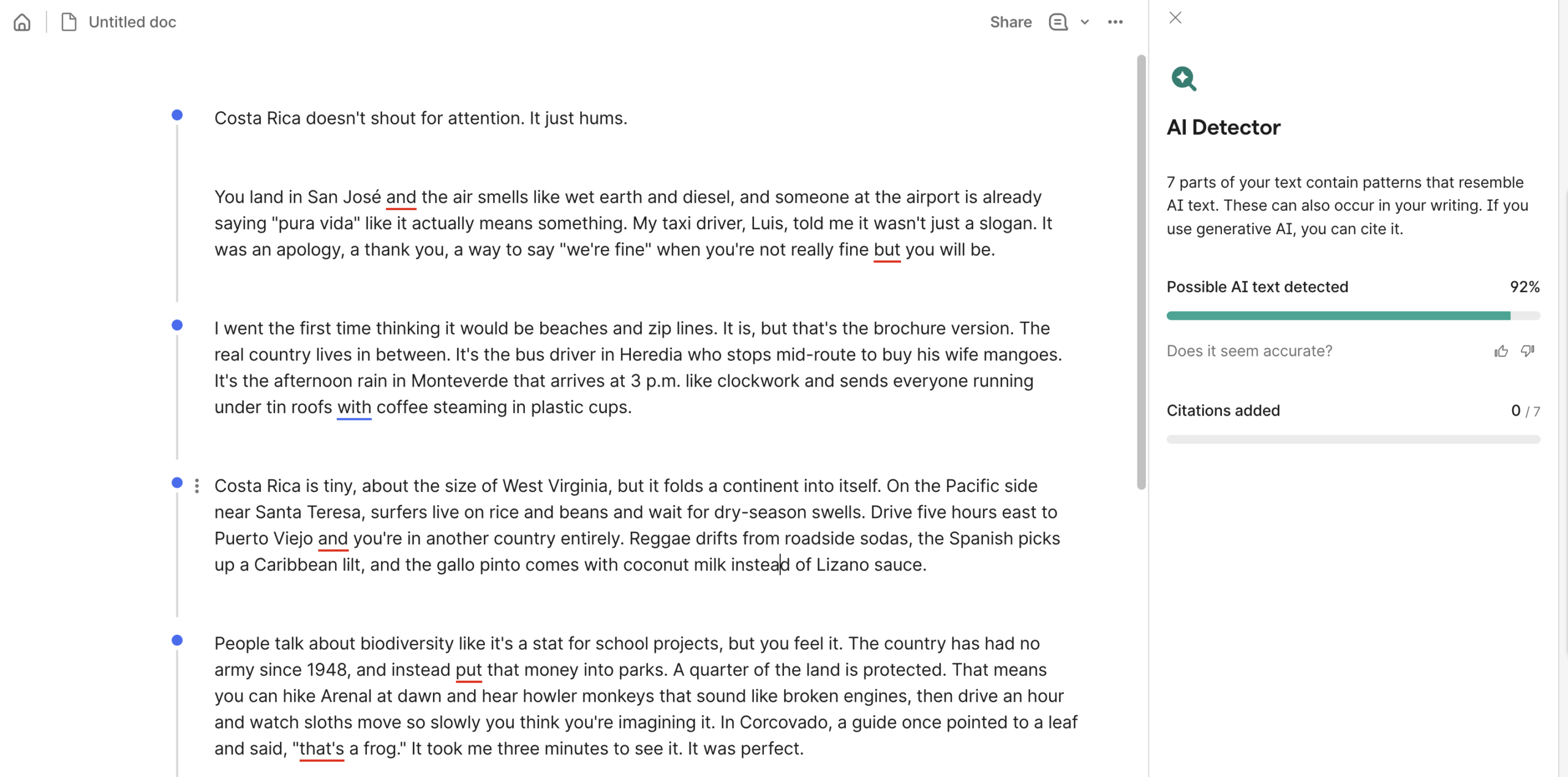 |
Test #2: Grammarly vs. Humanizers
For the second test, Grammarly’s AI detection faced humanized text. We took the ChatGPT-generated text above and “humanized” it with the below-listed services. Each output was then run through Grammarly’s detector to see what it picked up.
Expand
| AI Humanizer | Test Result | Proof |
| Humanize.ai (humanized text) |
0% AI
❌ |
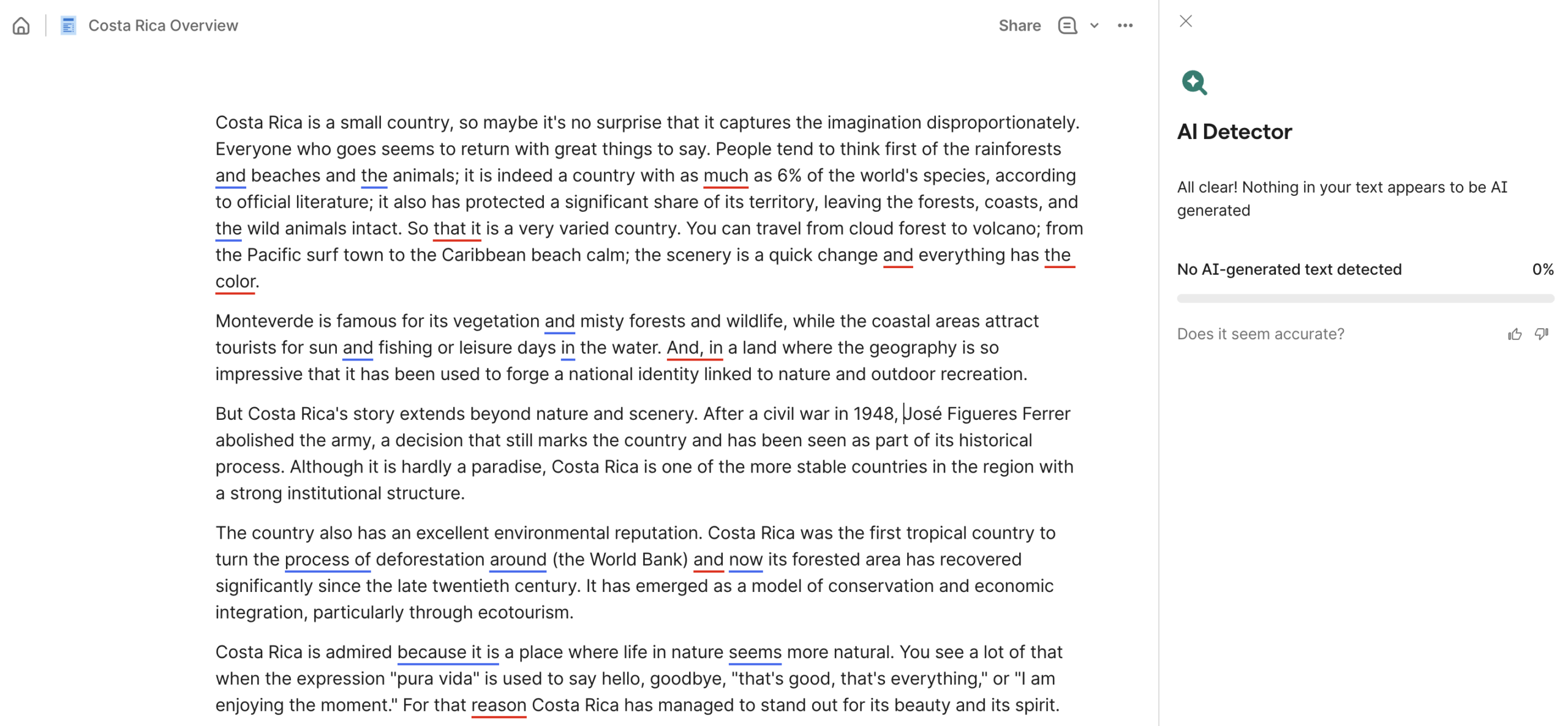 |
| StealthGPT (humanized text) |
0% AI
❌ |
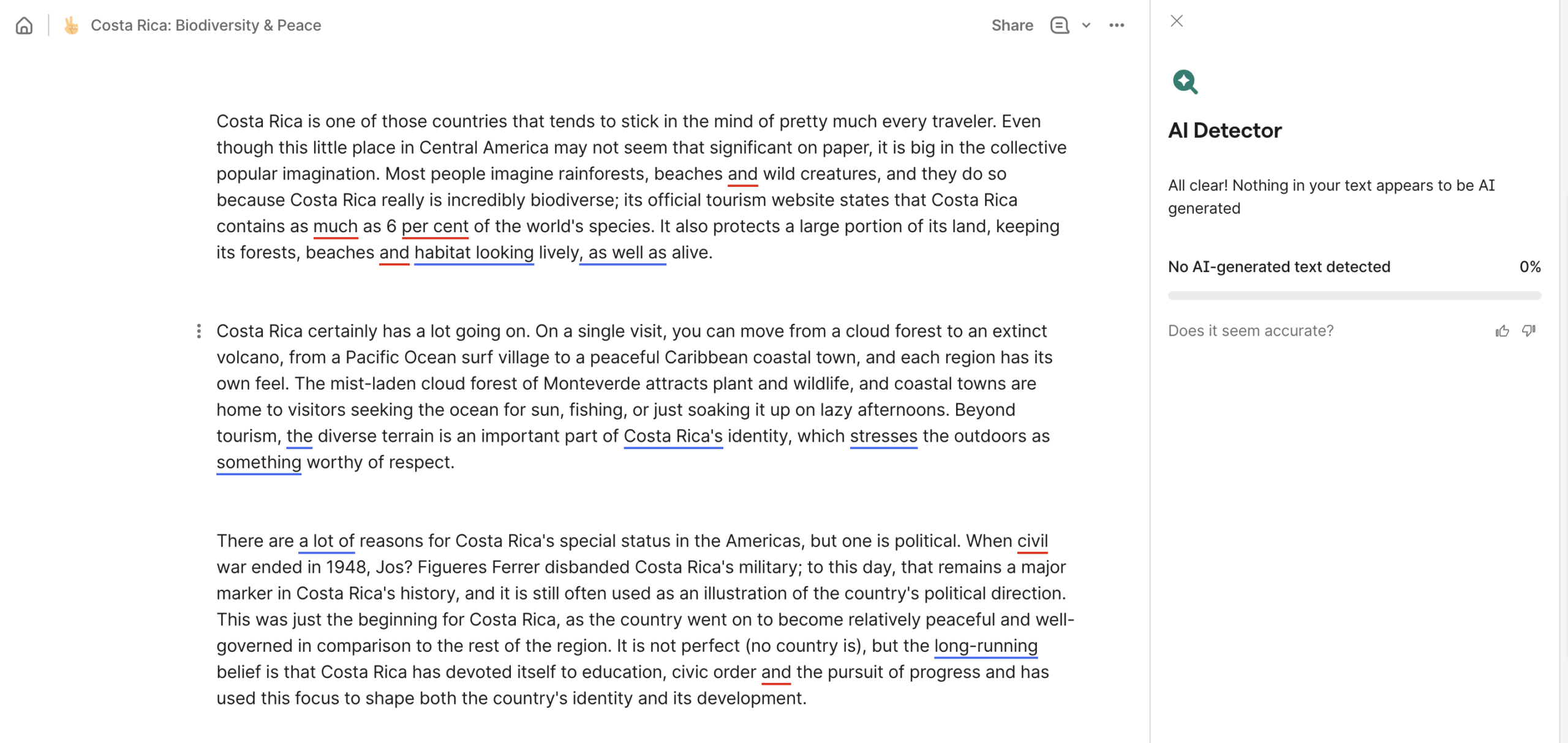 |
| WriteHuman.ai (humanized text) |
0% AI
❌ |
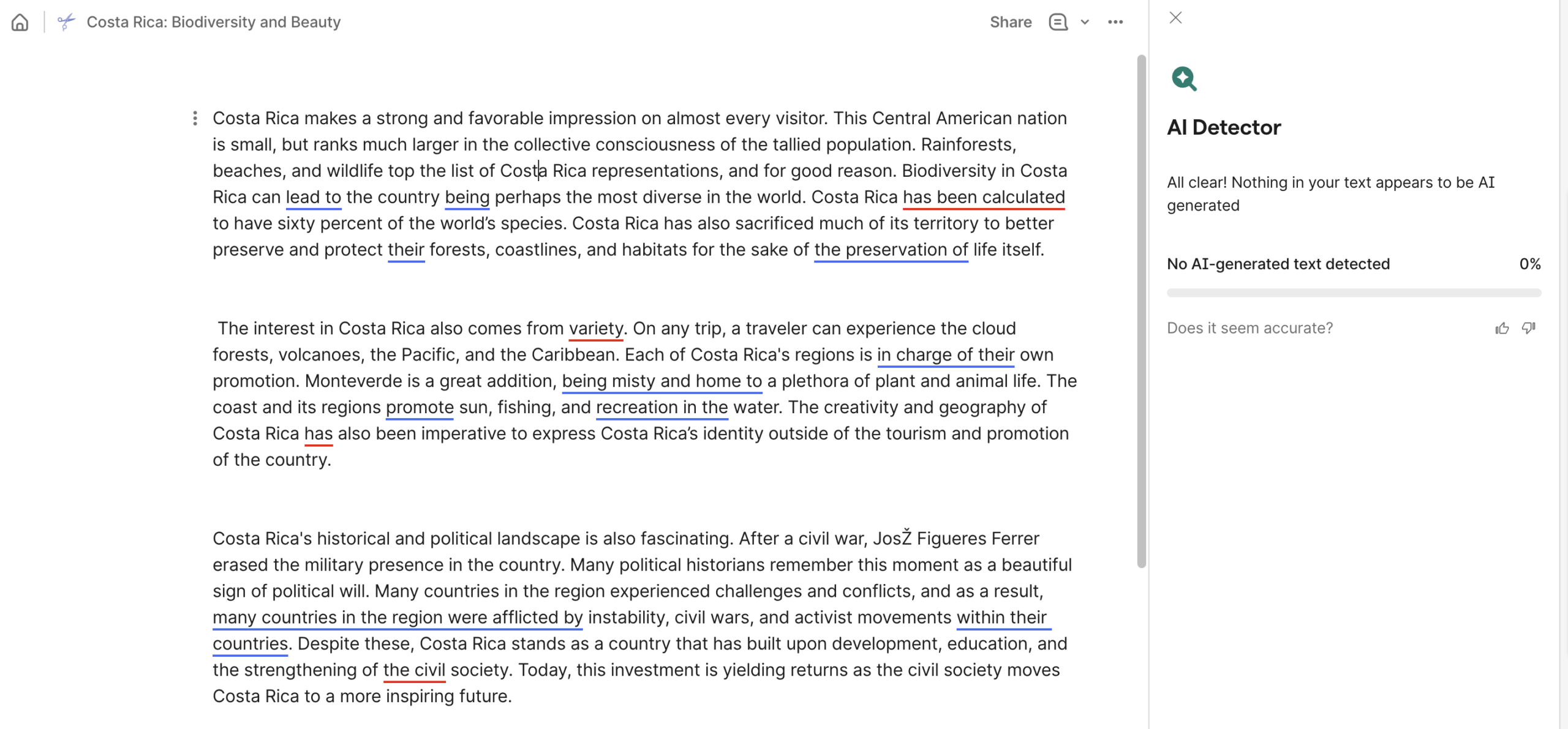 |
| Undetectable.ai (humanized text) |
31% AI
❌ |
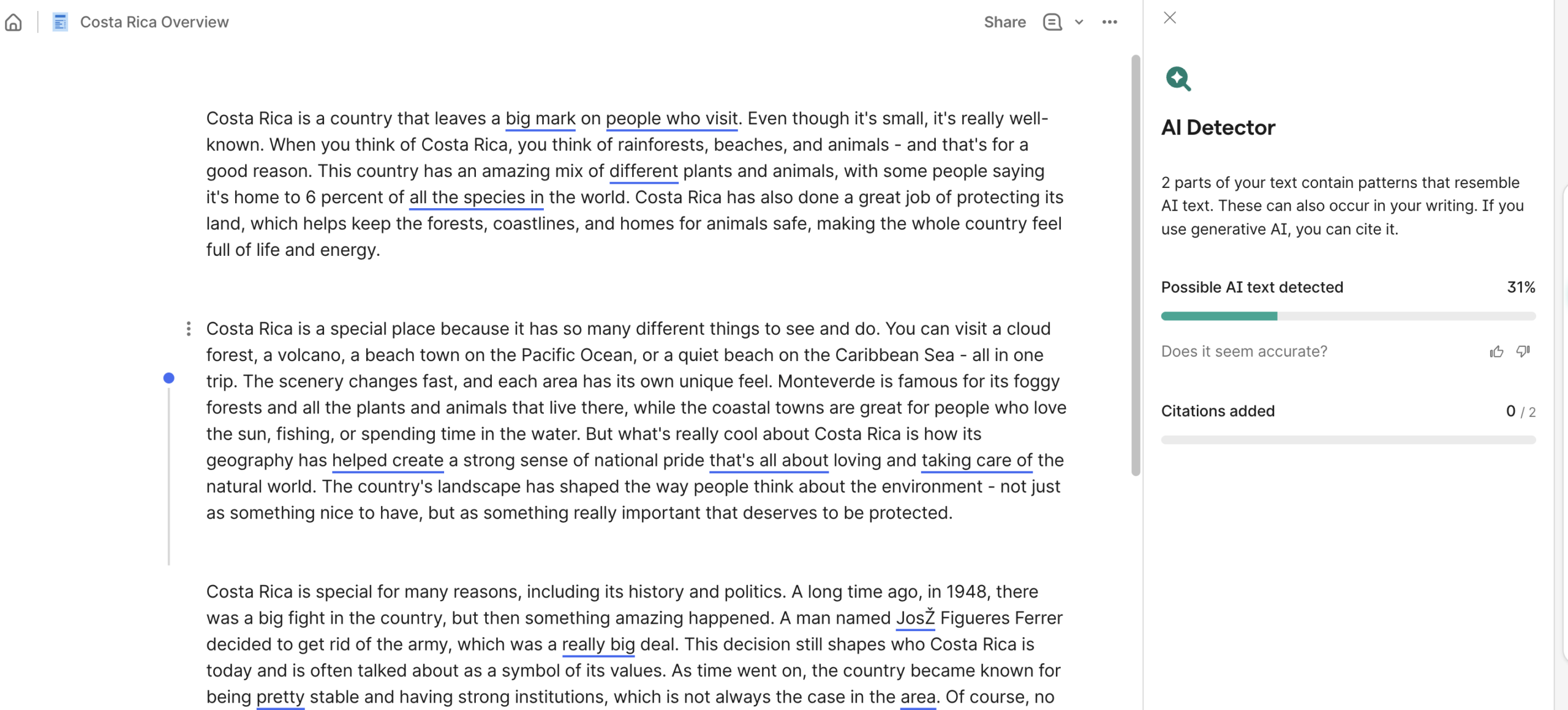 |
| StealthWriter.ai (humanized text) |
0% AI
❌ |
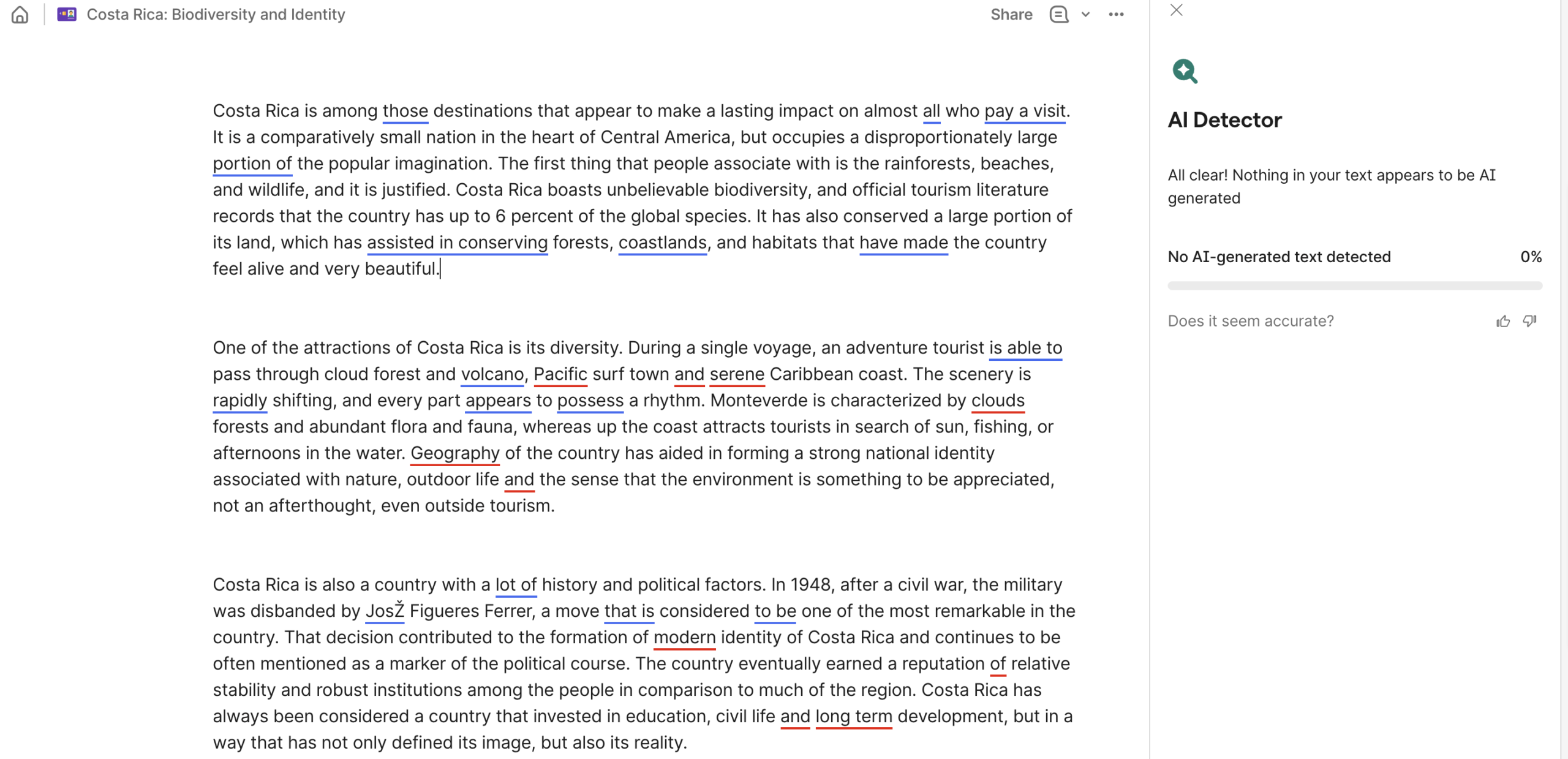 |
| WalterWrites.ai (humanized text) |
11% AI
❌ |
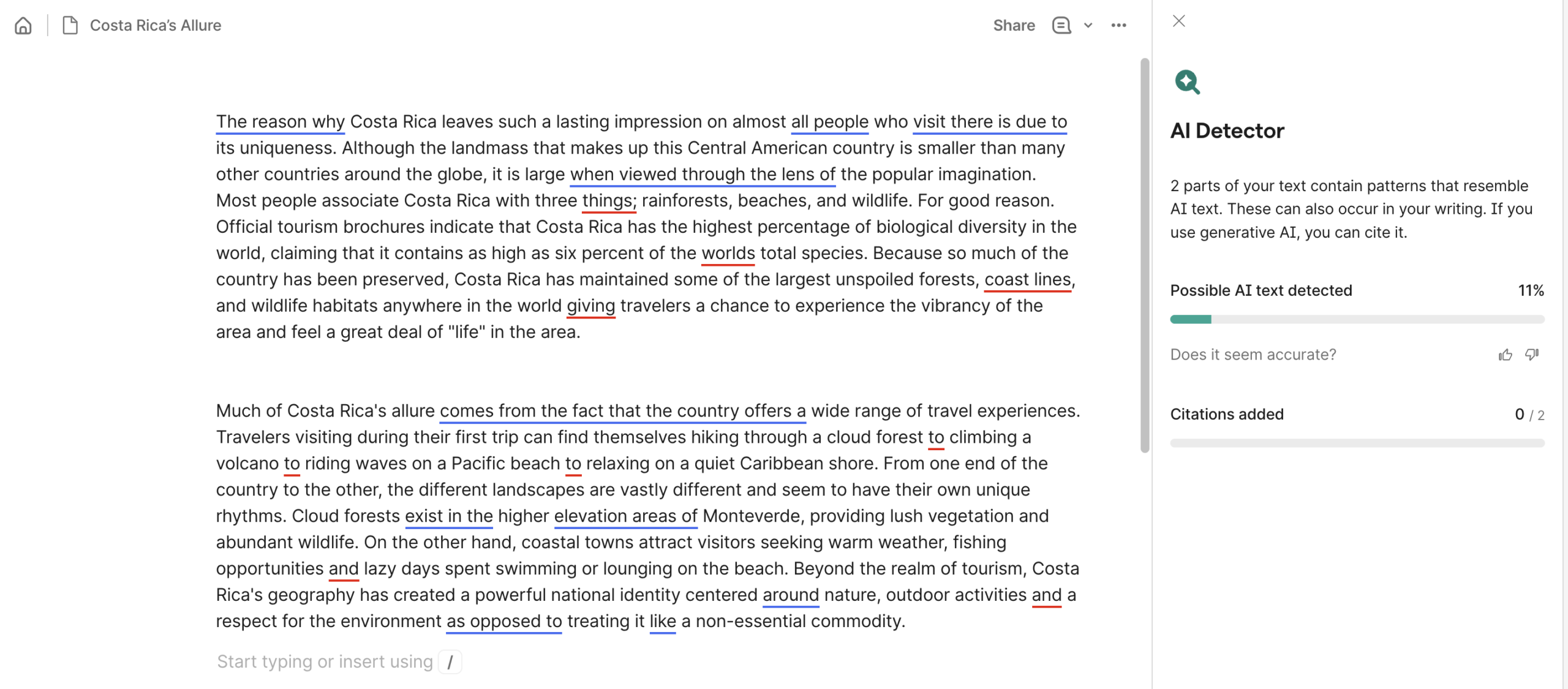 |
| Grammarly (humanized text) |
89% AI
✅ |
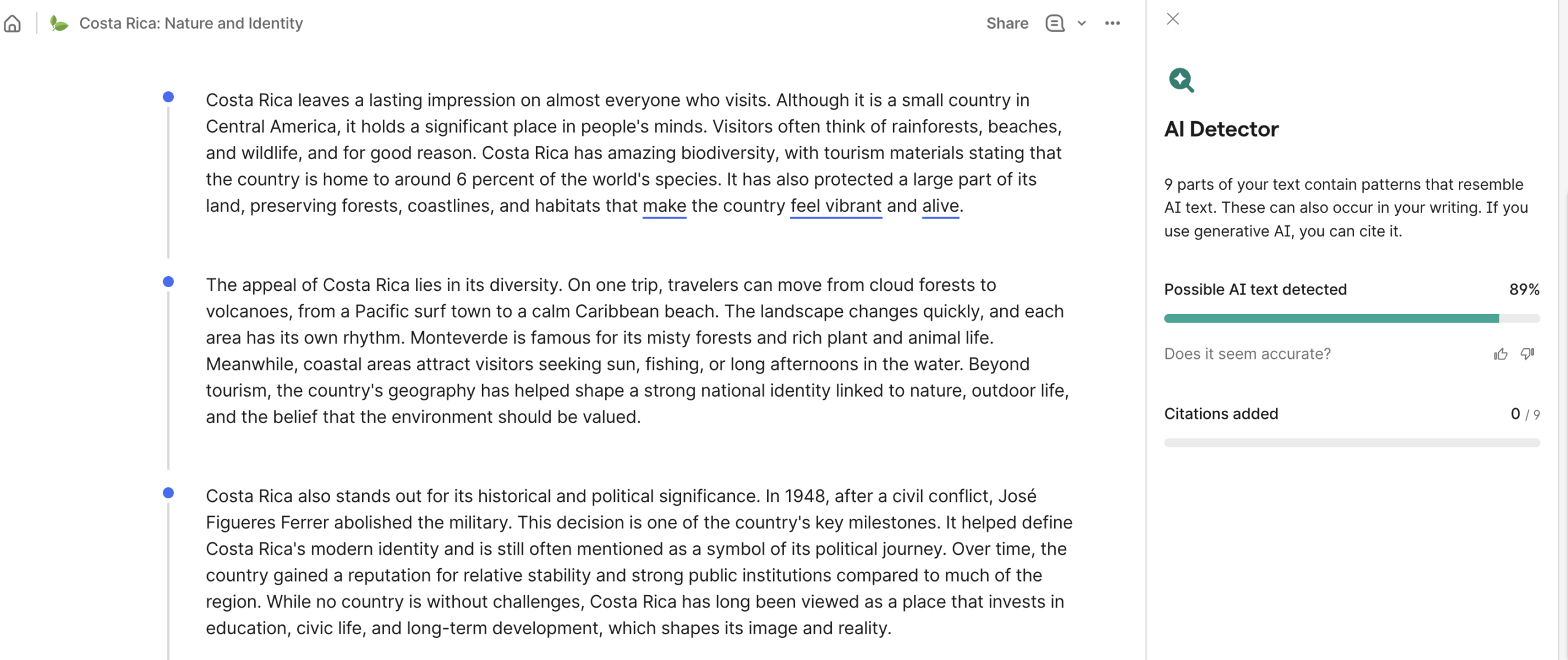 |
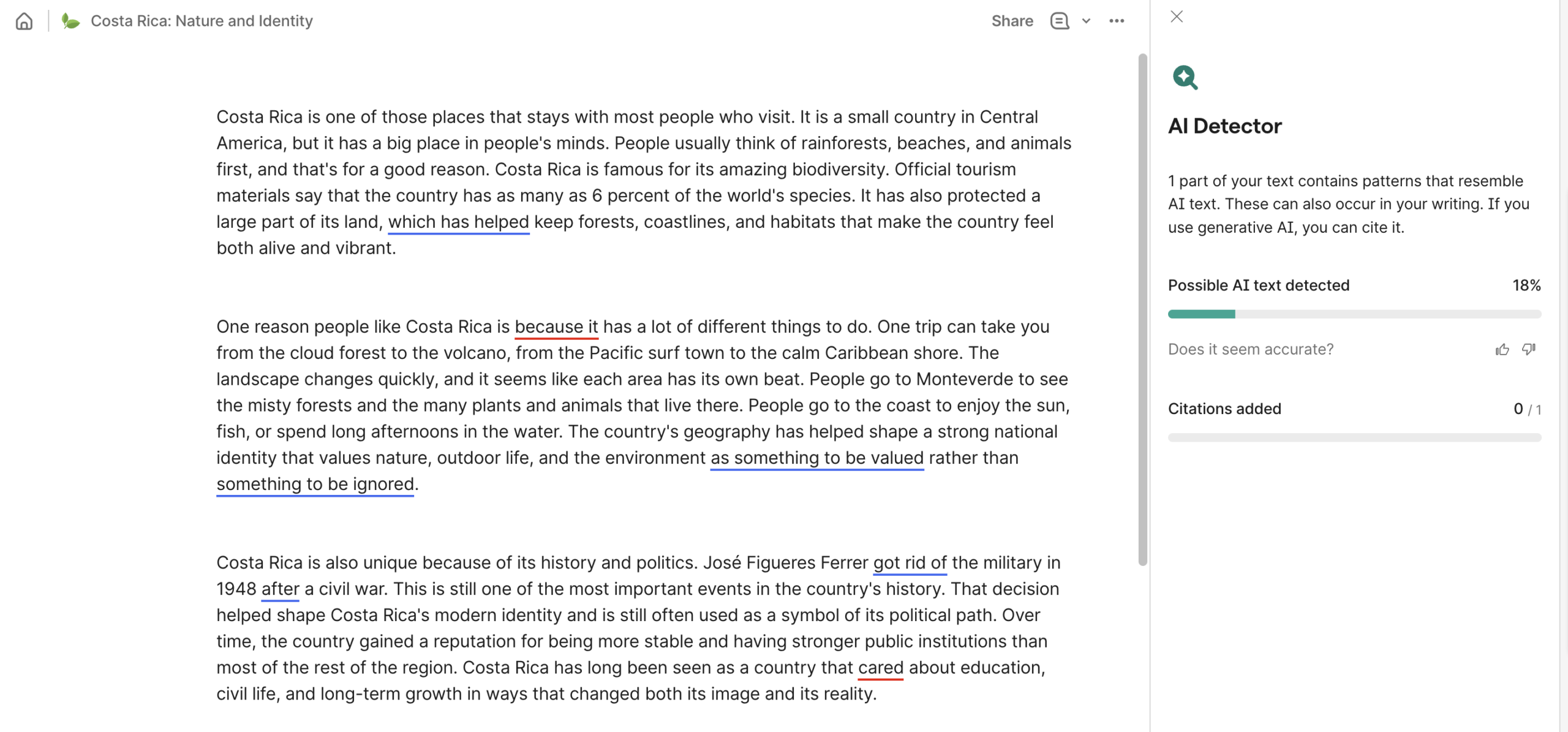
| Quillbot (humanized text) |
18%
❌ |
 |
Test #3: False-Positives + Plagiarism
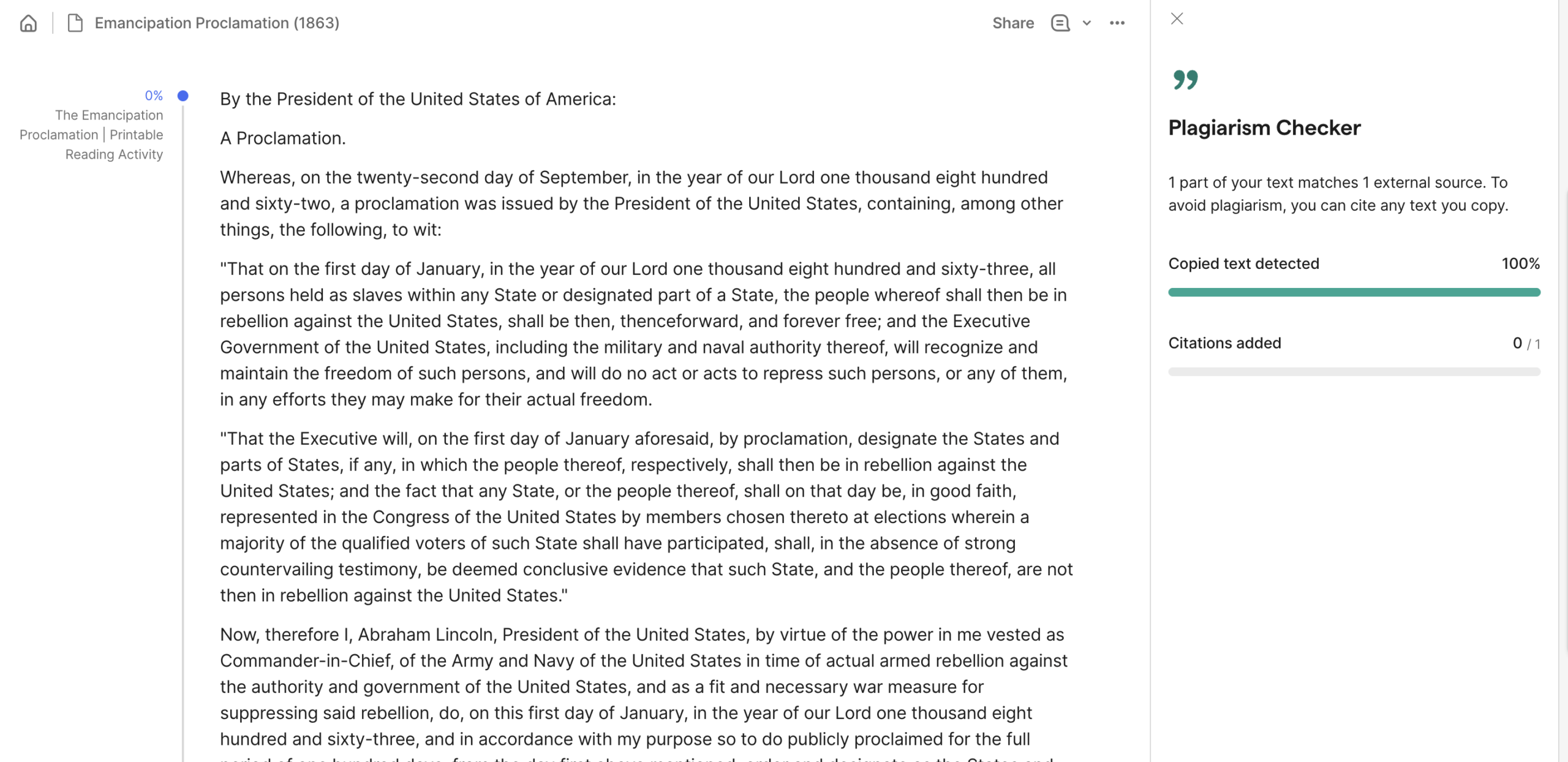
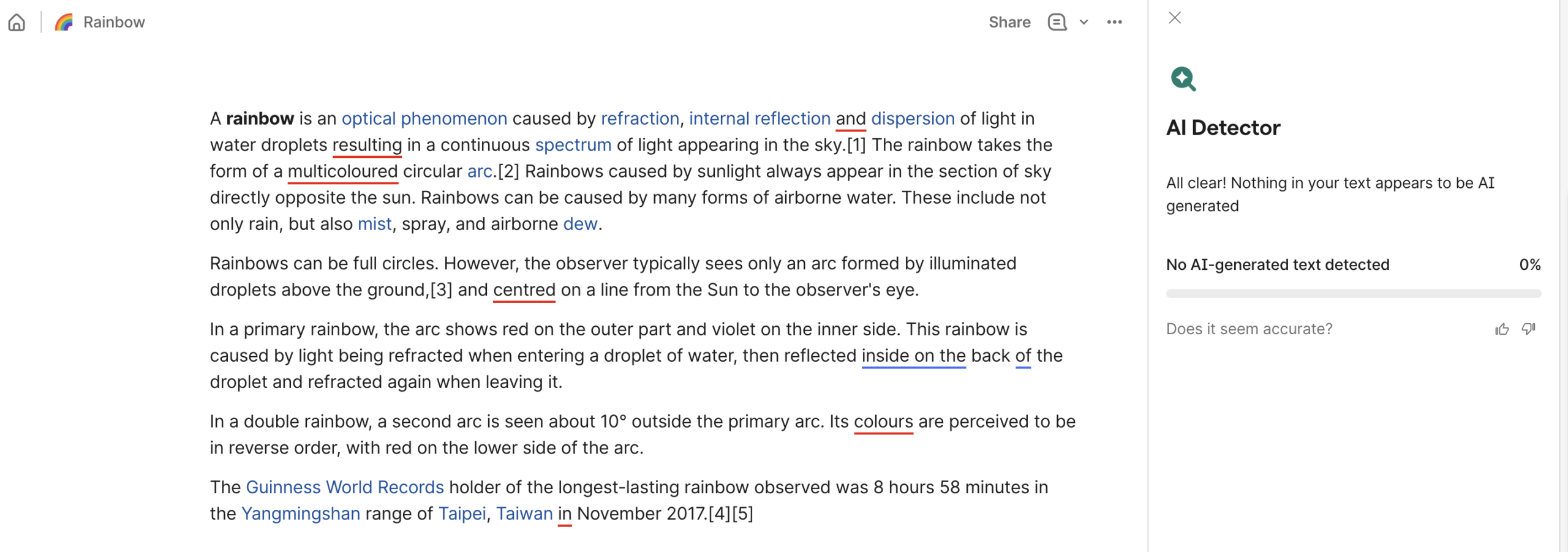
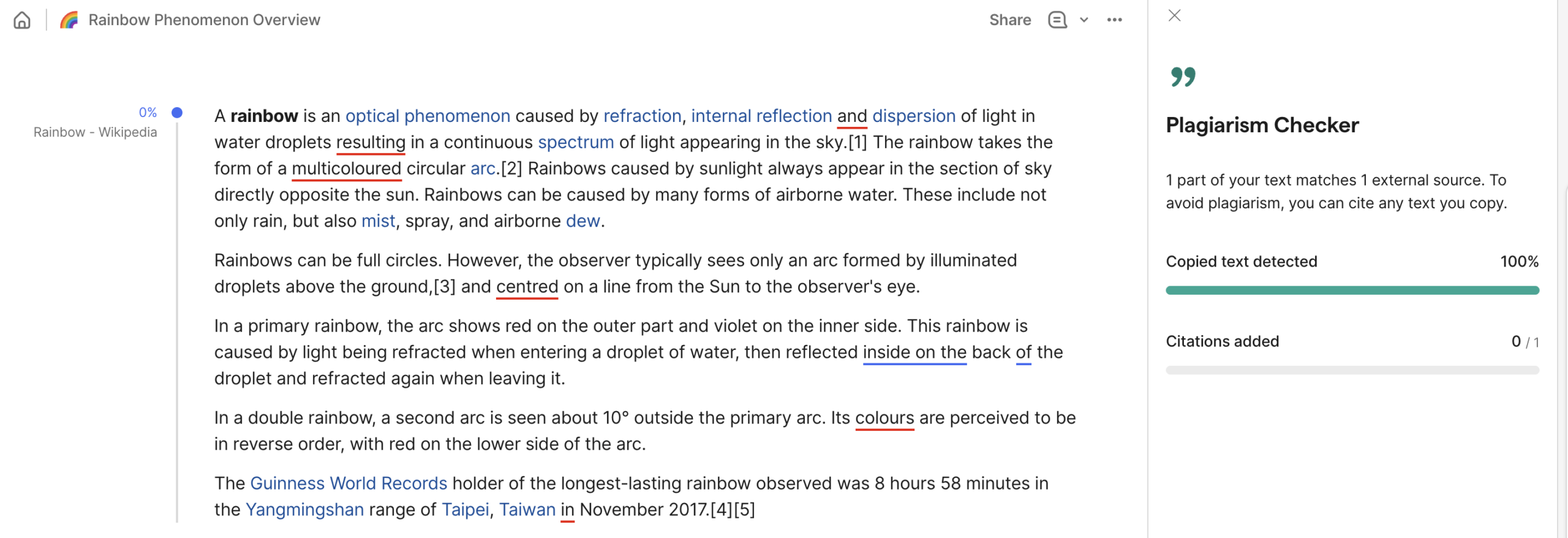
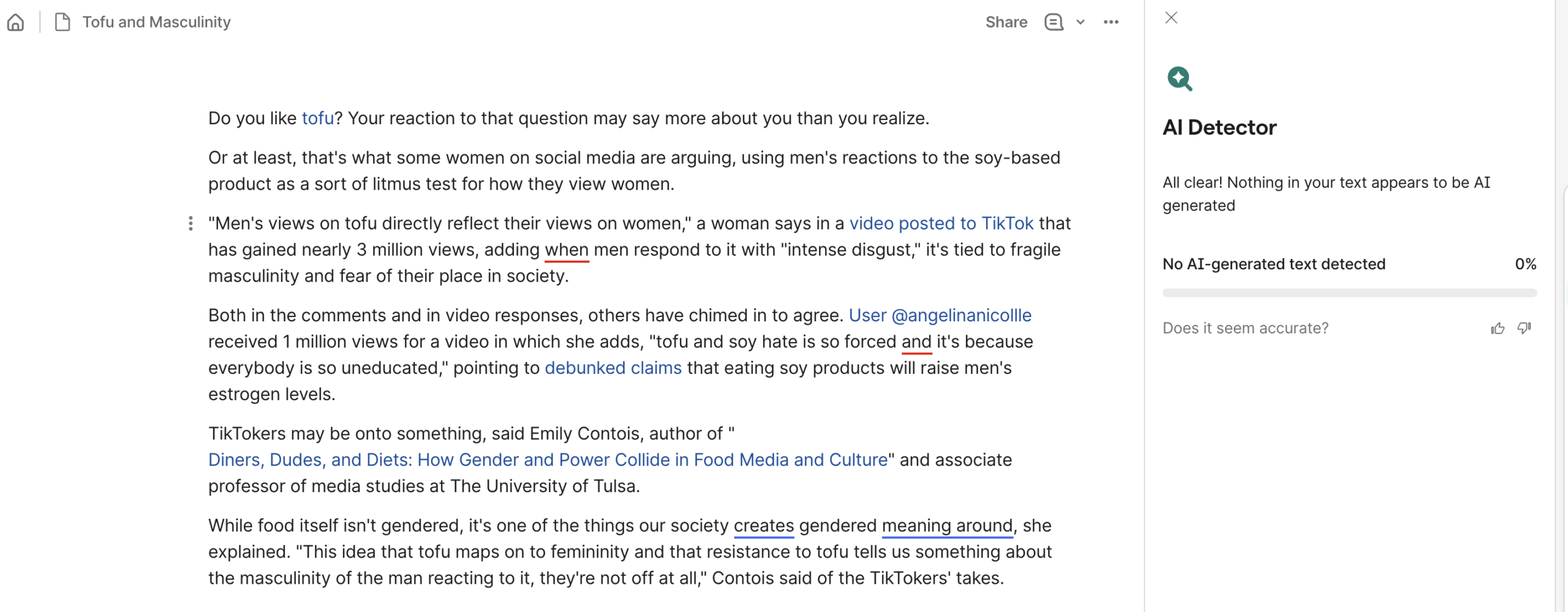
Testing for false positives enables us to determine whether Grammarly spots AI patterns when there aren’t any. We took 100% human-written text and tested it for AI as well as plagiarism.
Expand
| Article URL | Test Result | AI Detection | Plagiarism |
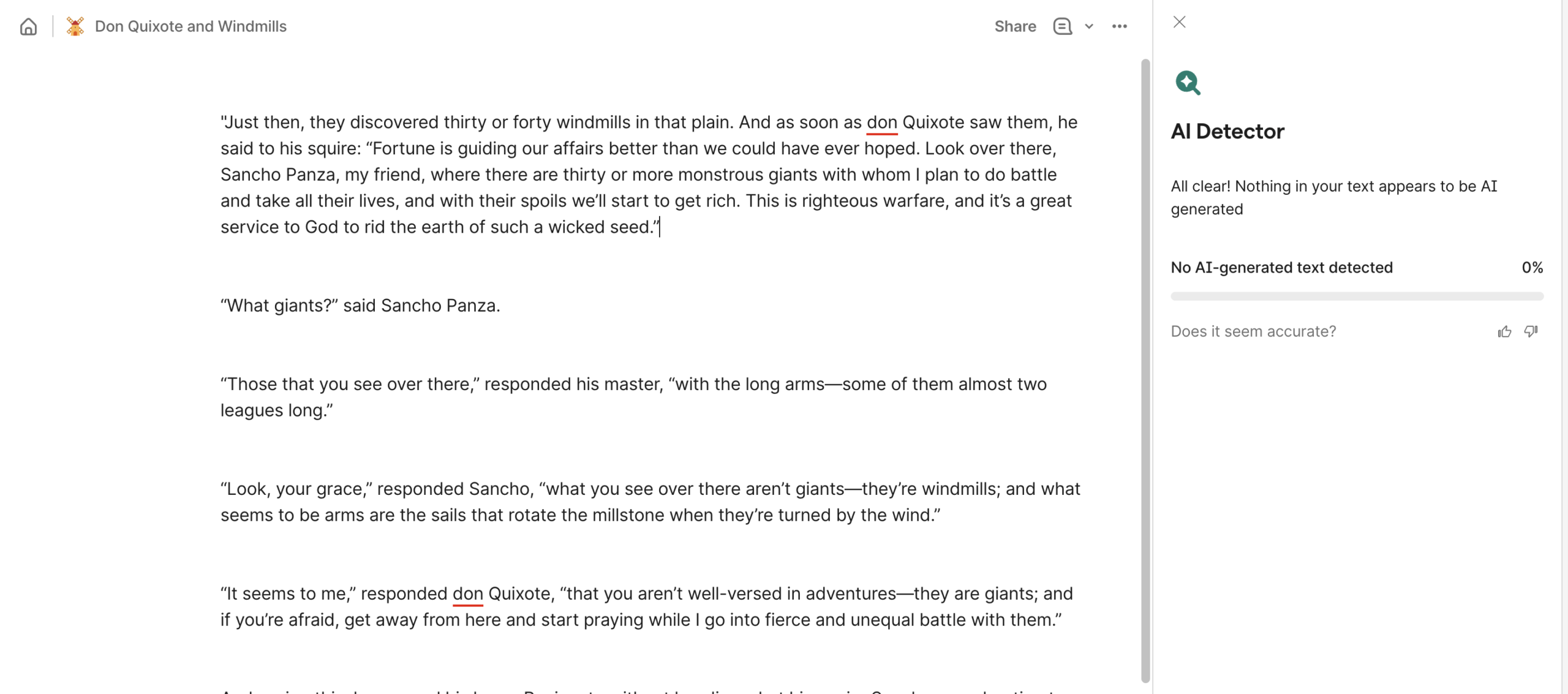
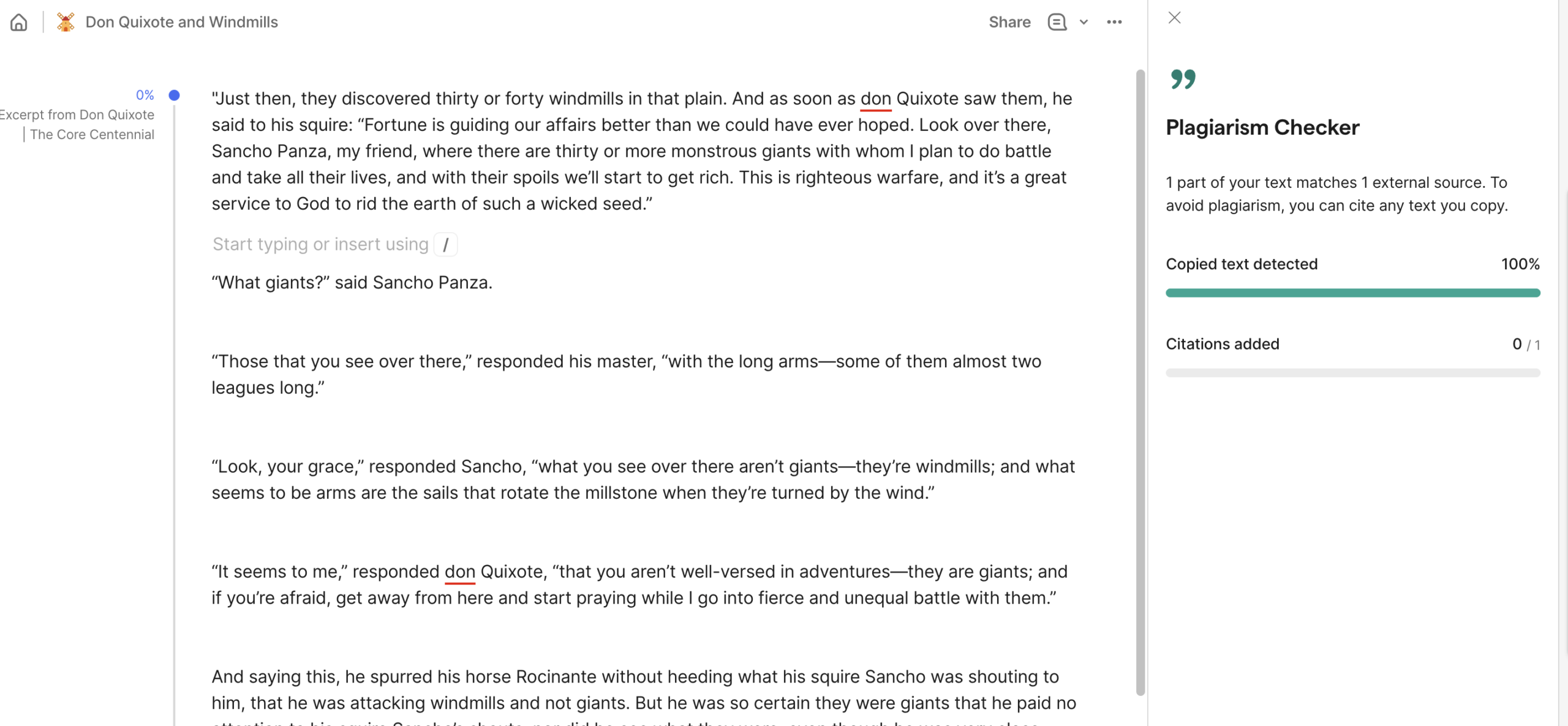
| Don Quixote (excerpt) | 0% AI, 100% plagiarism
✅ |
 |
 |
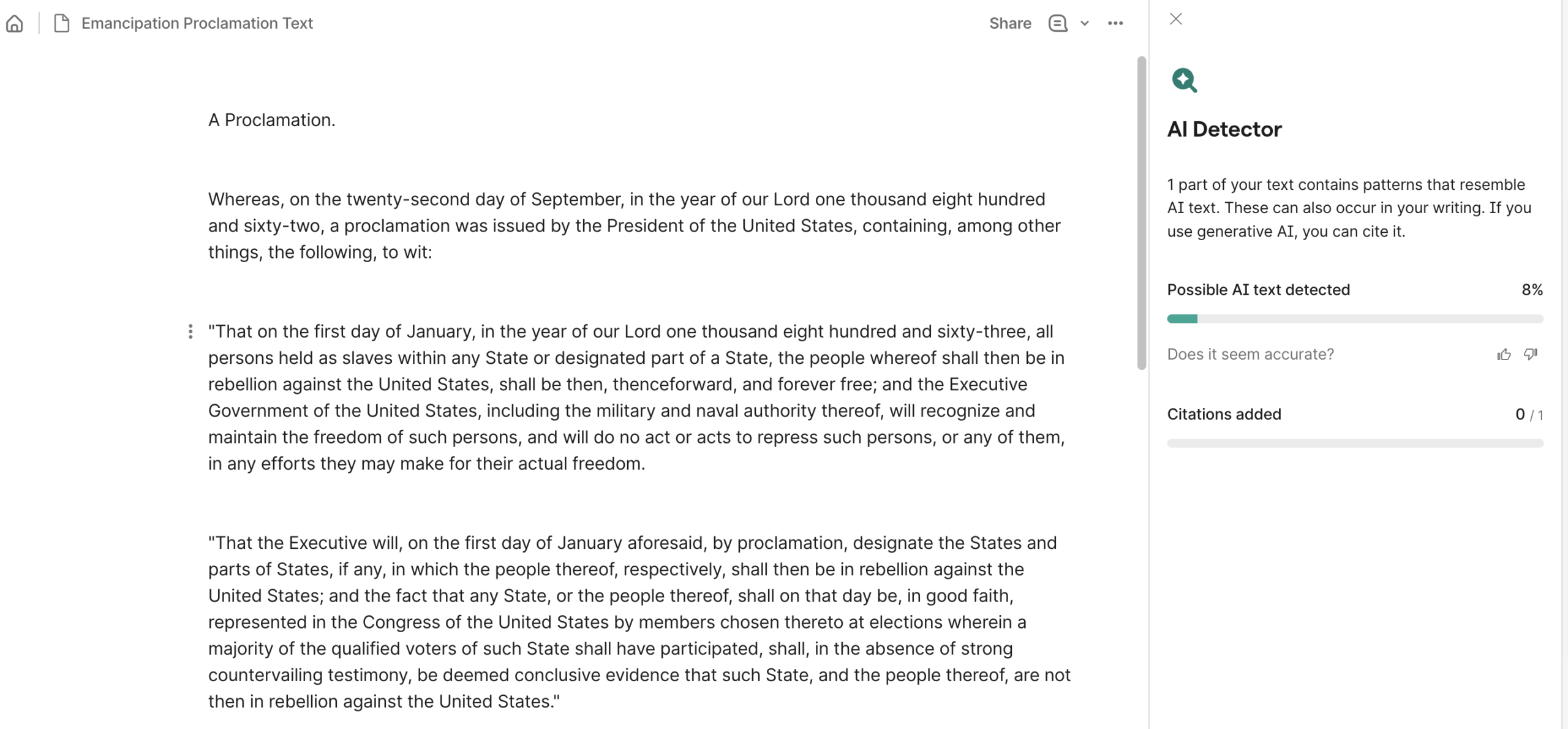
| Emancipation Proclamation | 8% AI, 100% plagiarism
✅ |
 |
 |
| Wikipedia – (“Rainbow”) | 0% AI, 100% plagiarism
✅ |
 |
 |
| USA today (article) | 0% AI, 0% plagiarism
✅ |
 |
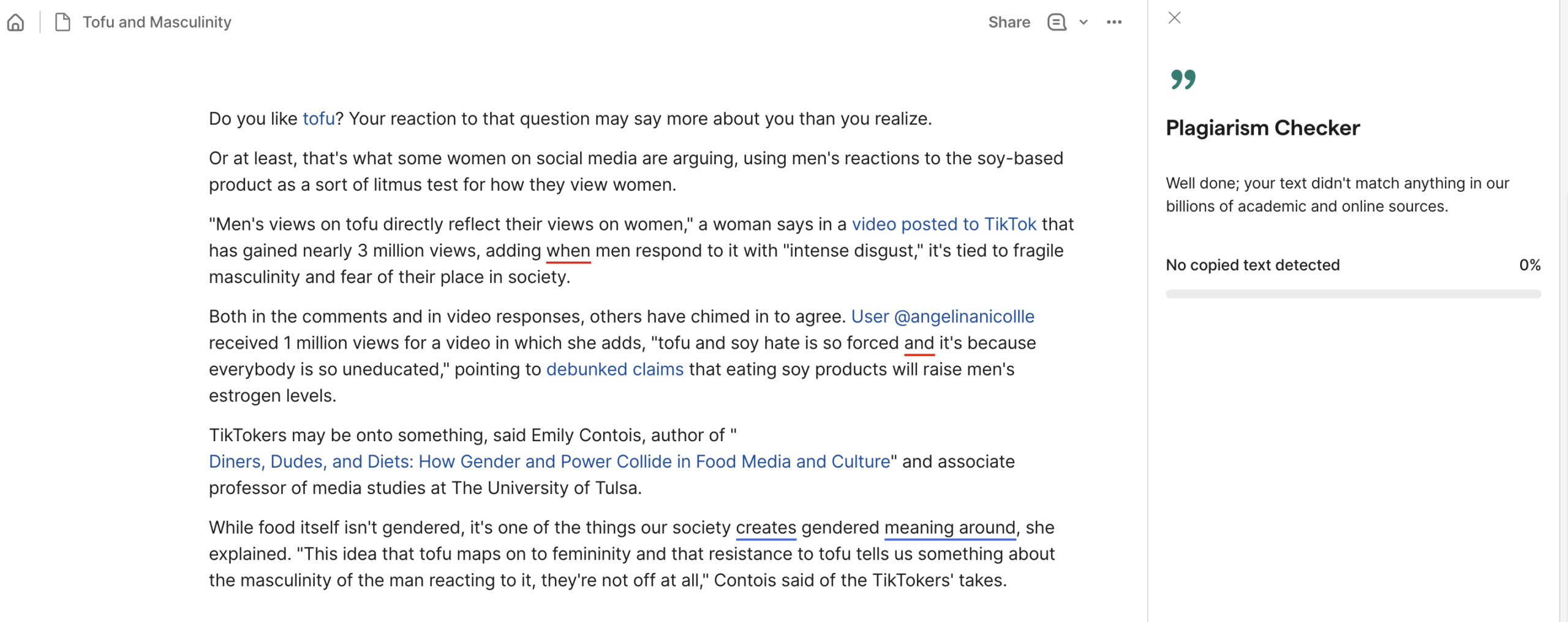 |
| BBC (article) | 0% AI, 0% plagiarism
✅ |
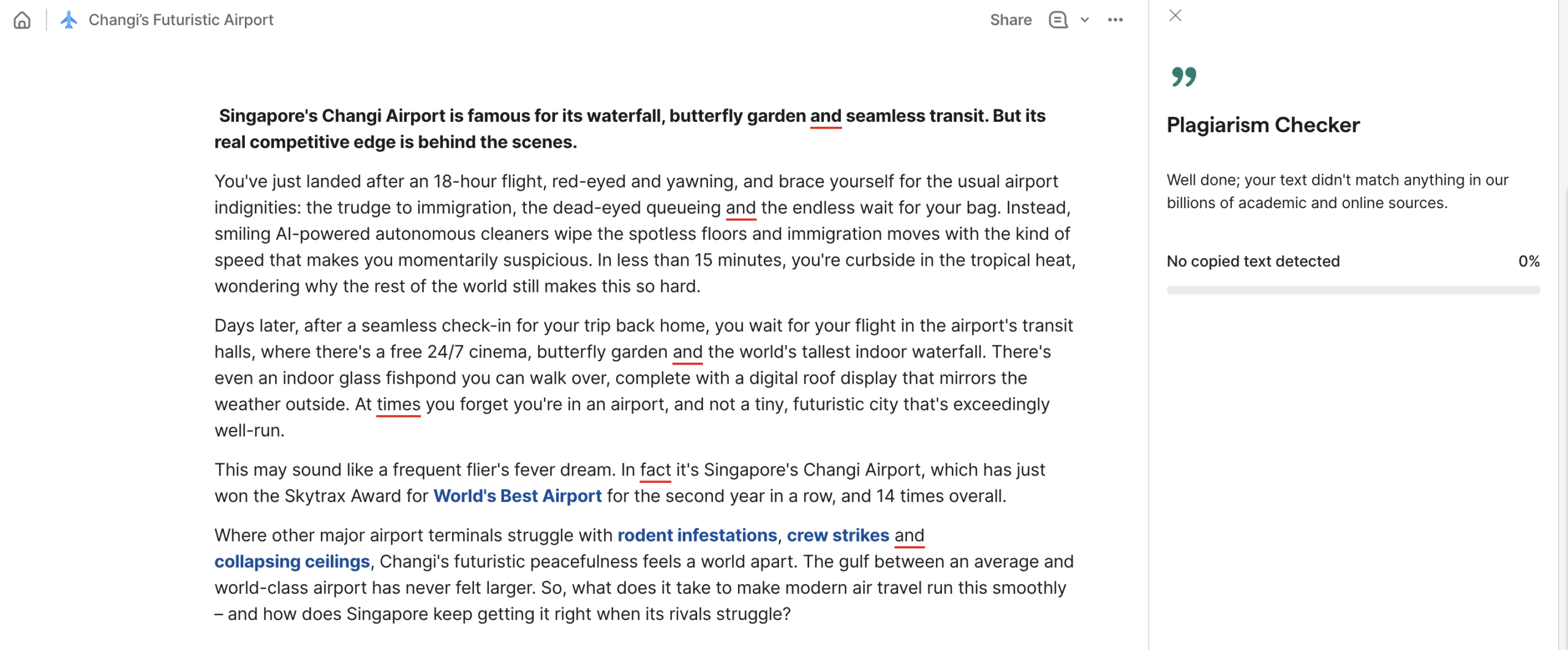 |
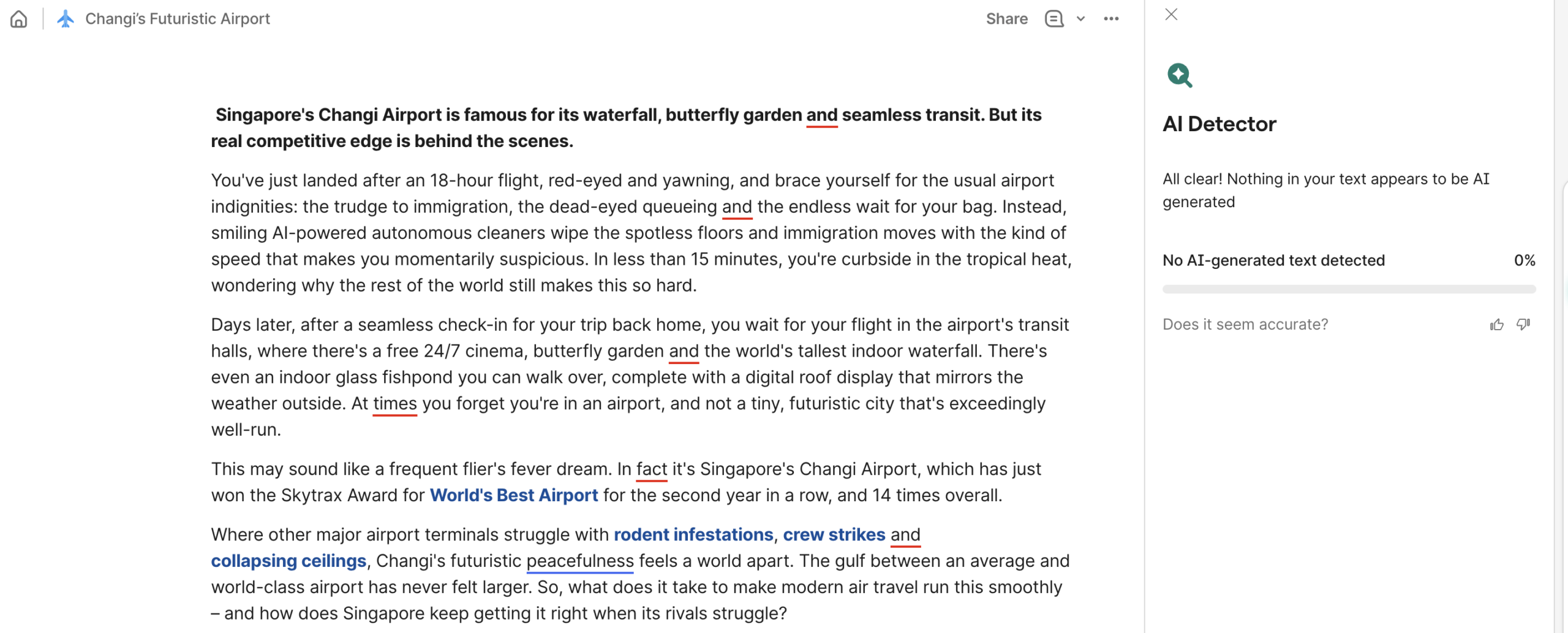 |
| NPR (article) | 0% AI, 3% plagiarism
✅ |
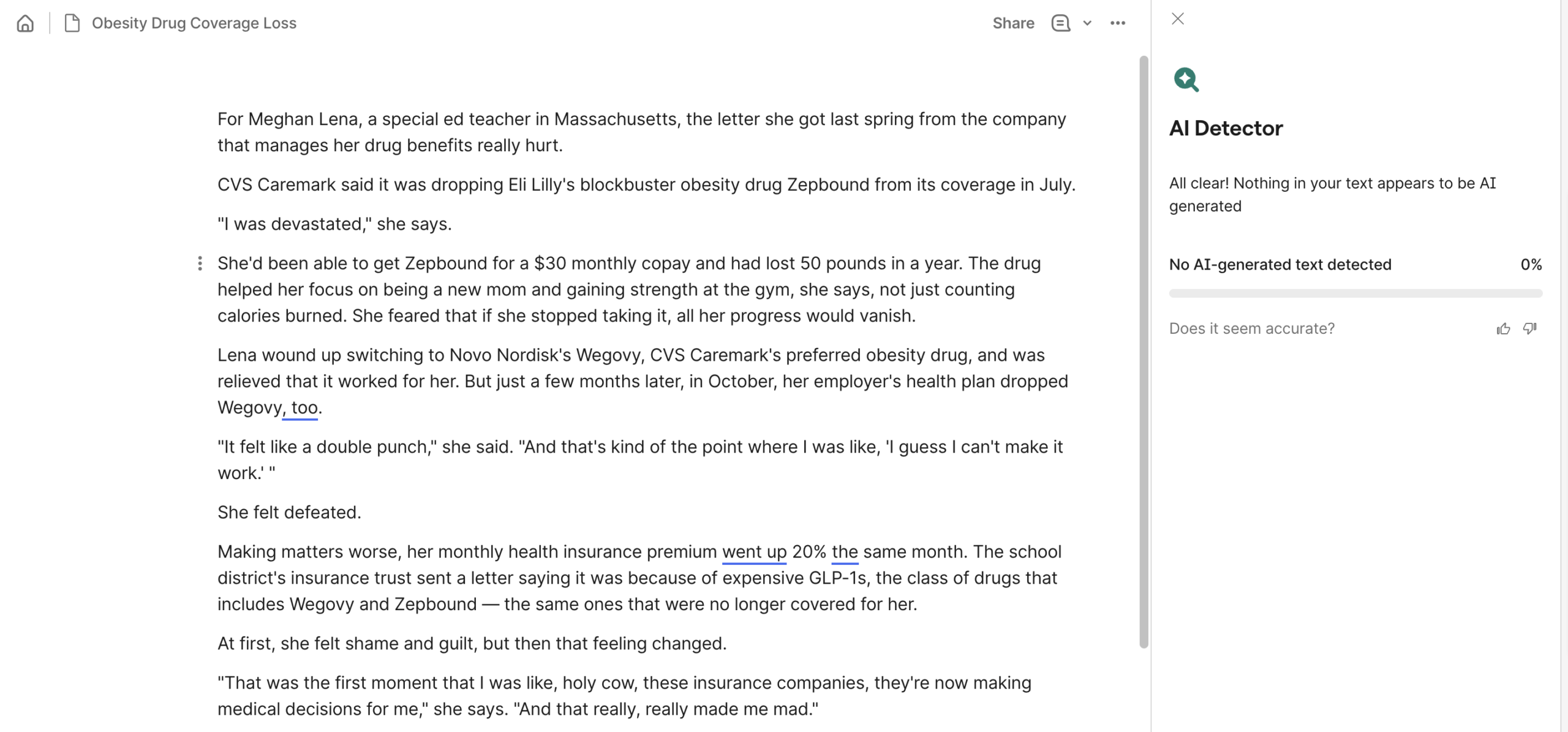 |
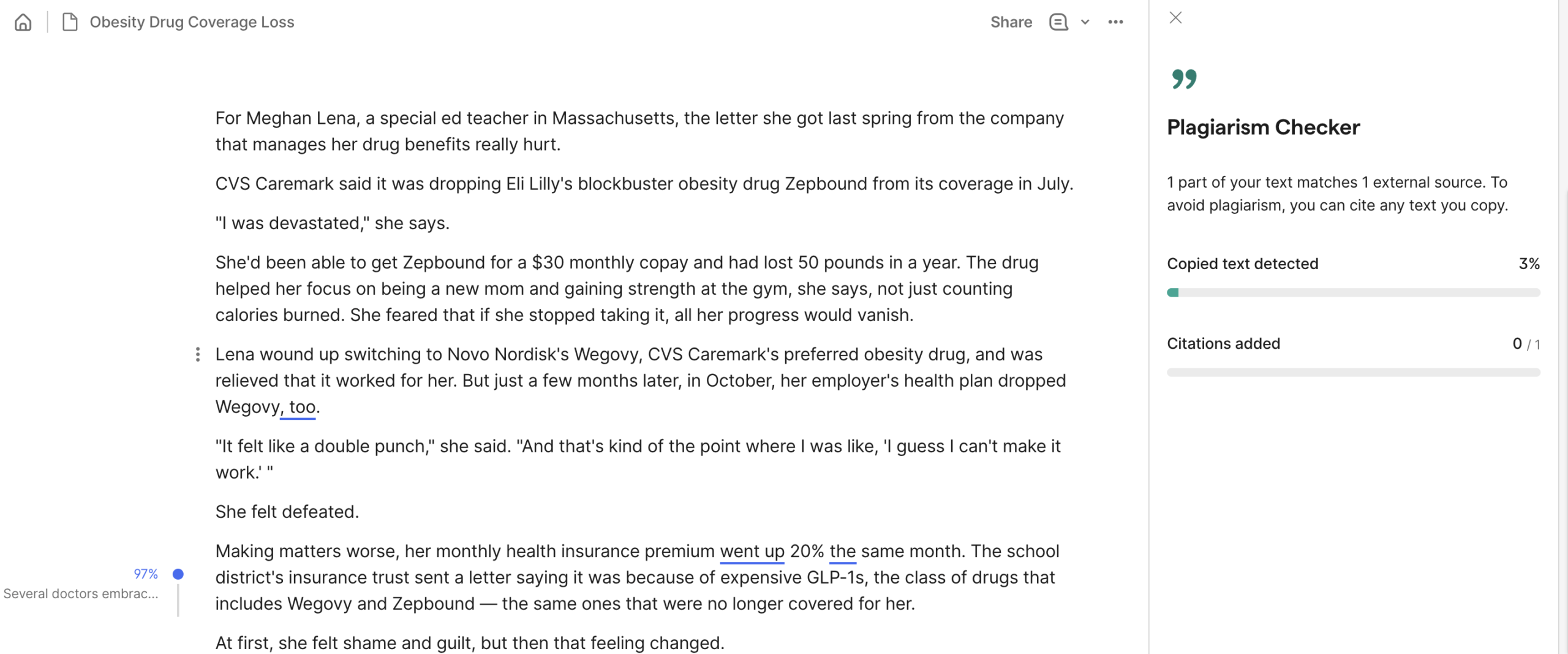 |
| Towards Equilibrium (substack) | 0% AI, 0% plagiarism
✅ |
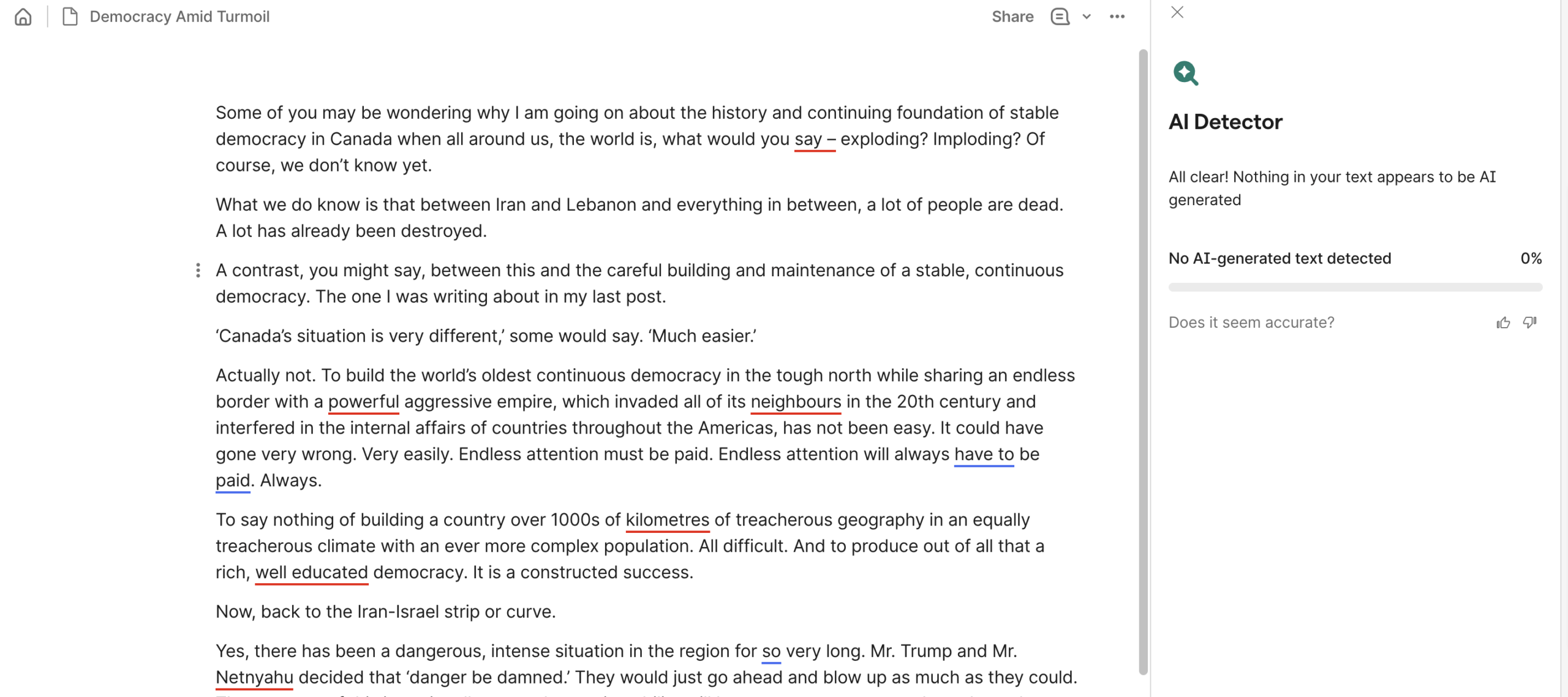 |
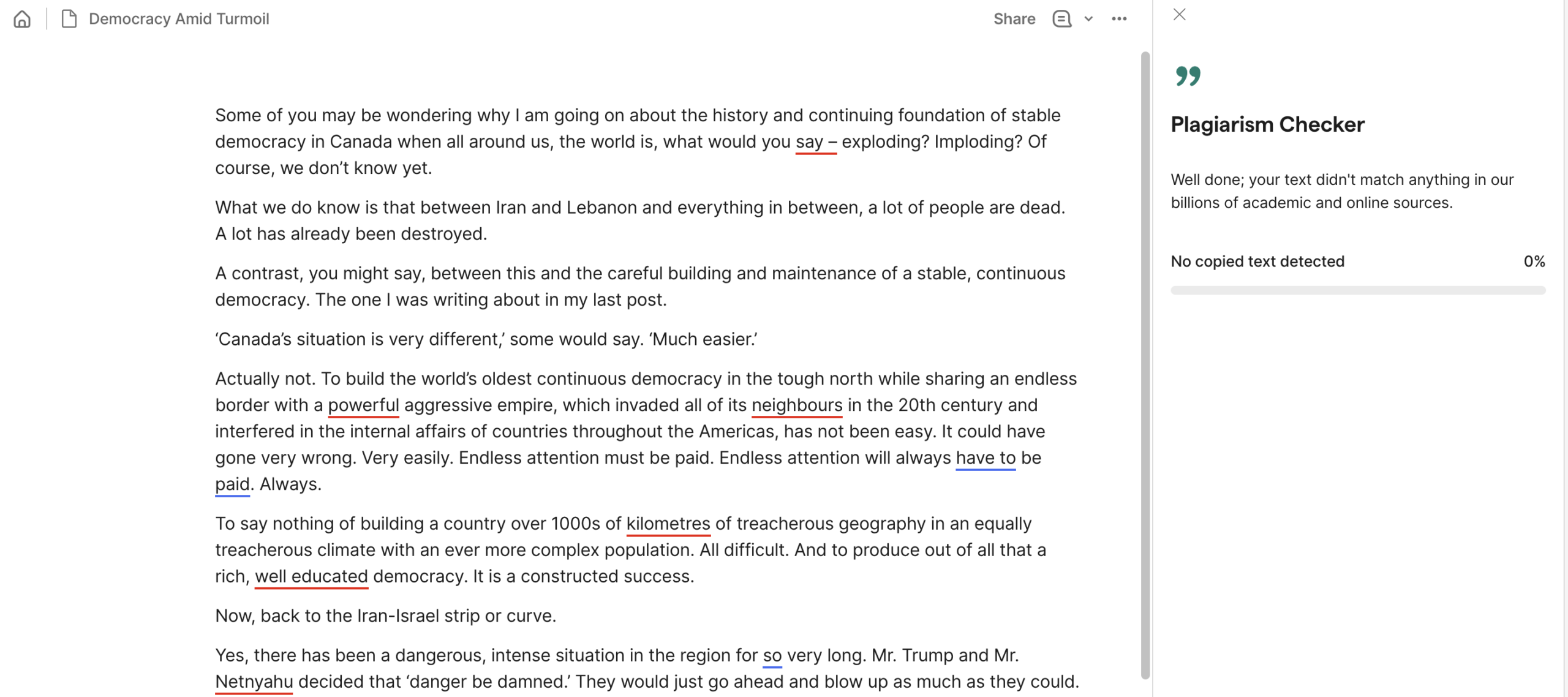 |
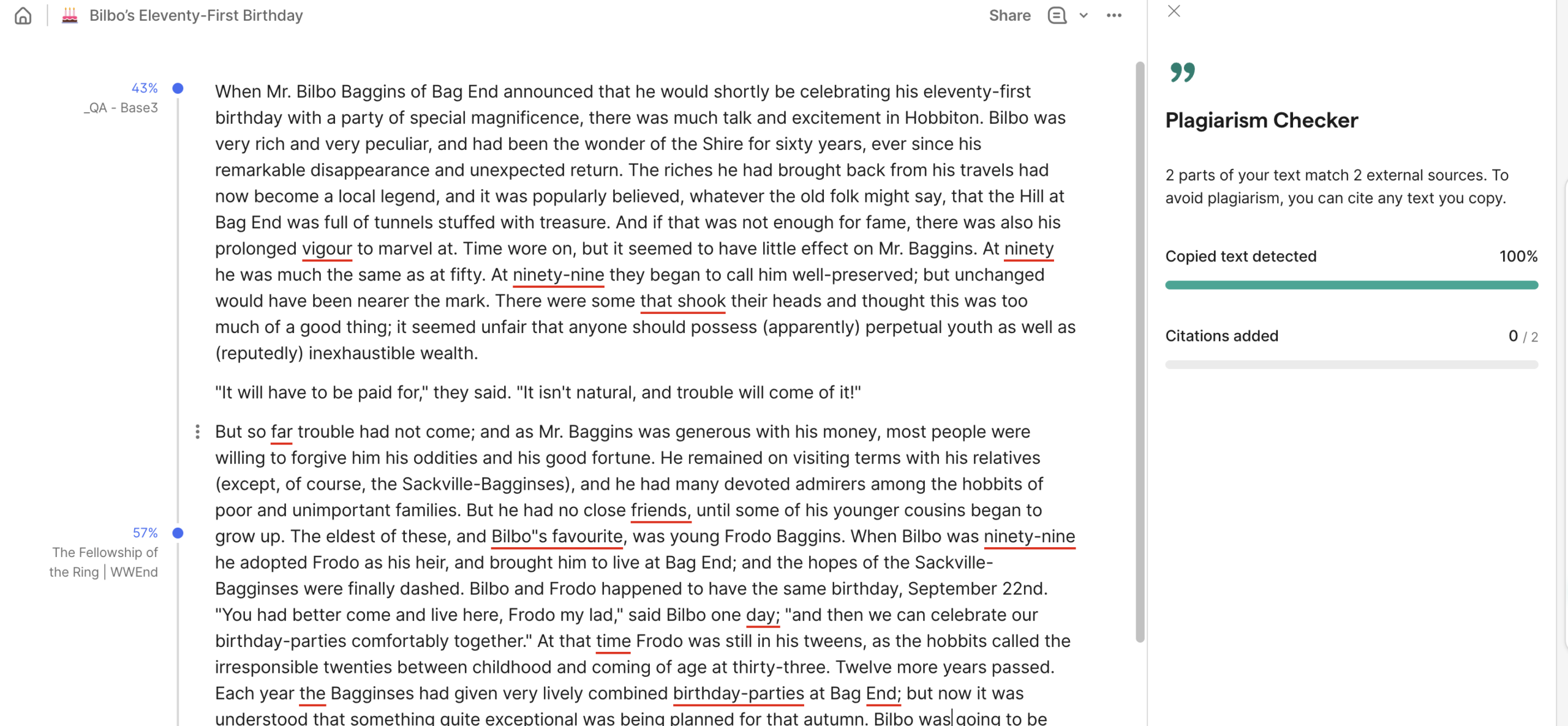
| Fellowship of the Rings (excerpt) | 0% AI, 100% plagiarism
✅ |
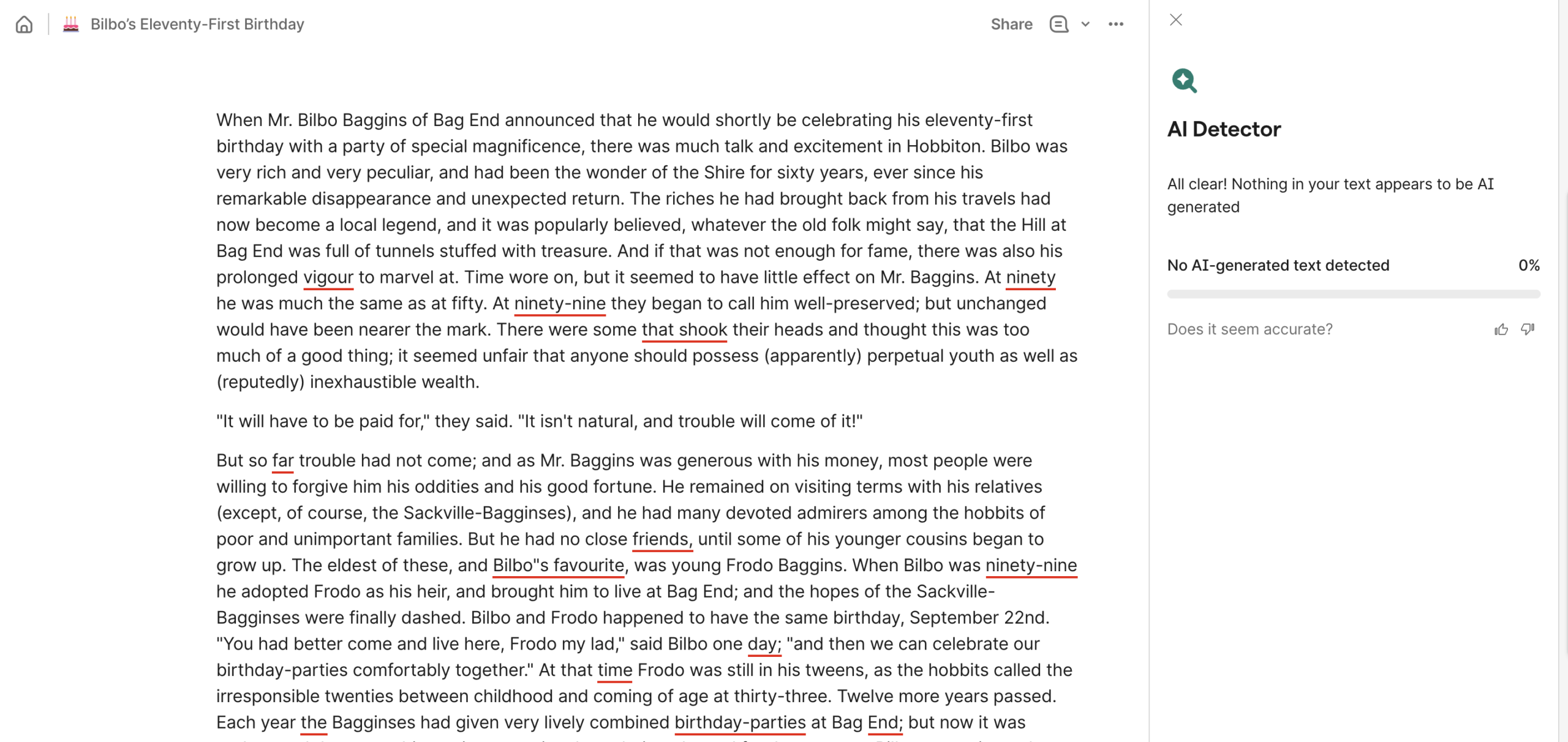 |
 |
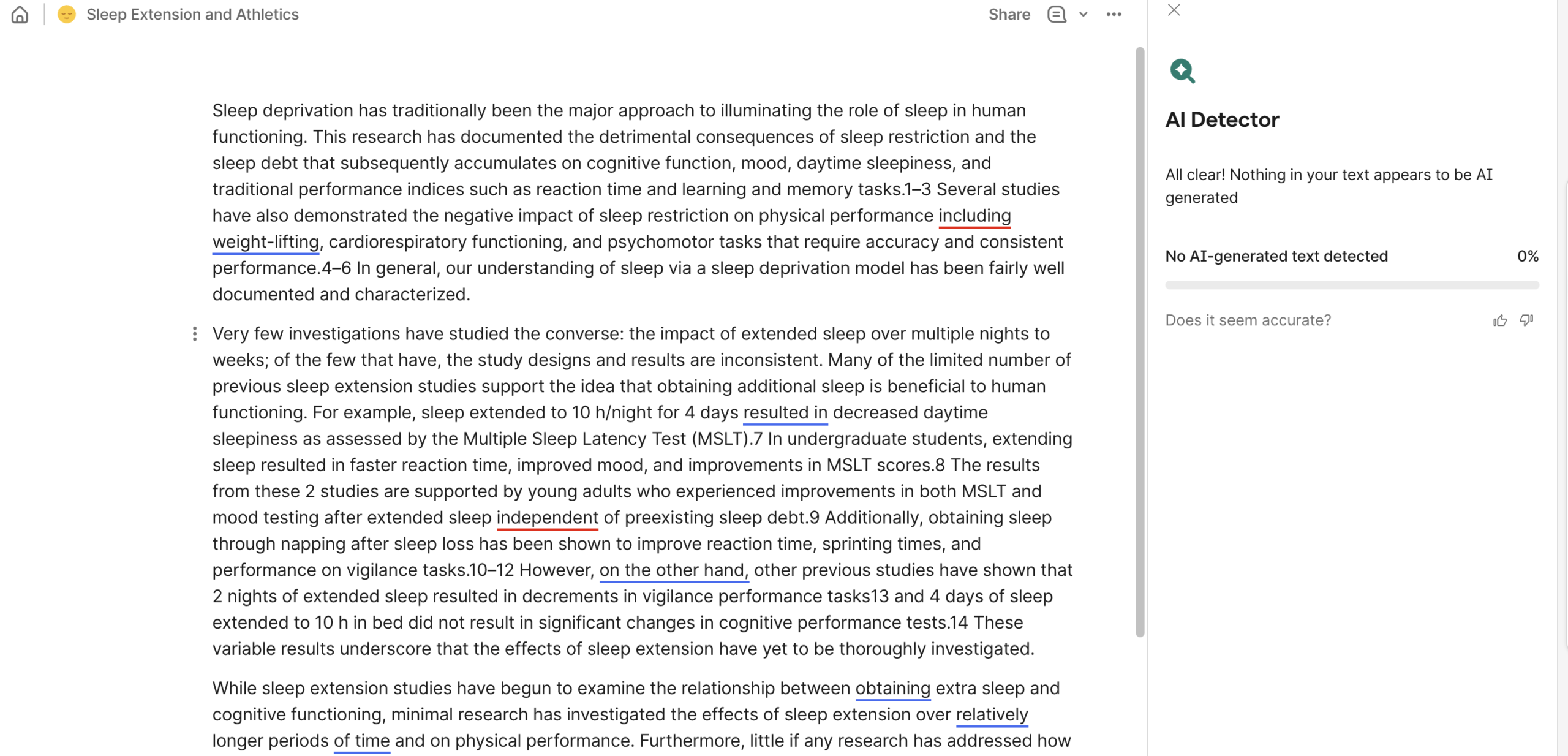
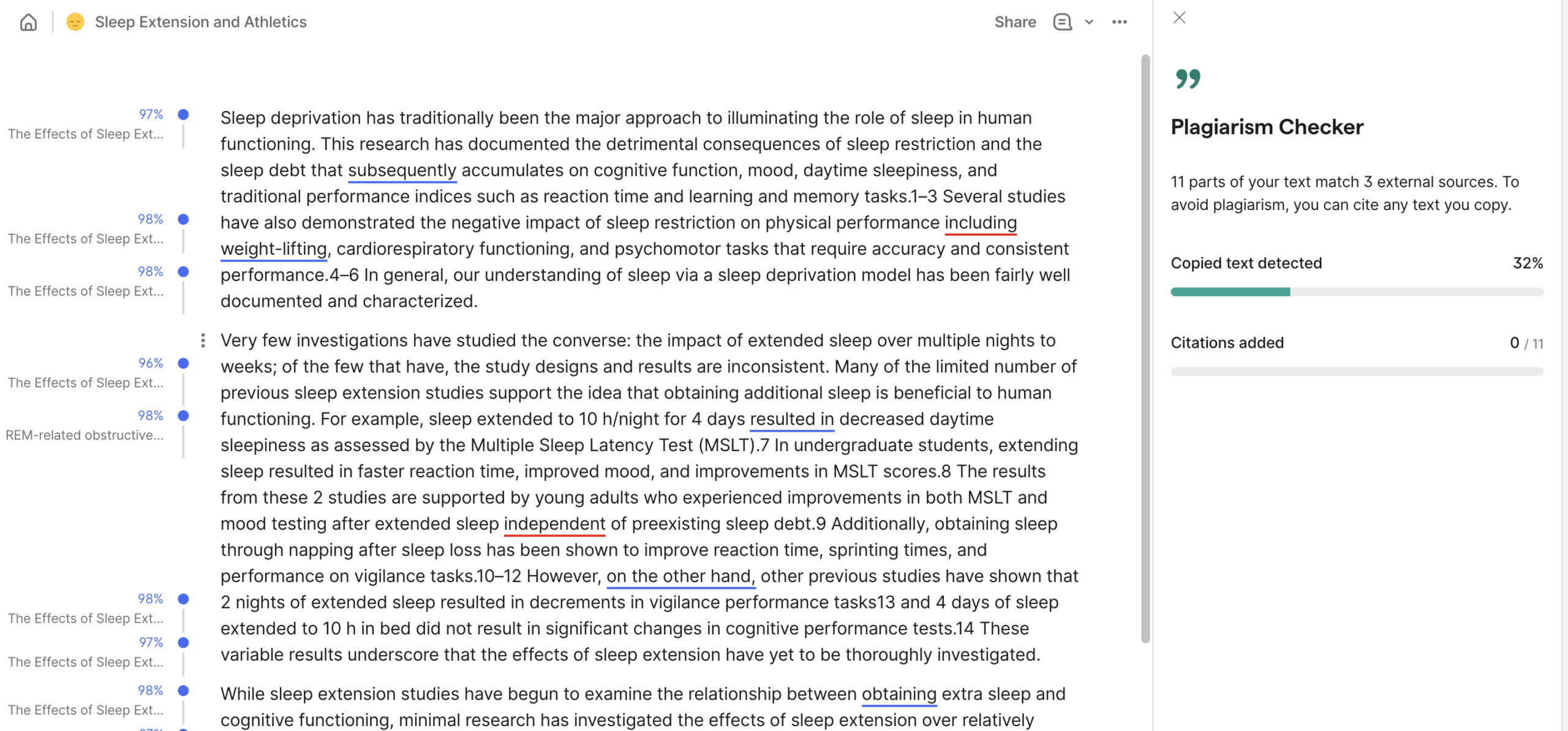
| NIH (study) | 0% AI, 32% plagiarism
✅ |
 |
 |
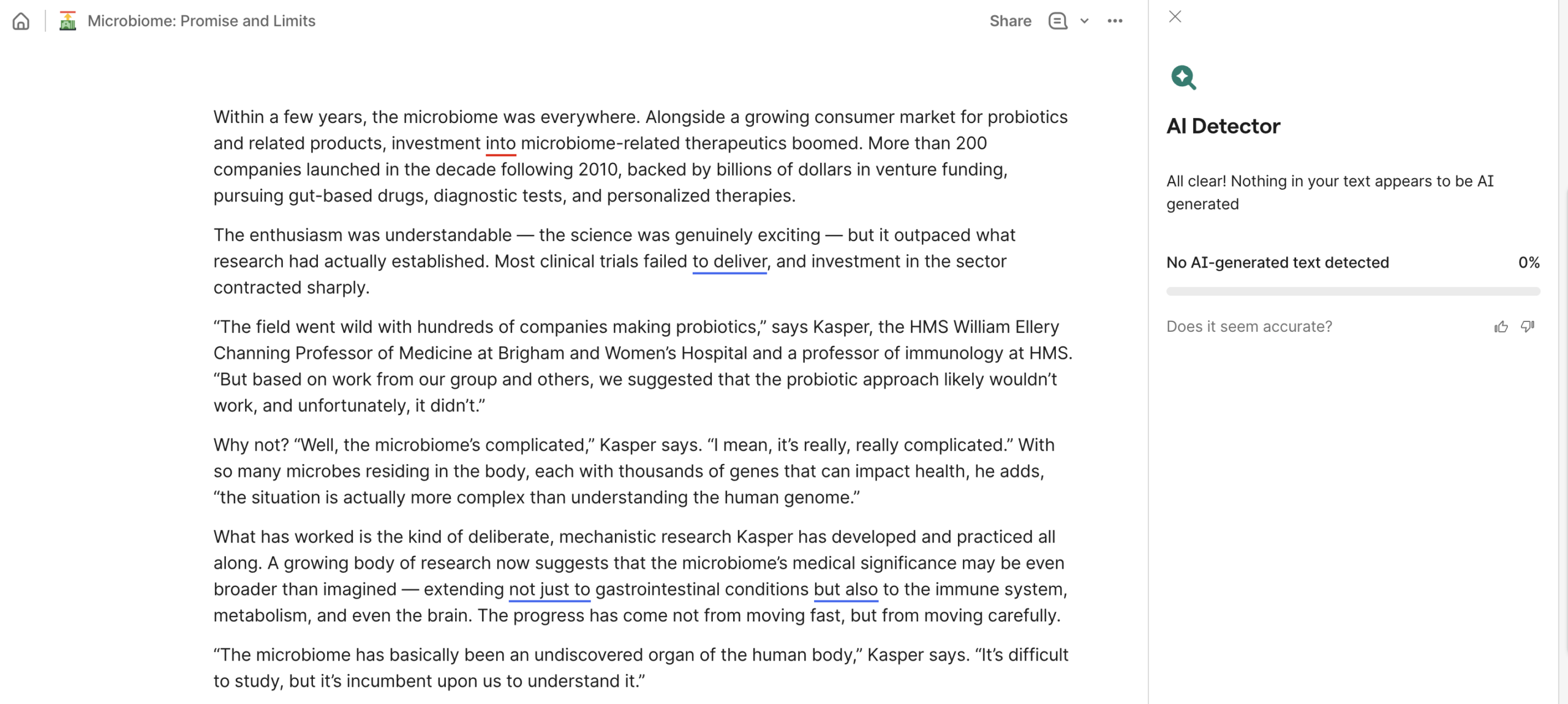
| Harvard Magazine (article) | 0% AI, 0% plagiarism
✅ |
 |
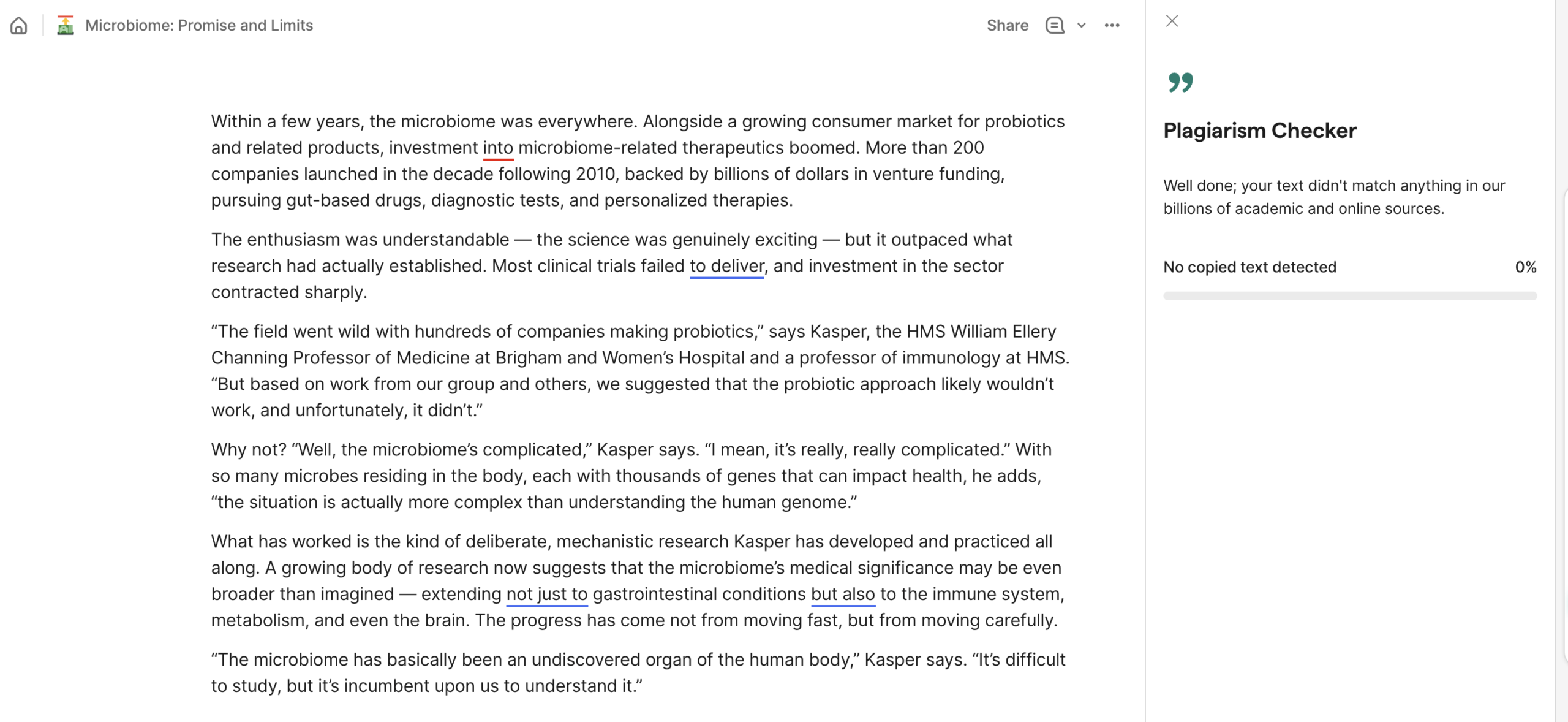 |
Frequently Asked Questions
Are sentence-by-sentence breakdowns provided?
No, Grammarly only provides a section-by-section breakdown and indicates that the section “may resemble AI” and to consider rephrasing (see image).
Is document scanning allowed?
Yes, users can upload documents directly to Grammarly to detect AI. Supported documents include MS Word, ODT, TXT, and RTF. [3]
Is image scanning provided?
No, Grammarly only works with written text when detecting AI, reviewing grammar, or humanizing.
Are reports shareable?
No, there is not a shareable PDF or other certificate of the AI detection results.
Does Grammarly provide certifications?
No, there is no certification produced as part of the detection report.
Are AI detections used for internal training?
Yes, although Grammarly provides users of all tiers with the ability to opt out via the Product Improvement and Training control settings.[4]
Sources
- https://www.grammarly.com/blog/company/grammarly-launches-grammarly-authorship/
- https://www.grammarly.com/plans
- https://support.grammarly.com/hc/en-us/articles/115000090911-What-are-the-limitations-when-using-Grammarly
- https://support.grammarly.com/hc/en-us/articles/25555503115277-Product-Improvement-and-Training-Control