


QuillBot (quillbot.com) is a writing assistant and AI detector that launched in 2017.[1] It initially offered only a paraphrasing tool, but now provides plagiarism and grammar checkers, a humanizer, and AI detectors for both text and images.
While QuillBot is known as a powerful writing aid, we primarily tested its AI detector to see how well it could distinguish human writing from LLM-generated text.
Pros
- Only 1 false positive during testing.
- Detected plagiarism 7 of 10 times.
- Multiple tools available for free.
- Fast AI detection results.
Cons
- Failed to spot AI in 4 of 7 tests.
- 6 of 8 humanized texts passed detection.
- Slow plagiarism results with limited monthly usage.
Features
- AI detection: Scans images and text for AI generation.
- Plagiarism checker: Finds similar or copied content online.
- AI chat: Virtual writing assistant that responds to requests.
- Citation generator: Creates full citations in over 1,000 styles.
- Paraphraser: A tool for rewriting text.
- Humanizer: Modifies AI content to appear human-written.
- Image creator: Generates images from text descriptions.
- MS Word add-in
- Browser extensions
- Desktop & mobile apps
Pricing Plans
| Free | Premium | Team |
| Sign up required for certain features | $19.95/month, $39.95/quarter, $99.95/year (student discounts available) | $89.95/year/user (2-10 users), $79.95/year/user (11-50 users), $69.95/year/user (51+ users) |
| 10 AI detection scans/day (up to 1,200 words) | Unlimited AI detection scans | Unlimited AI detection scans |
| Limited versions of most tools; excludes plagiarism checker, faster processing, priority support, and multi-user access. | Advanced versions of all tools; excludes priority support and multi-user access. | All premium features plus priority support and multi-user access. |
Usage Limitations
Many generative AI platforms use a credit system where users spend credits they’ve purchased to complete tasks. However, QuillBot takes a different approach by setting word caps for individual processes and daily or monthly limits on how often certain tools can be used, all of which vary by plan.
A side-by-side comparison of the features and limitations of each QuillBot plan is available here.
Test #1: QuillBot vs. LLMs
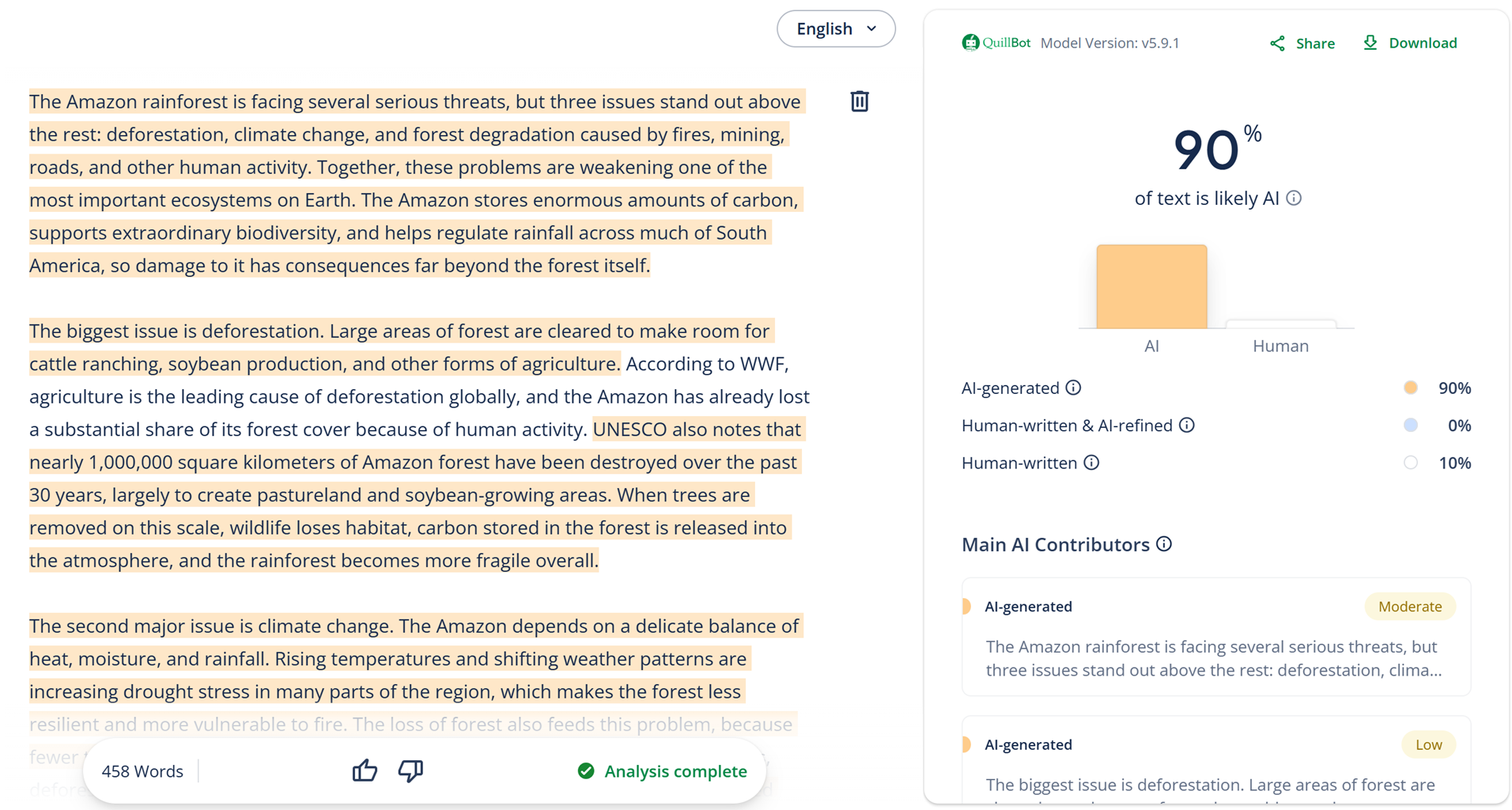
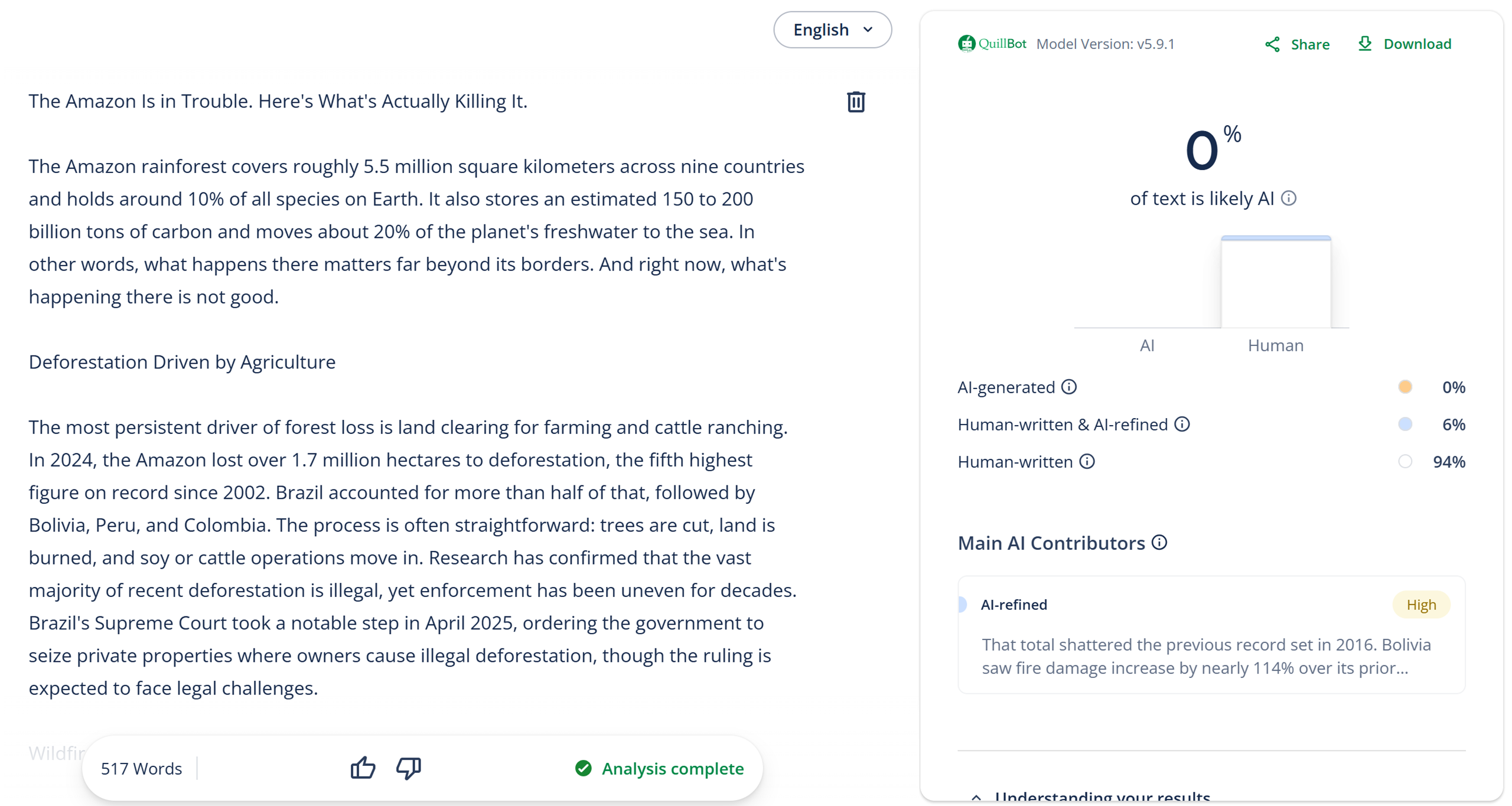
The goal of our first test was to check the accuracy of QuillBot’s AI detector. We used ChatGPT, Google Gemini, and other top LLMs to create short articles from the prompt below. We then scanned the LLM-generated text with QuillBot.
Prompt Used
“Write an article about the three biggest issues affecting the Amazon rainforest. Stick to factual information and use a natural writing style that reads like it was written by a person, with the goal of avoiding AI detection. Keep it under 500 words and do not use em dashes.”
 Expand
 Collapse
| LLM | Test Result | Proof |
| ChatGPT – 5.4 Thinking Model | 90% AI
✅ |
 |
| Claude – Sonnet 4.6 | 0% AI
❌ |
 |
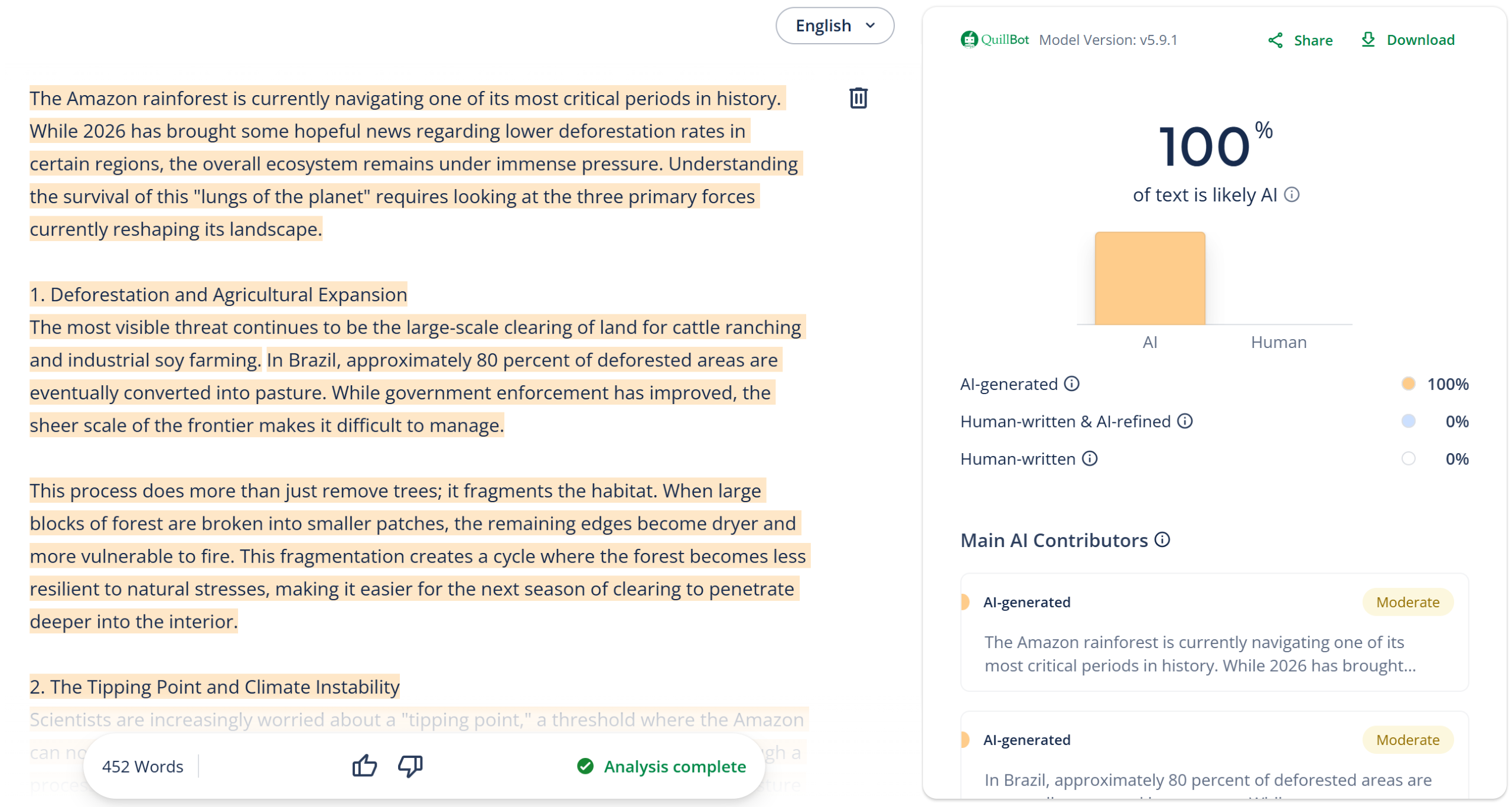
| Google Gemini – Thinking | 100% AI
✅ |
 |
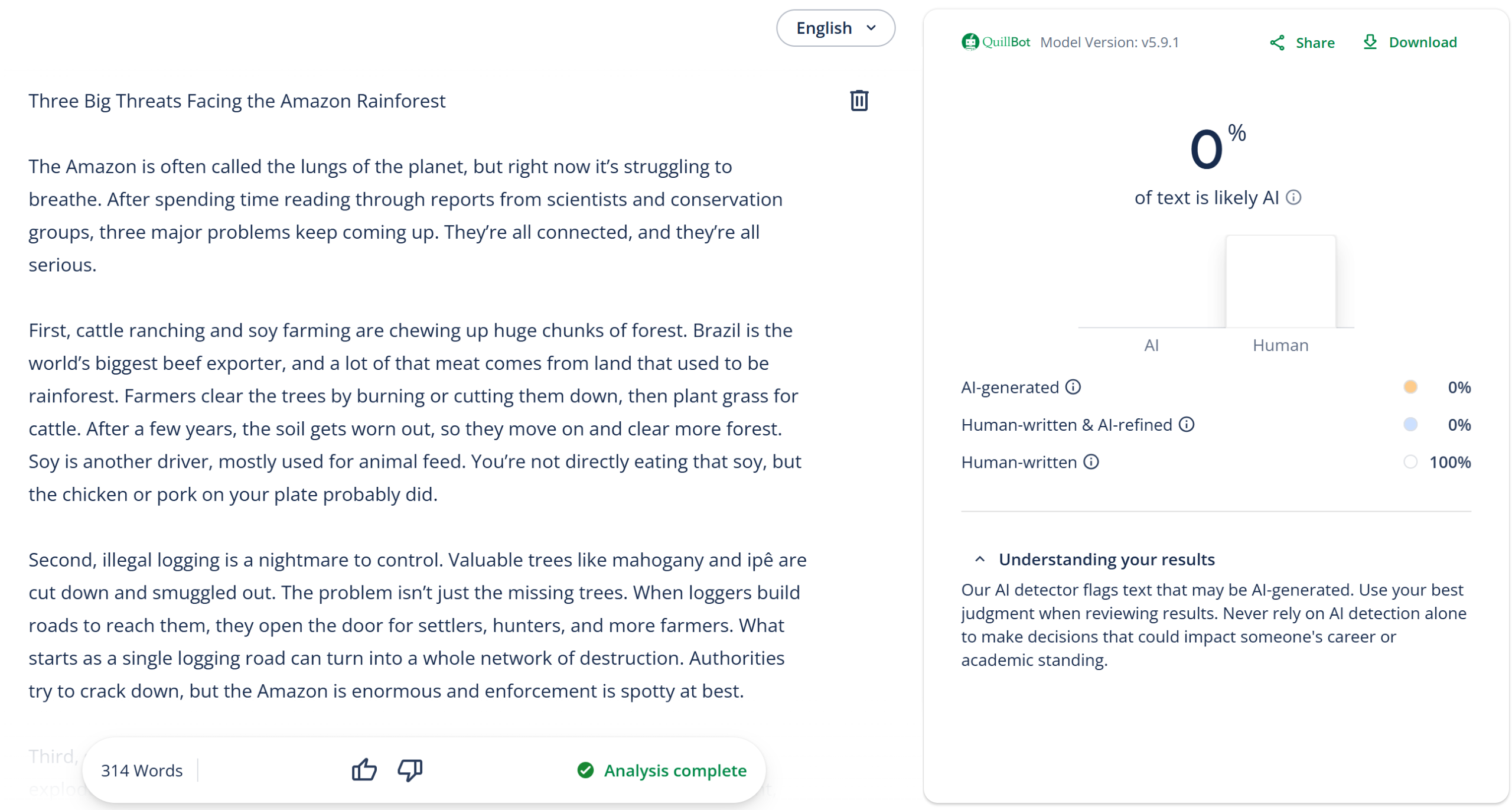
| DeepSeek – DeepThink | 0% AI
❌ |
 |
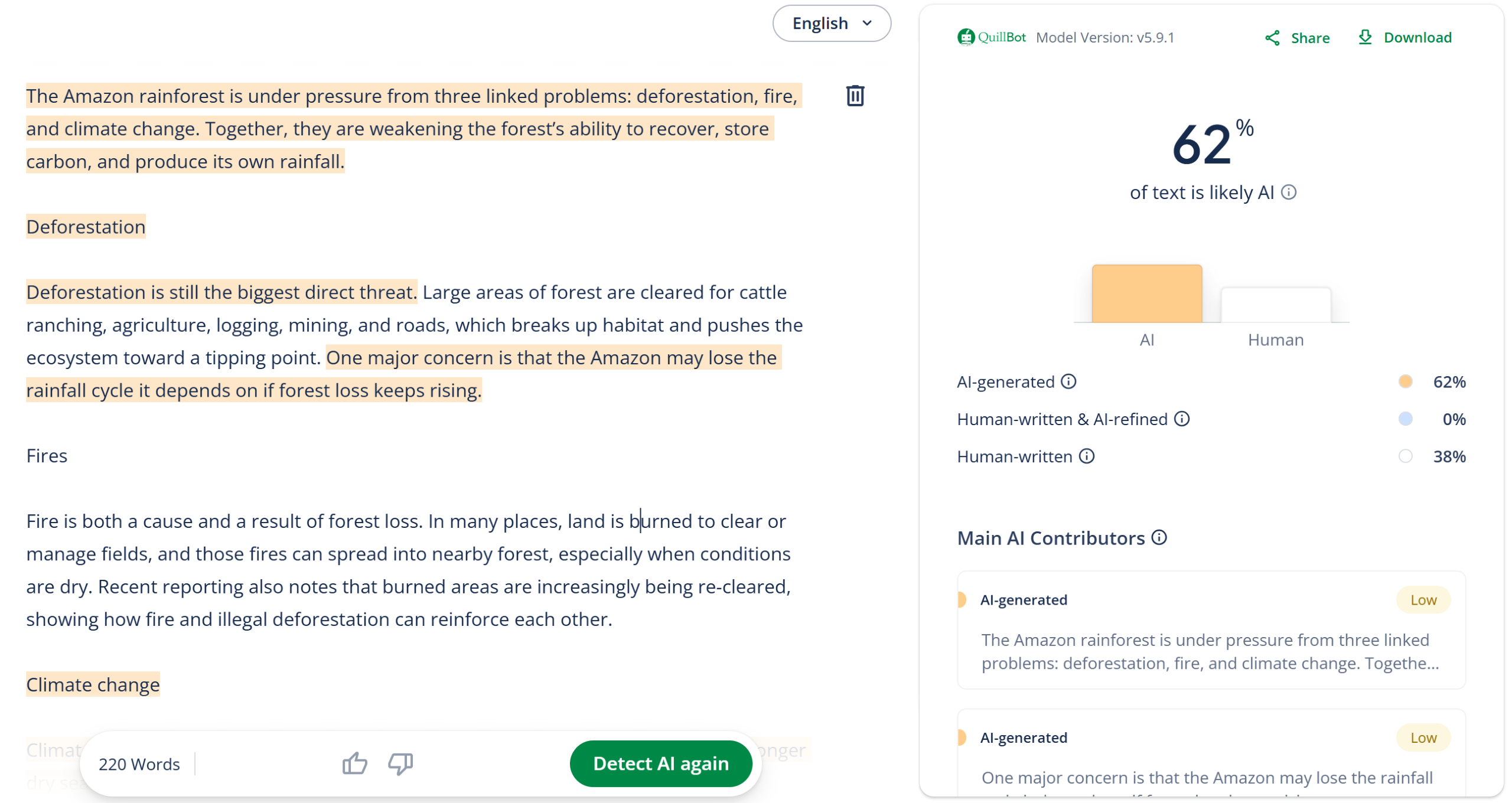
| Perplexity – Free Model | 62% AI
✅ |
 |
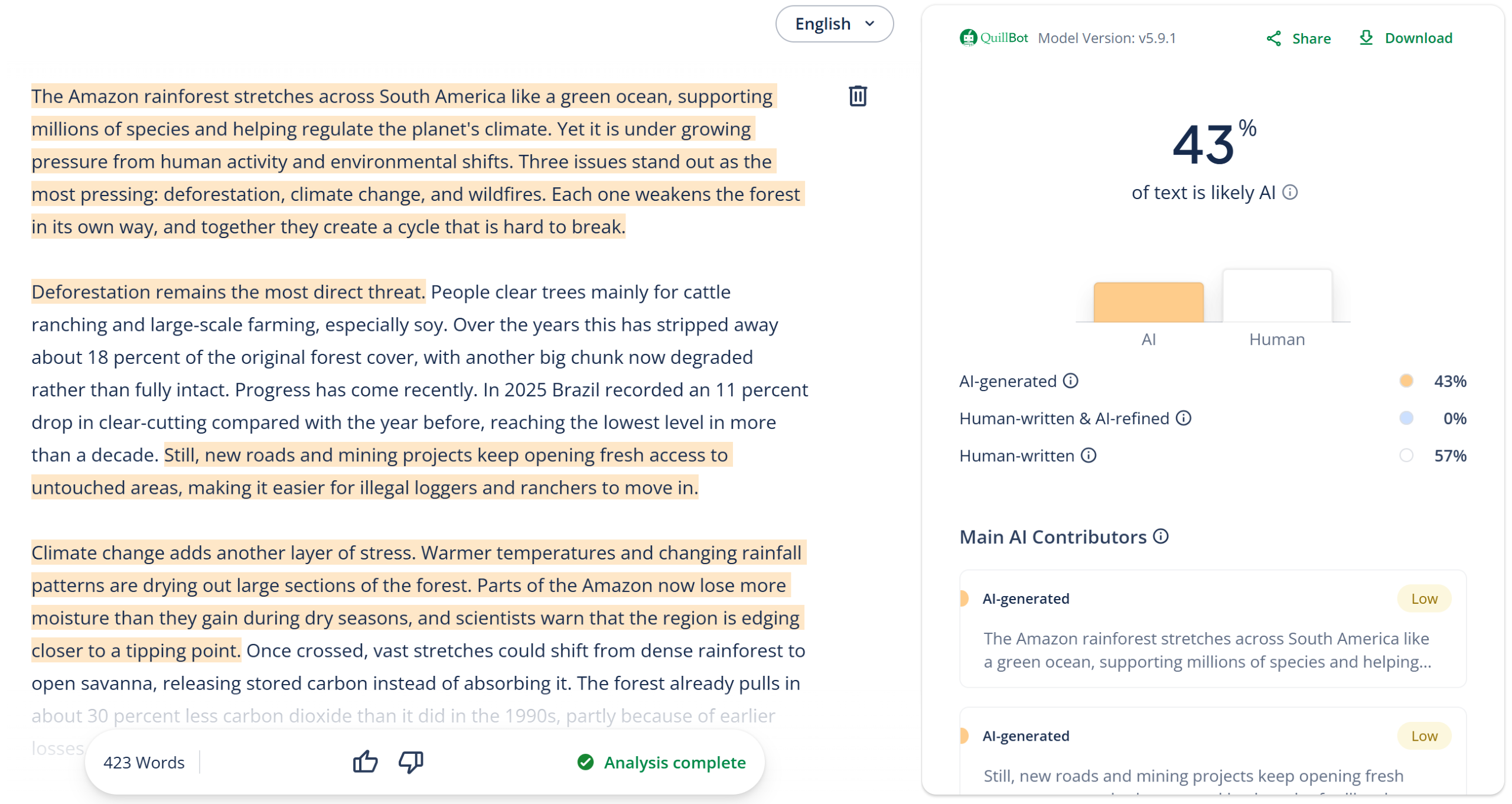
| Grok – Auto | 43% AI
🟡 |
 |
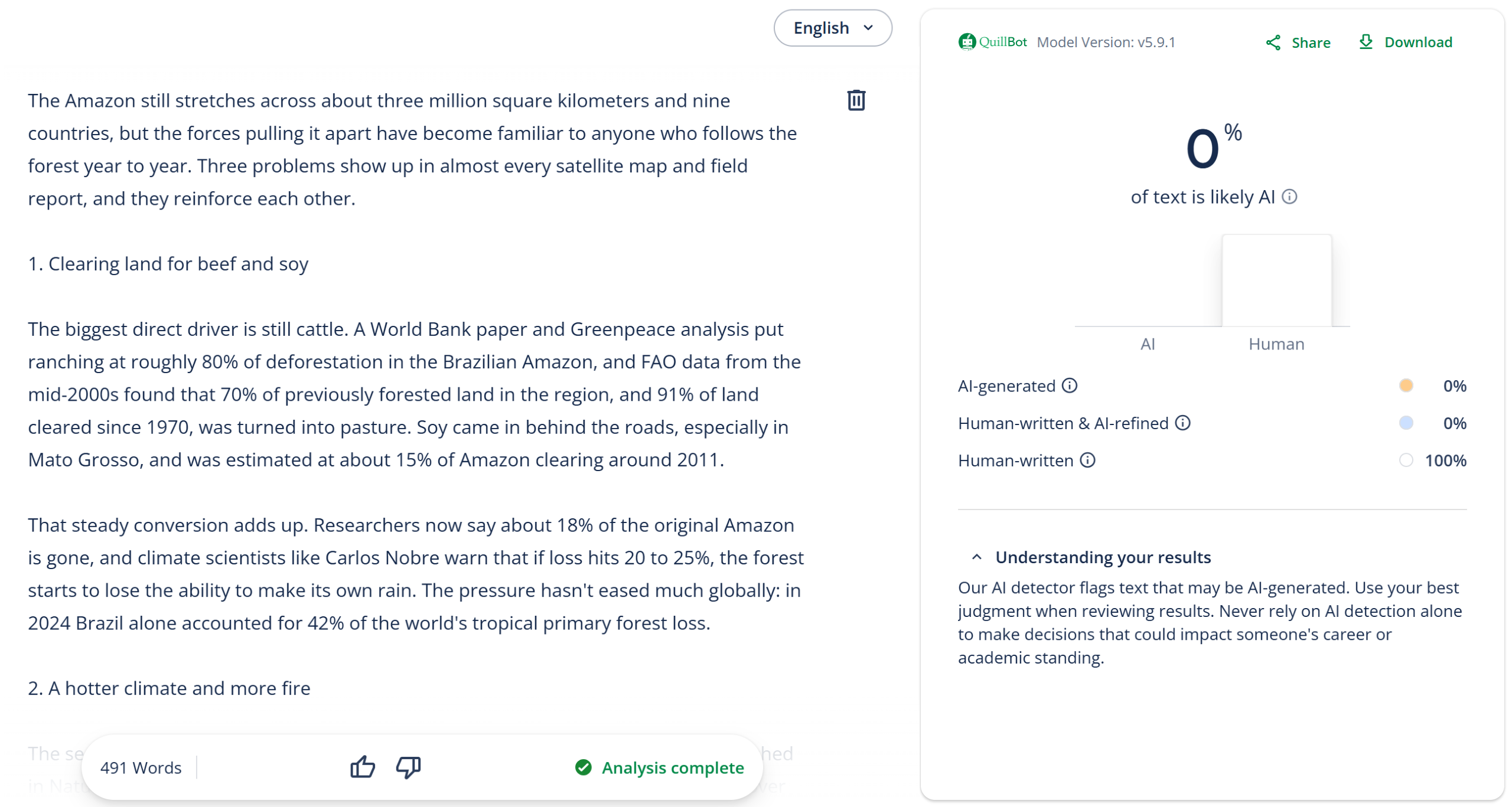
| Meta – Thinking | 0% AI
❌ |
 |
Test #2: QuillBot vs. AI Humanizers
In our second test, we ran the above ChatGPT-generated text through eight different AI humanizers. The resulting humanized content was then scanned with QuillBot to determine whether it could still detect the AI-generated writing.
Expand
| AI Humanizer | Test Result | Proof |
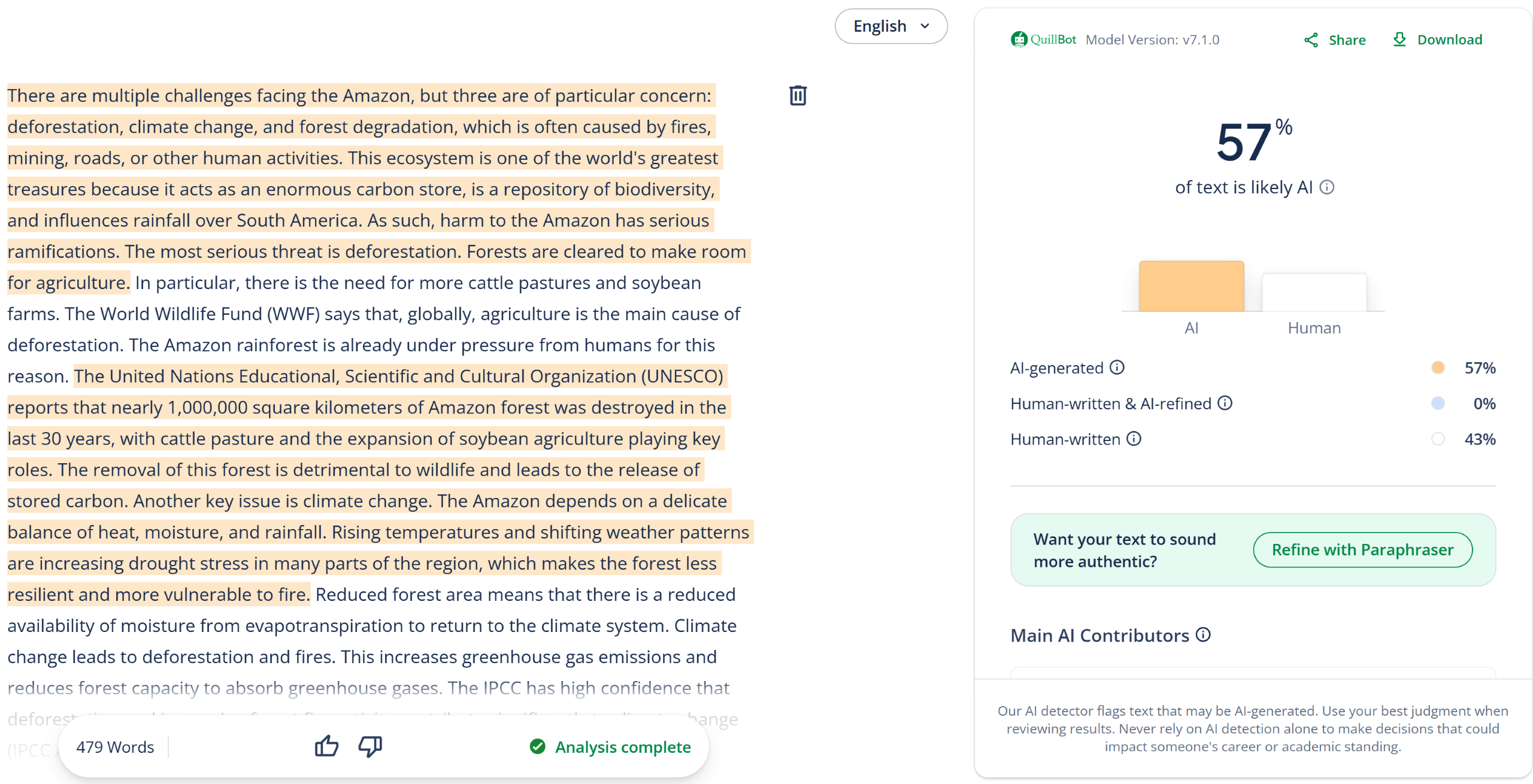
| Humanize.ai (humanized text) |
57% AI
🟡 |
 |
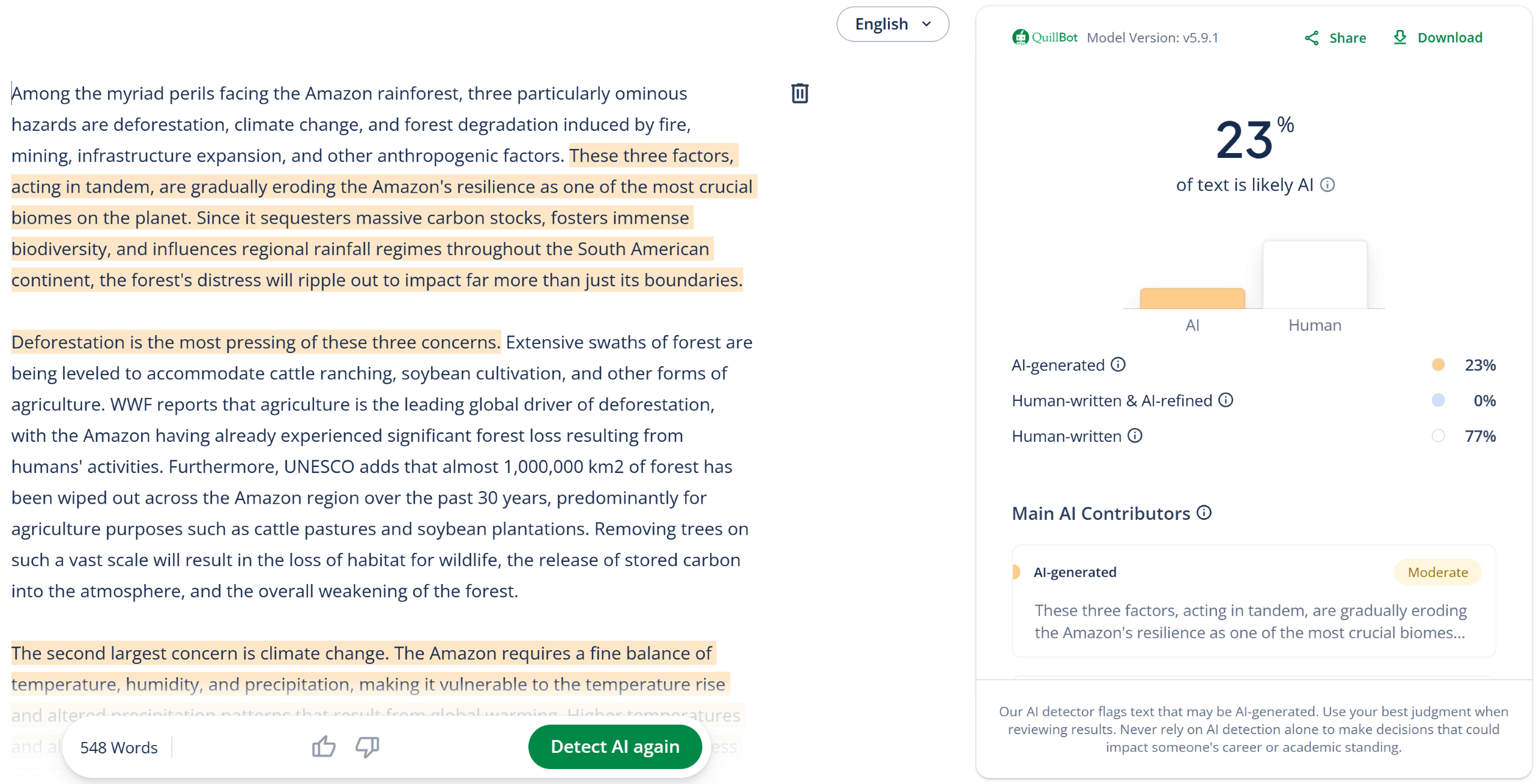
| StealthGPT (humanized text) |
23% AI
❌ |
 |
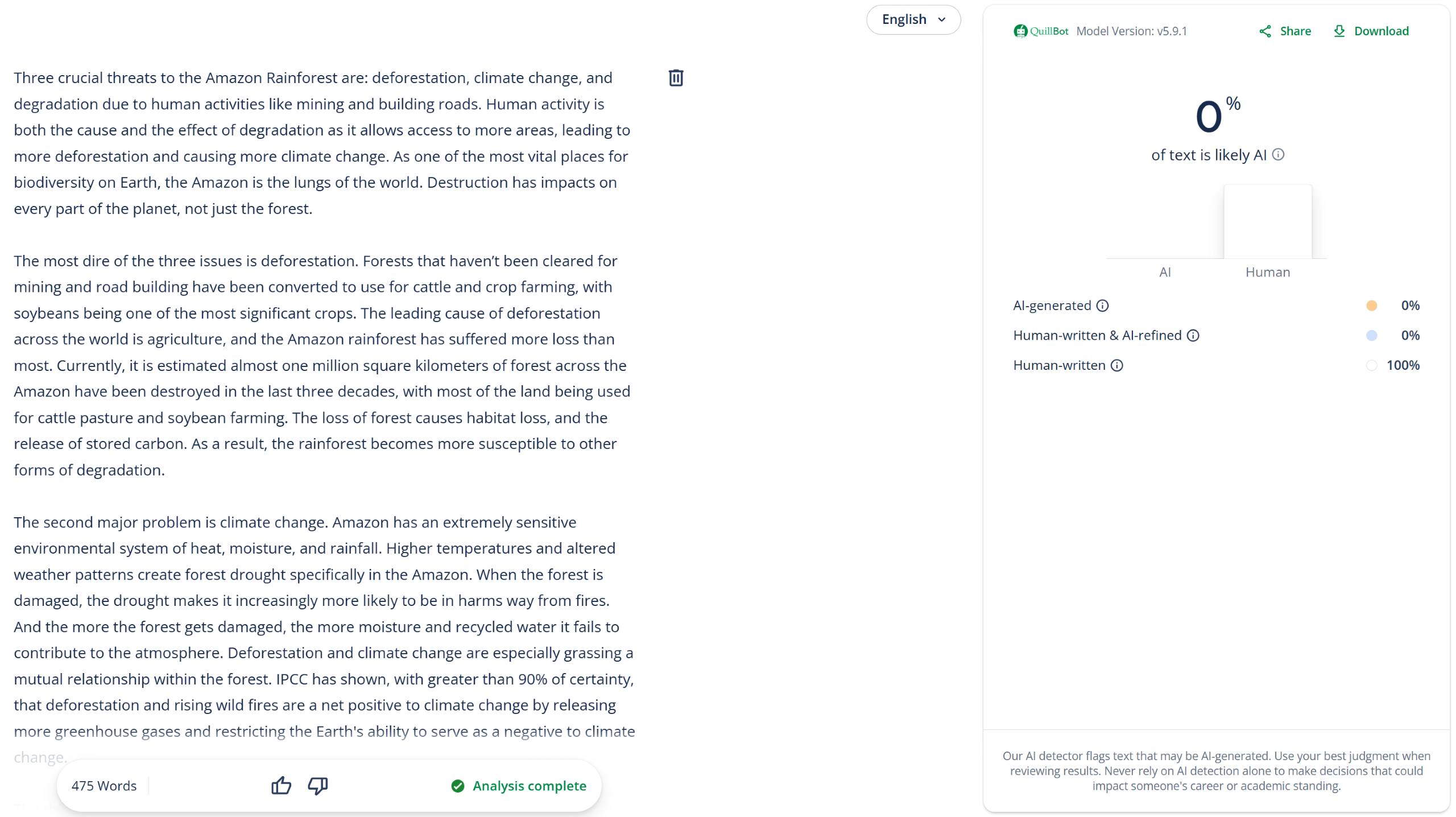
| WriteHuman.ai (humanized text) |
0% AI
❌ |
 |
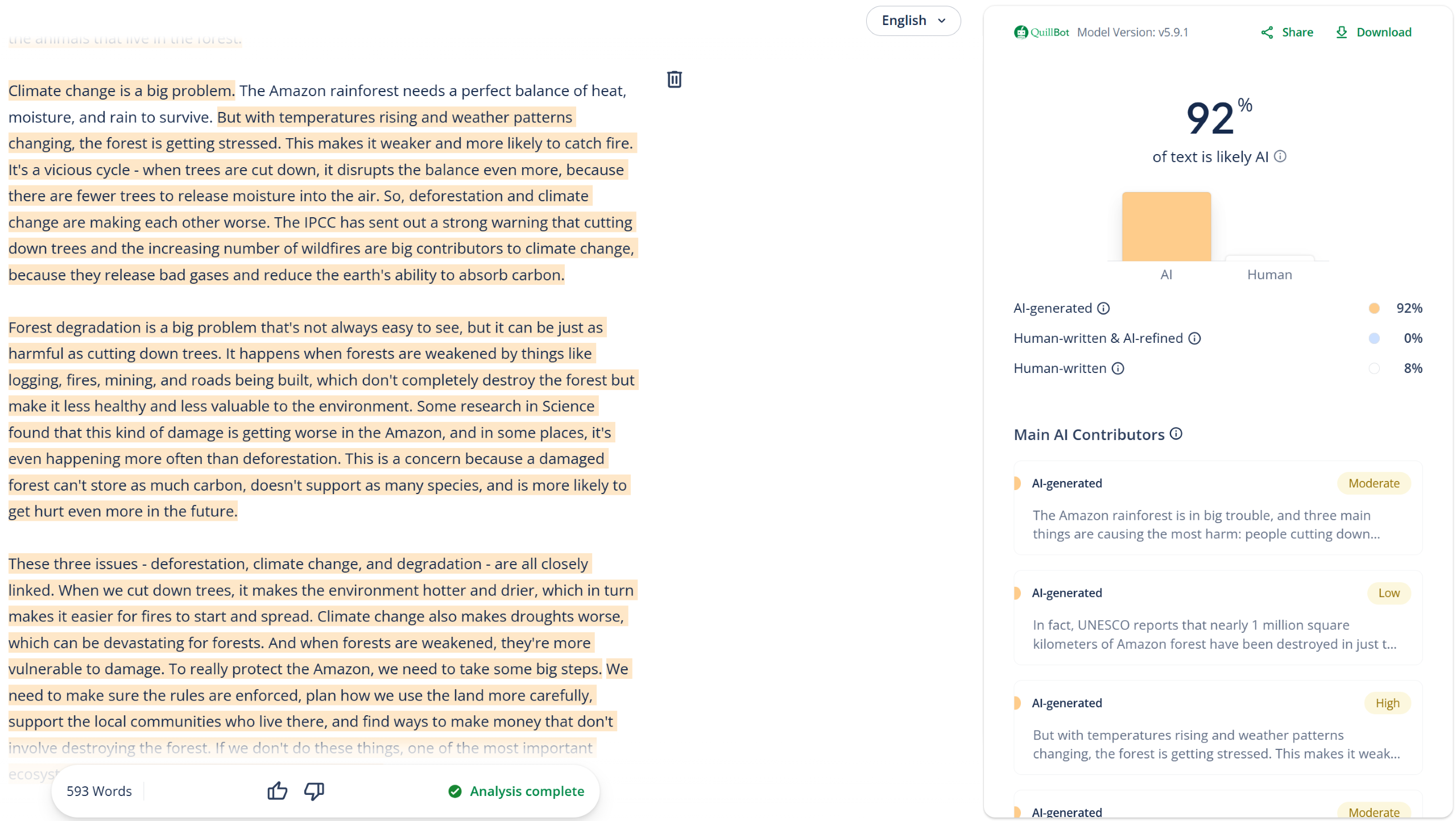
| Undetectable.ai (humanized text) |
92% AI
✅ |
 |
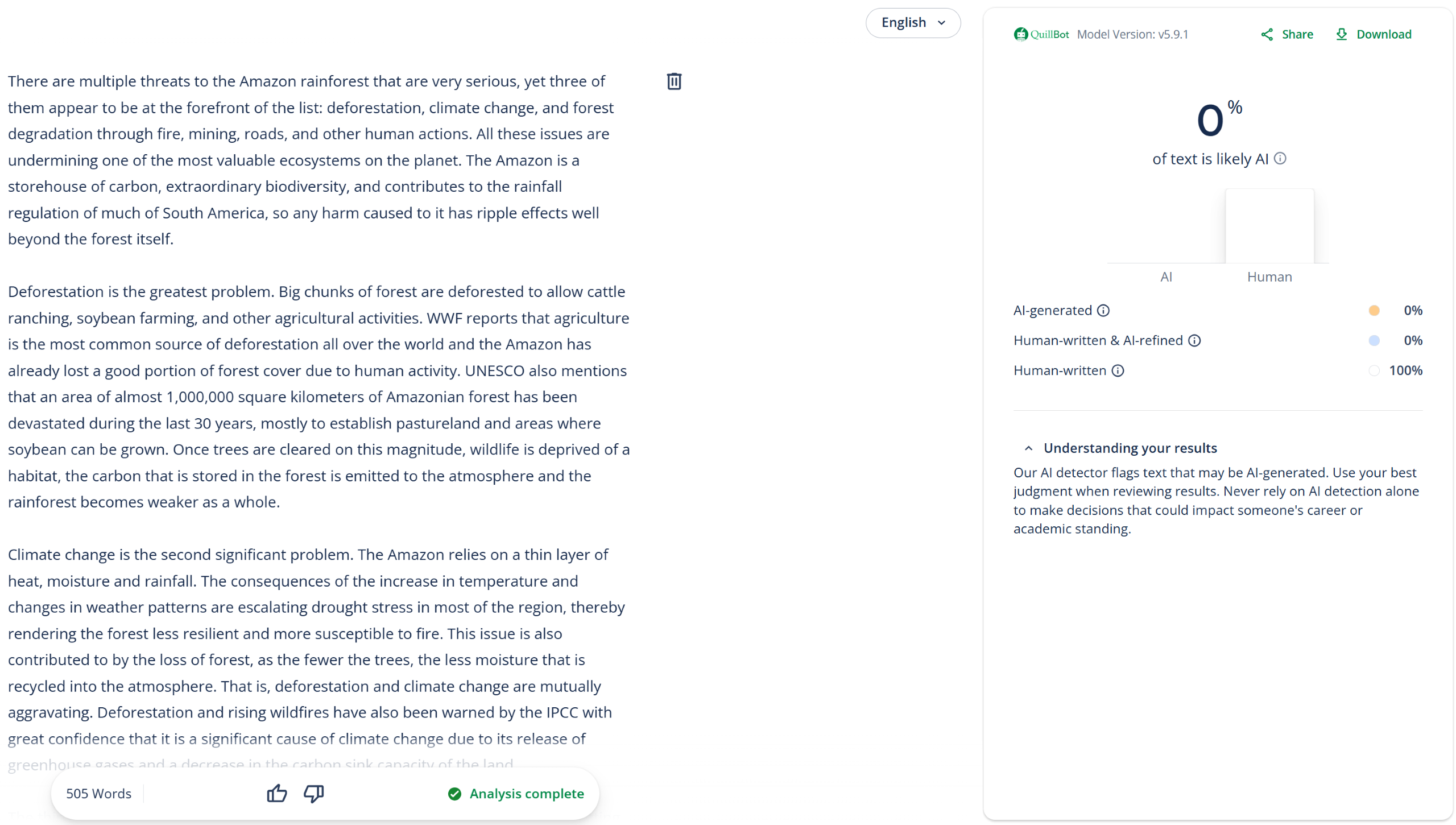
| StealthWriter.ai (humanized text) |
0% AI
❌ |
 |
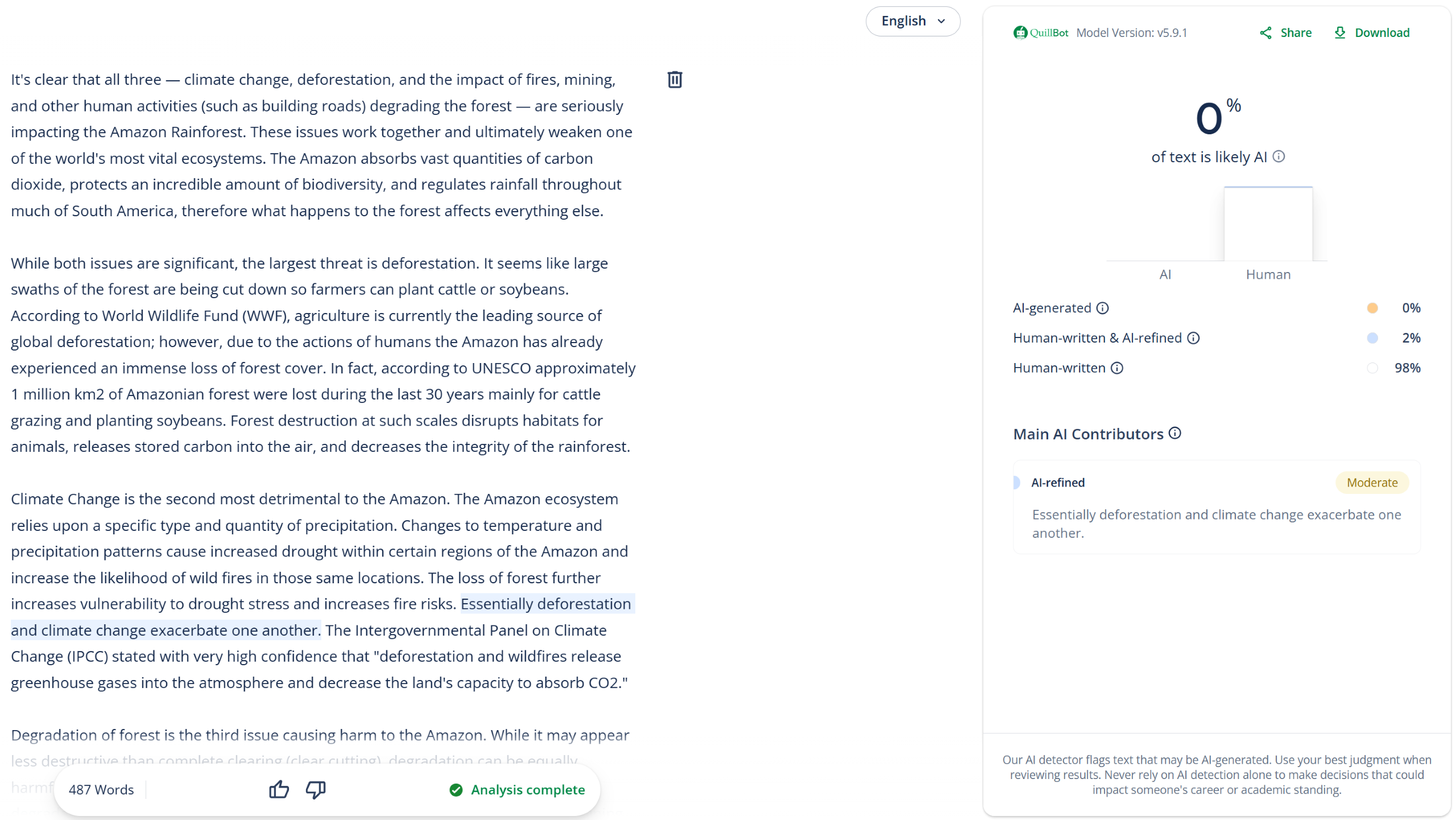
| WalterWrites.ai (humanized text) |
0% AI
❌ |
 |
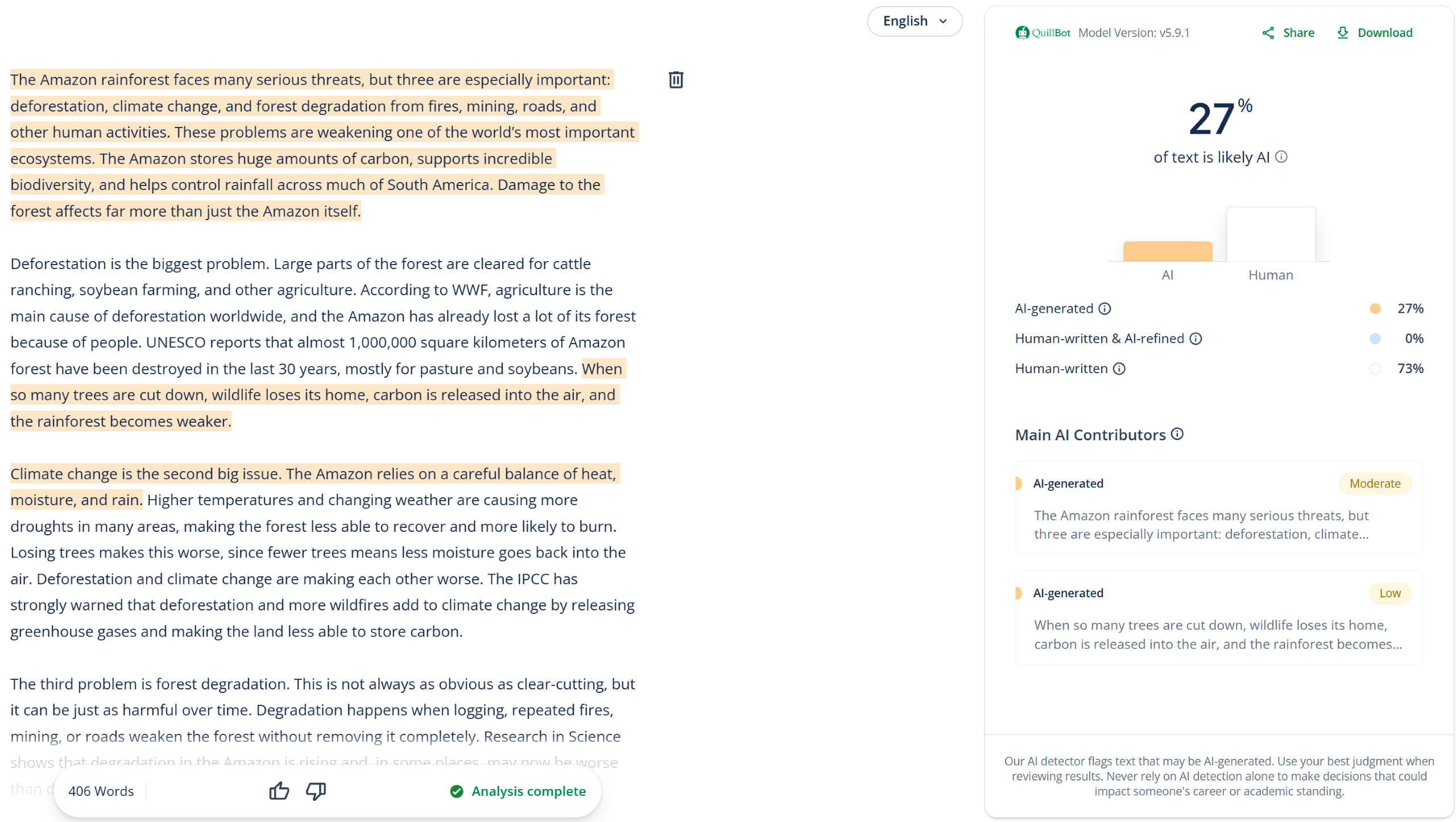
| Grammarly (humanized text) |
27% AI
❌ |
 |
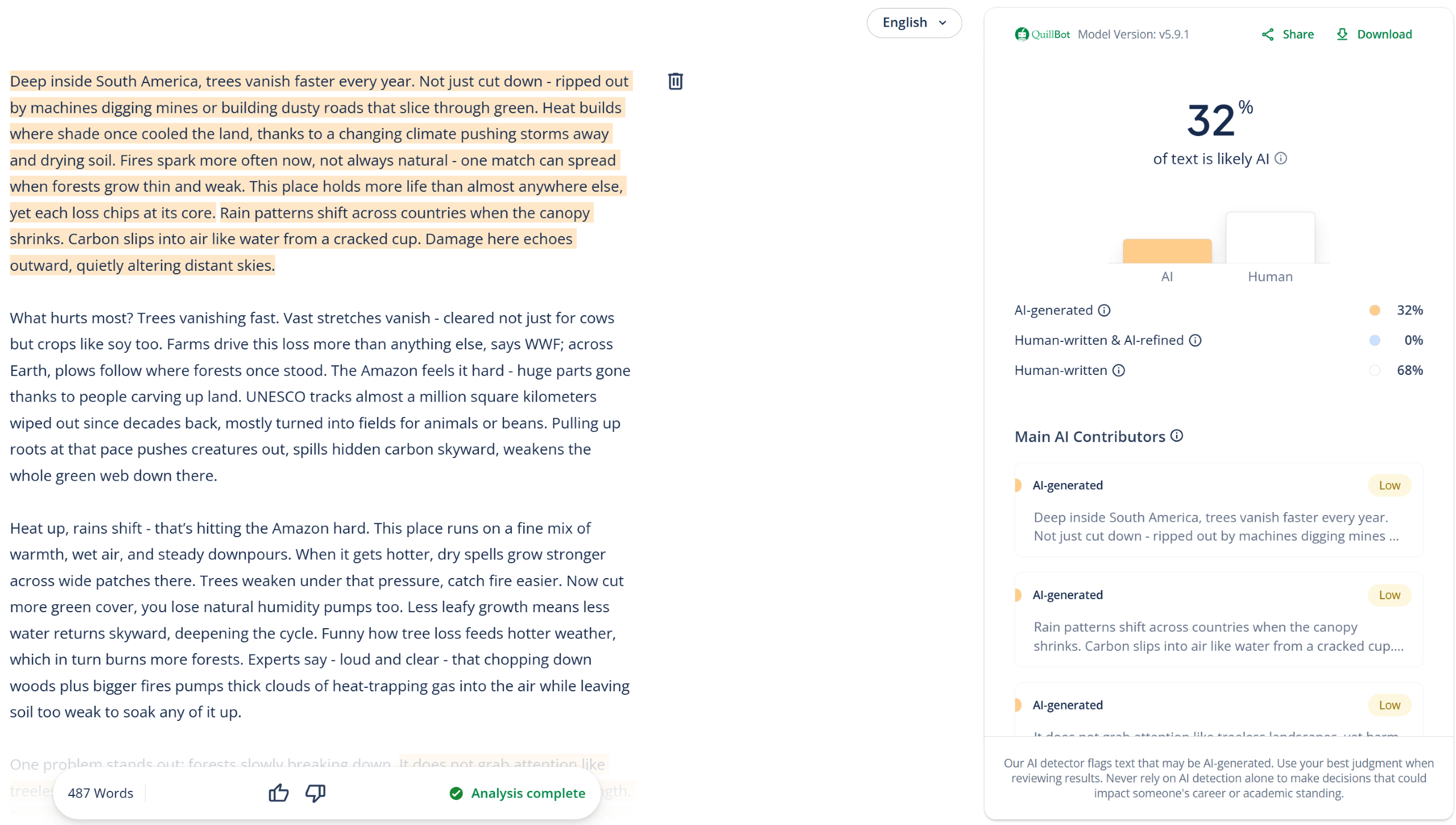
| Clever AI Humanizer (humanized text) |
32% AI
❌ |
 |
Test #3: False-Positives + Plagiarism
To complete our testing, we checked whether QuillBot would mistake original, human-written articles for AI. We also tested the same content using QuillBot’s plagiarism detector and posted all the results below.
Expand
| Article URL | Test Result | AI Detector | Plagiarism |
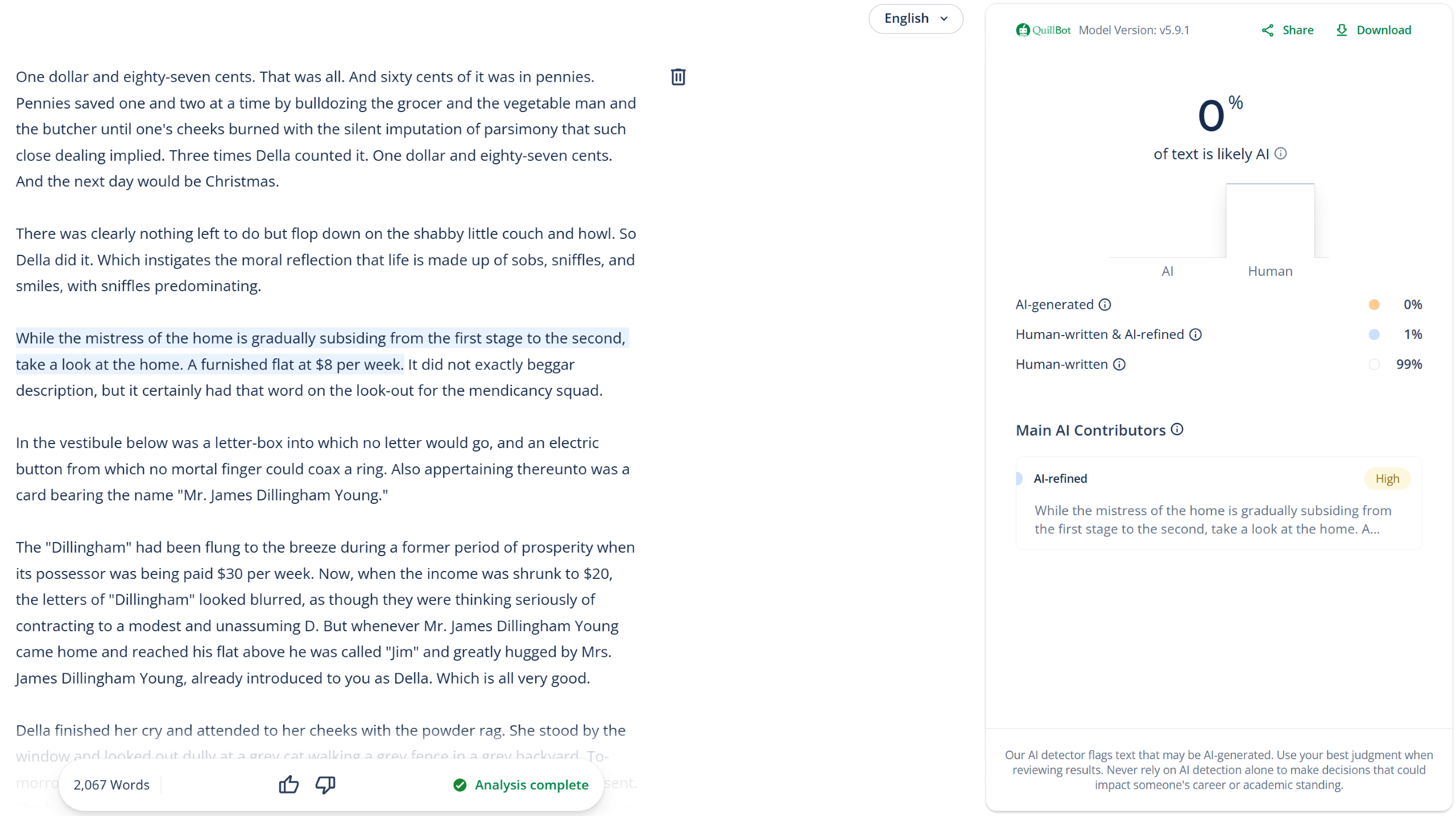
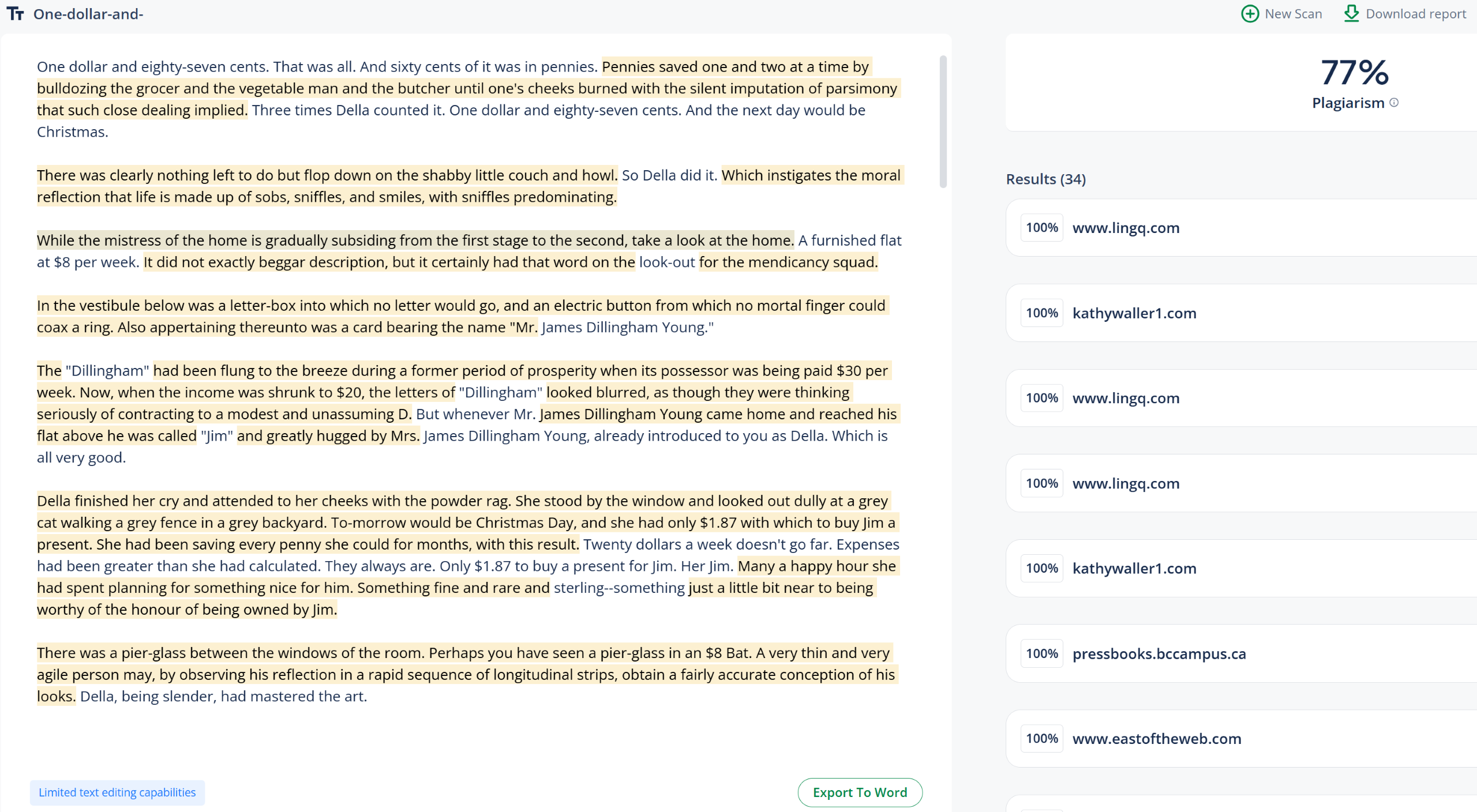
| The Gift of the Magi | 100% Human, 77% Plagiarism
✅ |
 |
 |
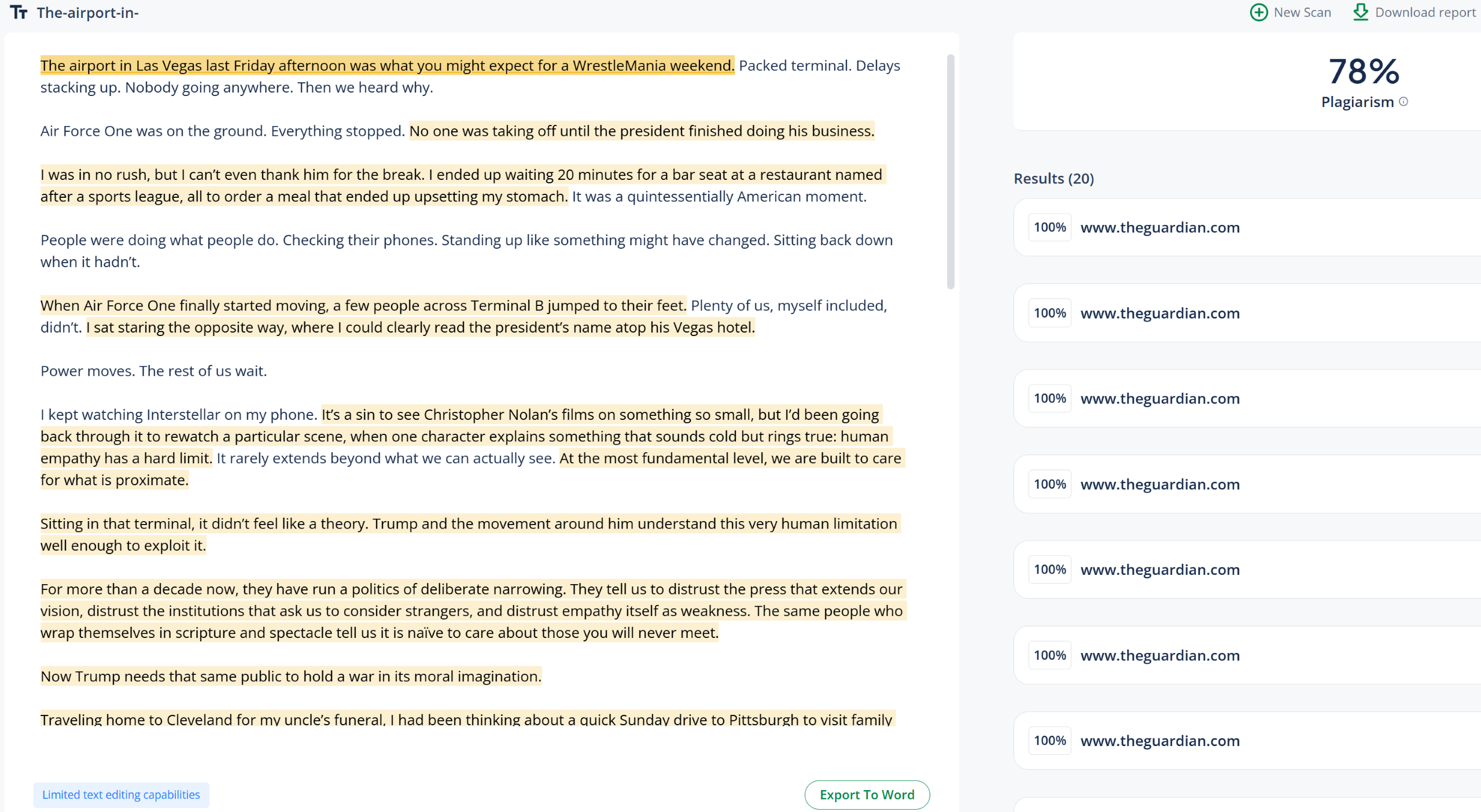
| The Guardian (opinion piece) | 100% Human, 78% Plagiarism
✅ |
 |
 |
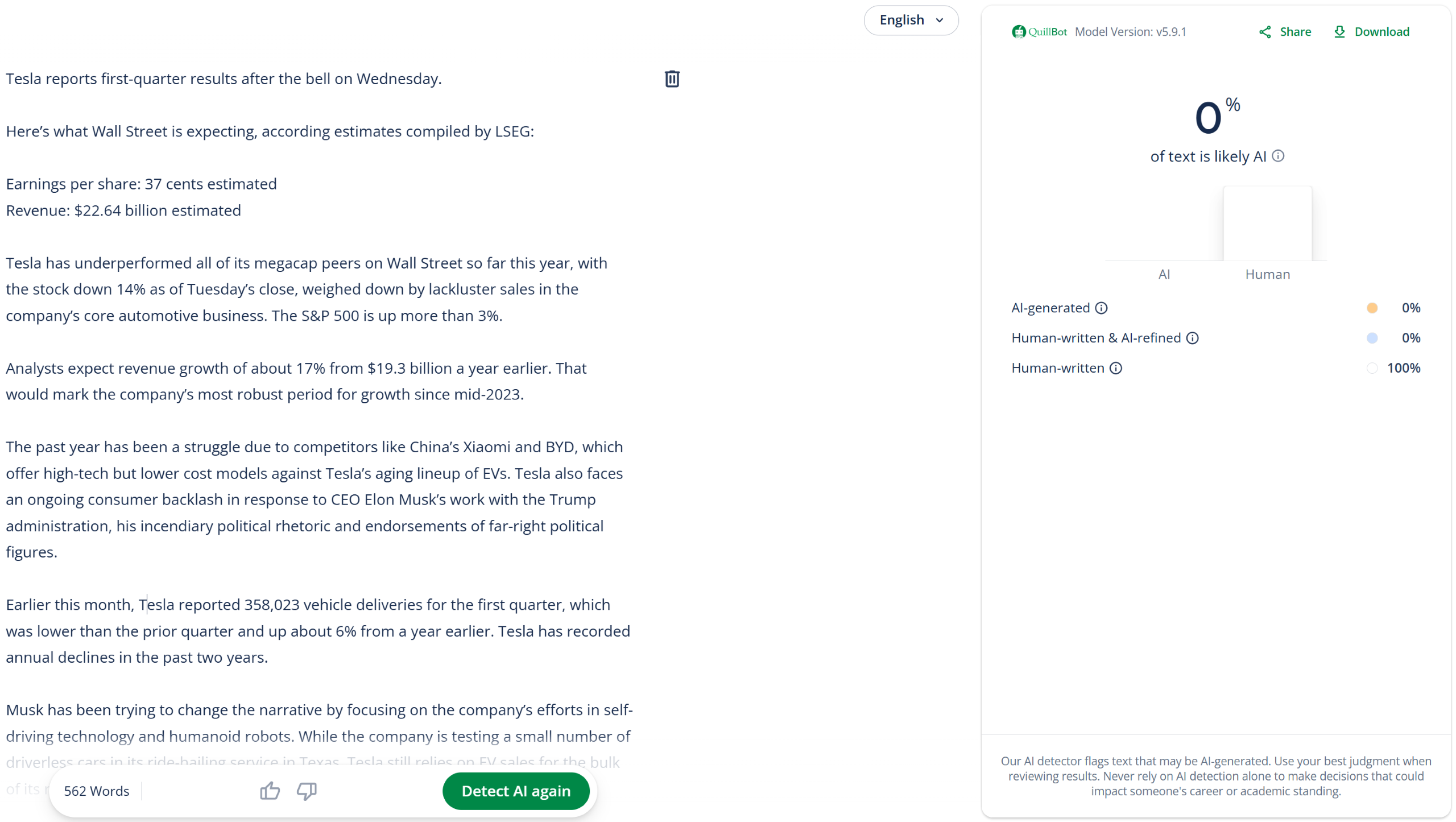
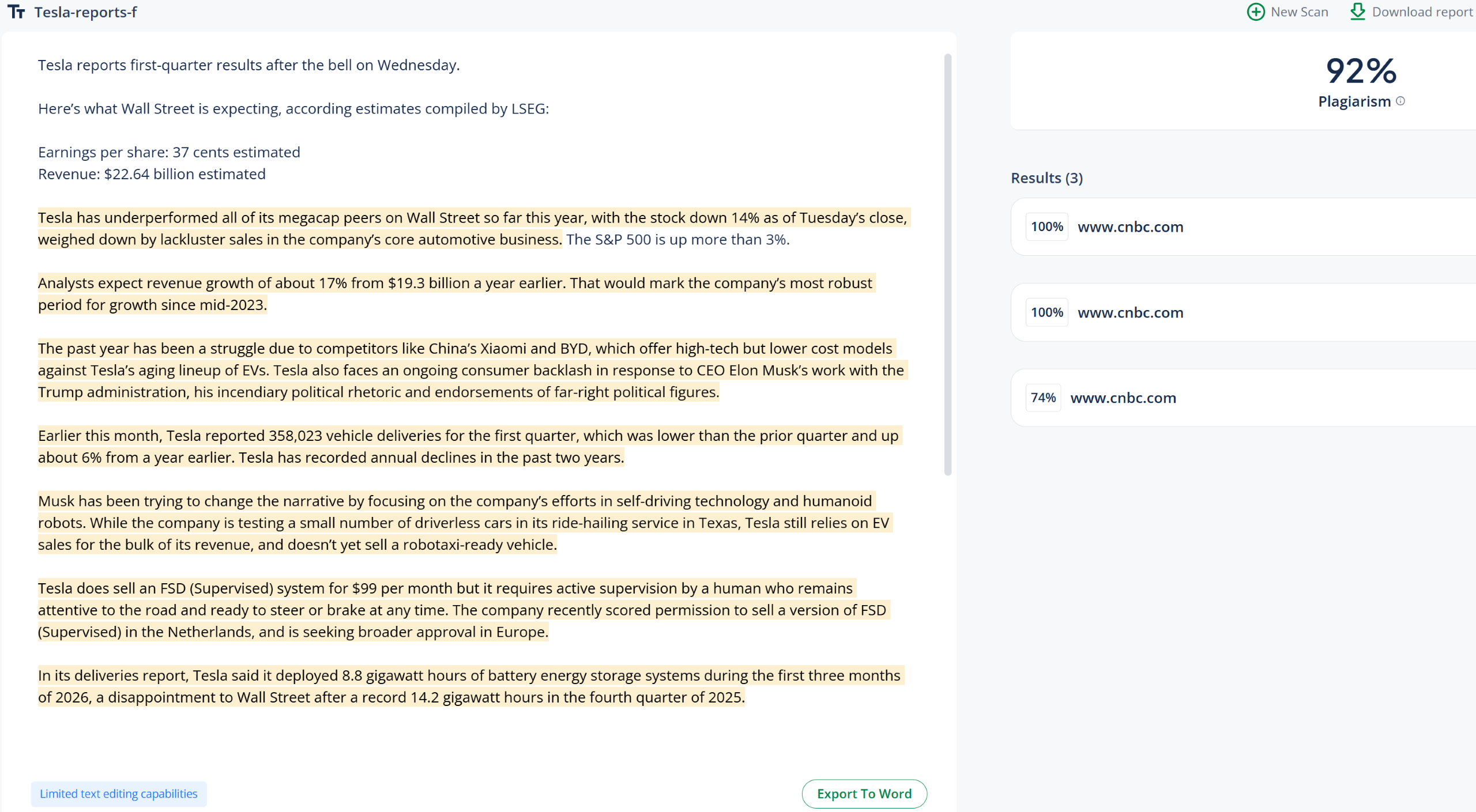
| CNBC (article) | 100% Human, 92% Plagiarism
✅ |
 |
 |
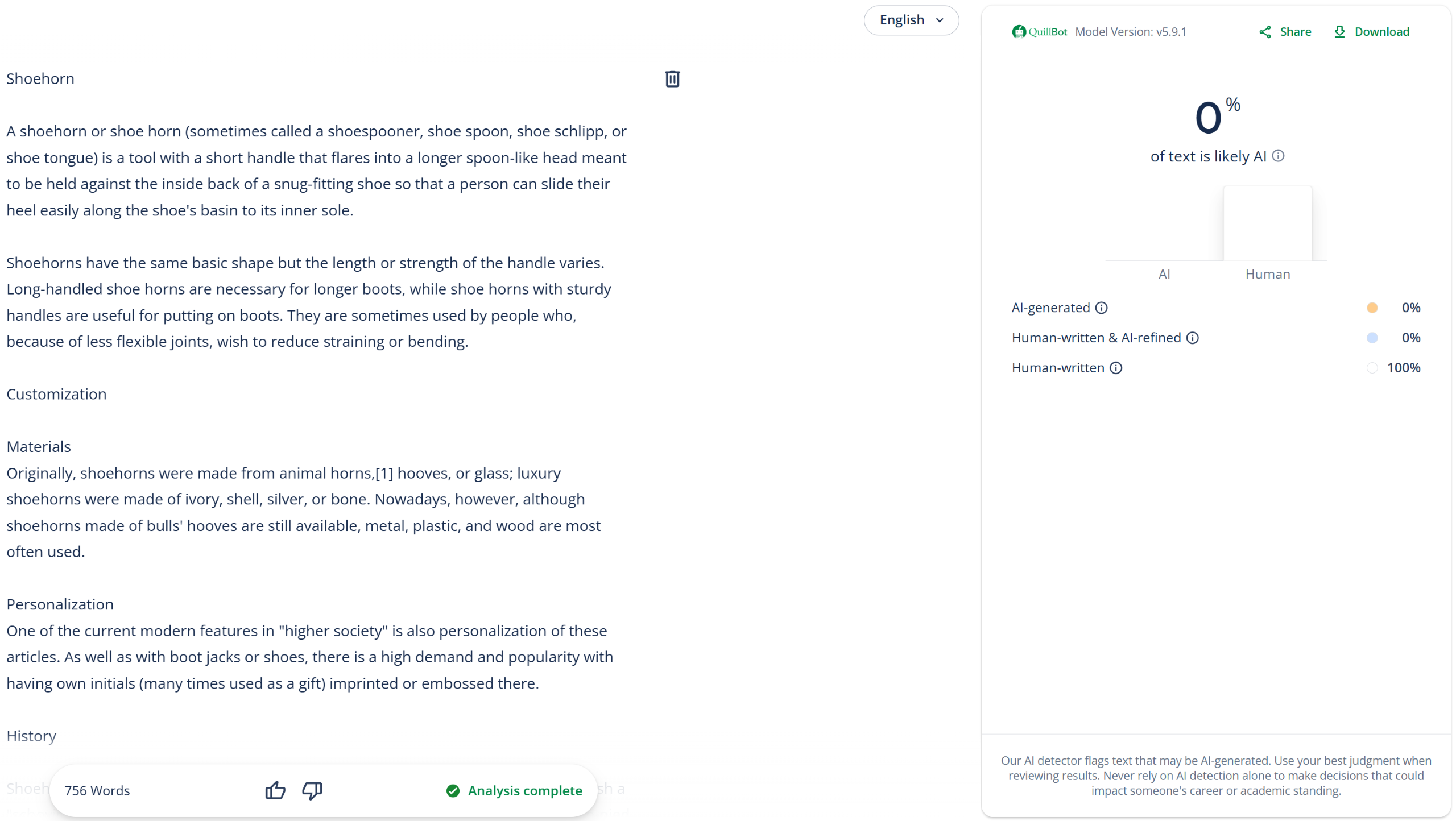
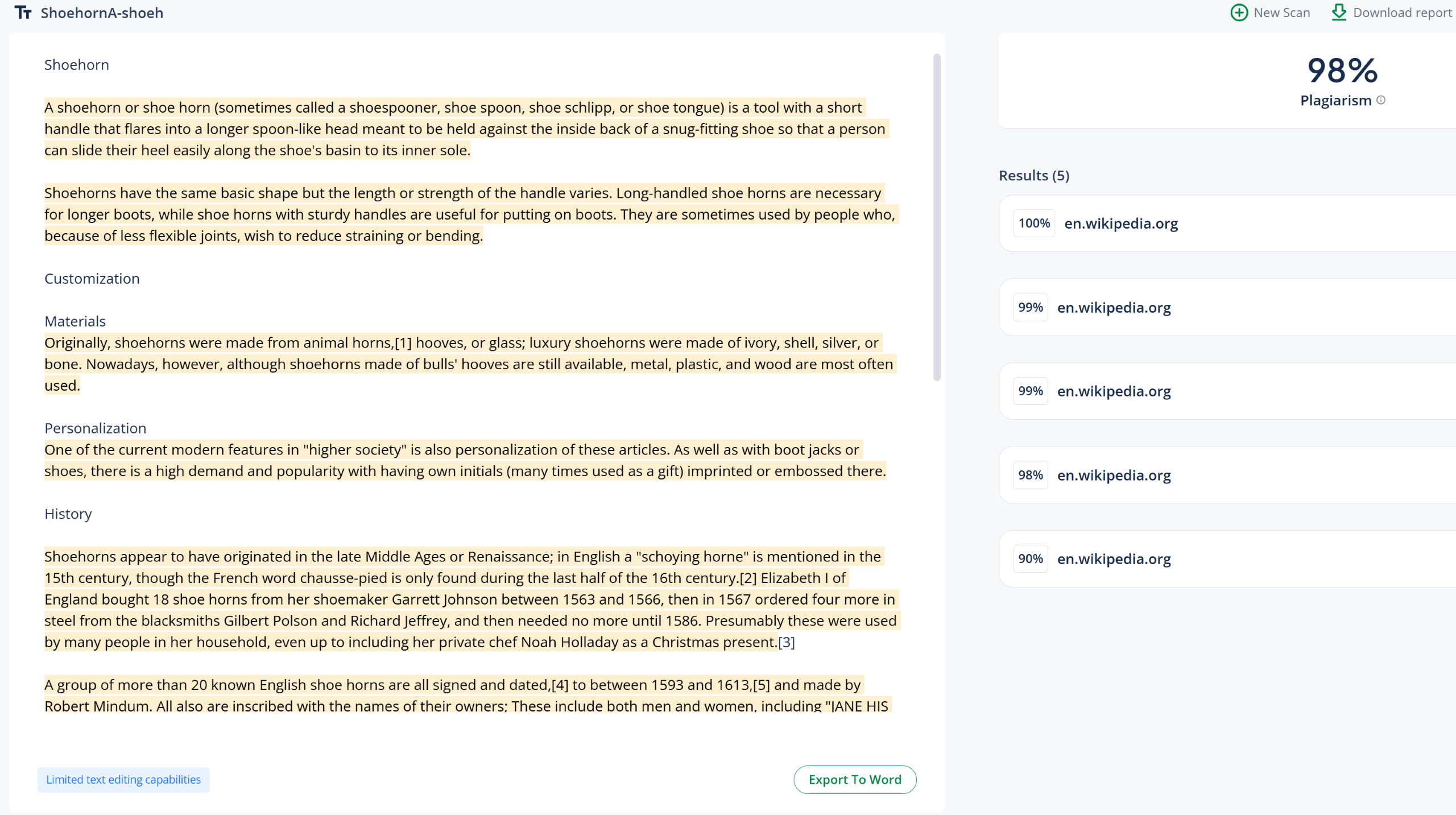
| Wikipedia (“shoehorn“) | 100% Human, 98% Plagiarism
✅ |
 |
 |
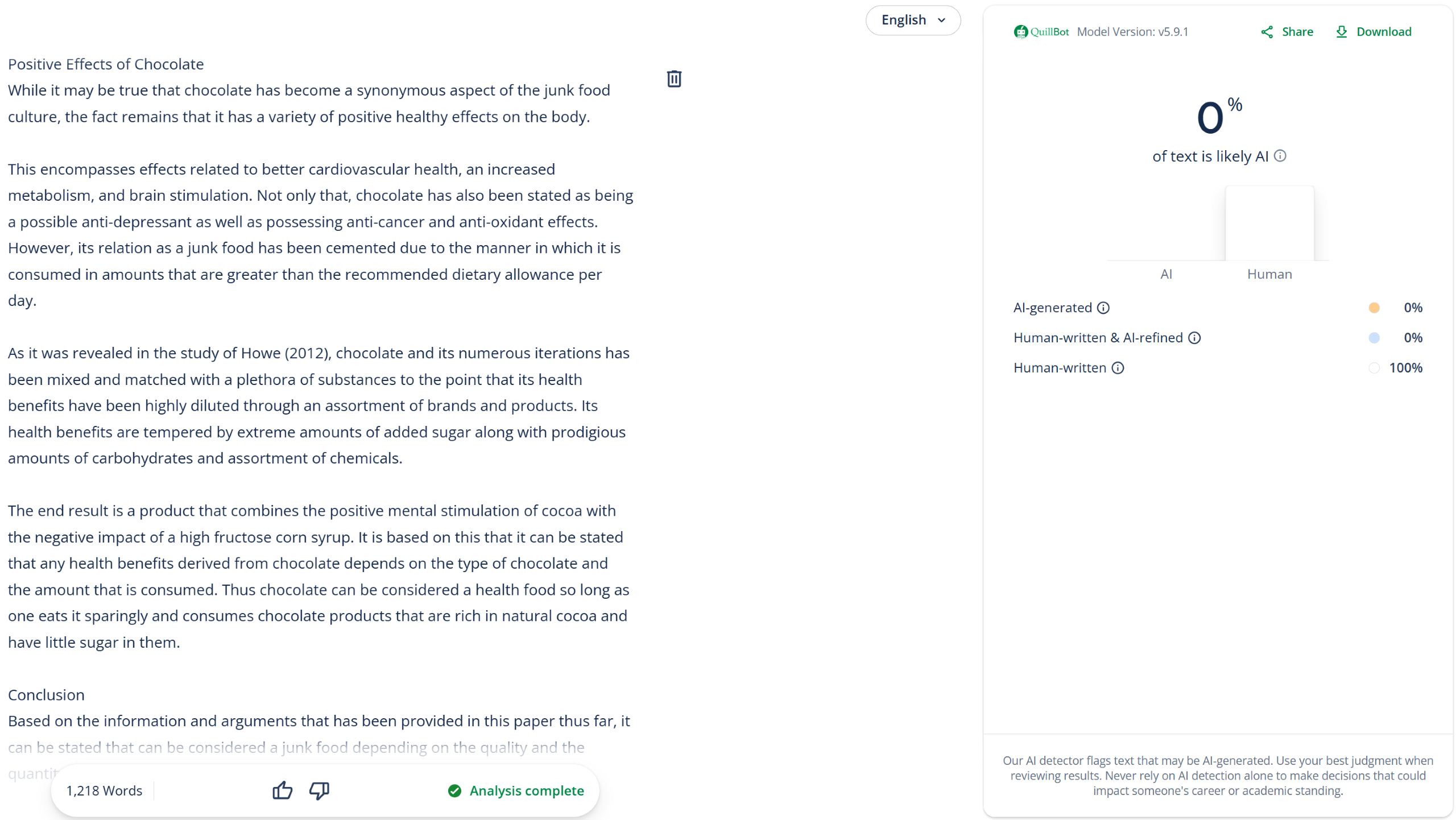
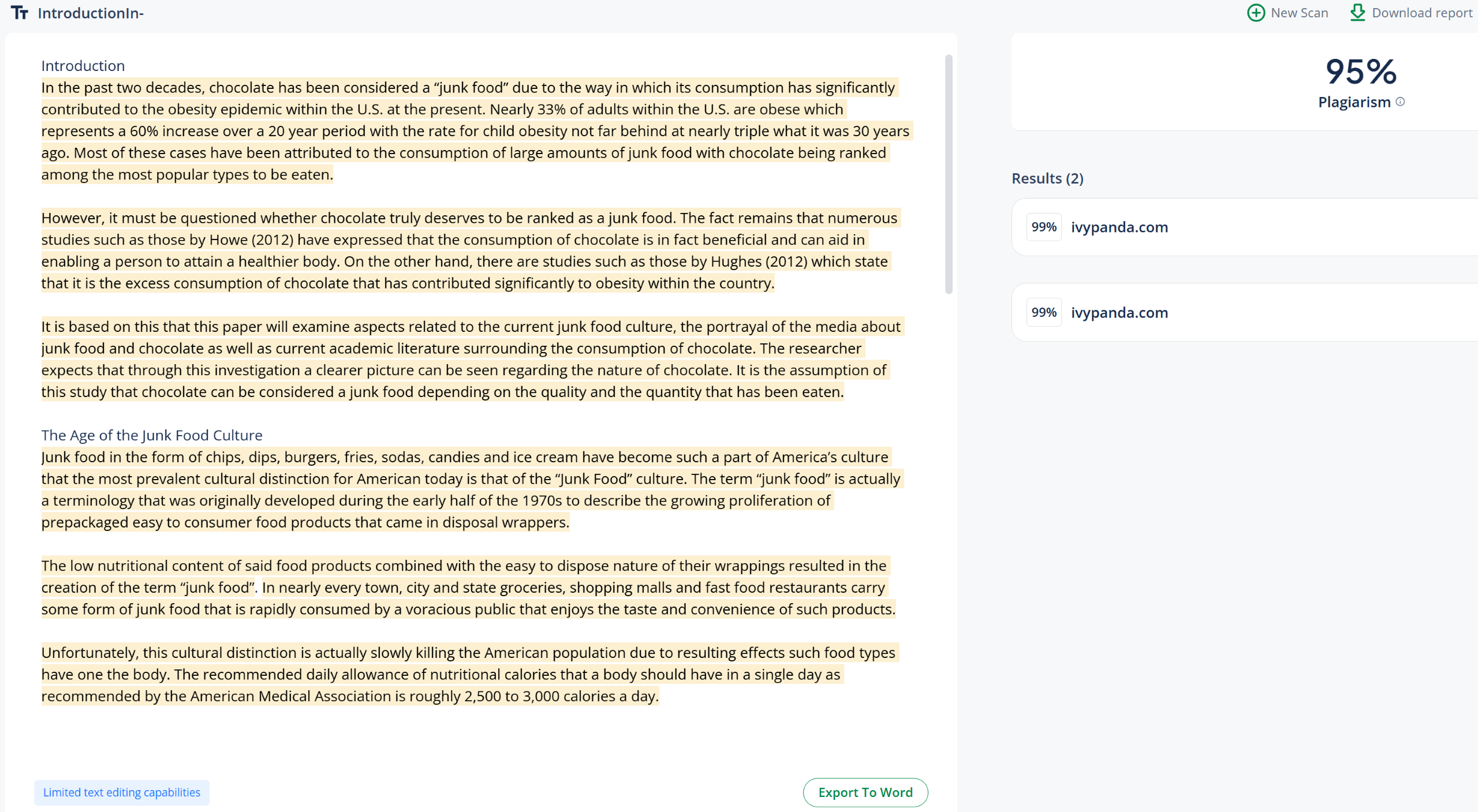
| IvyPanda (research paper) | 100% Human, 95% Plagiarism
✅ |
 |
 |
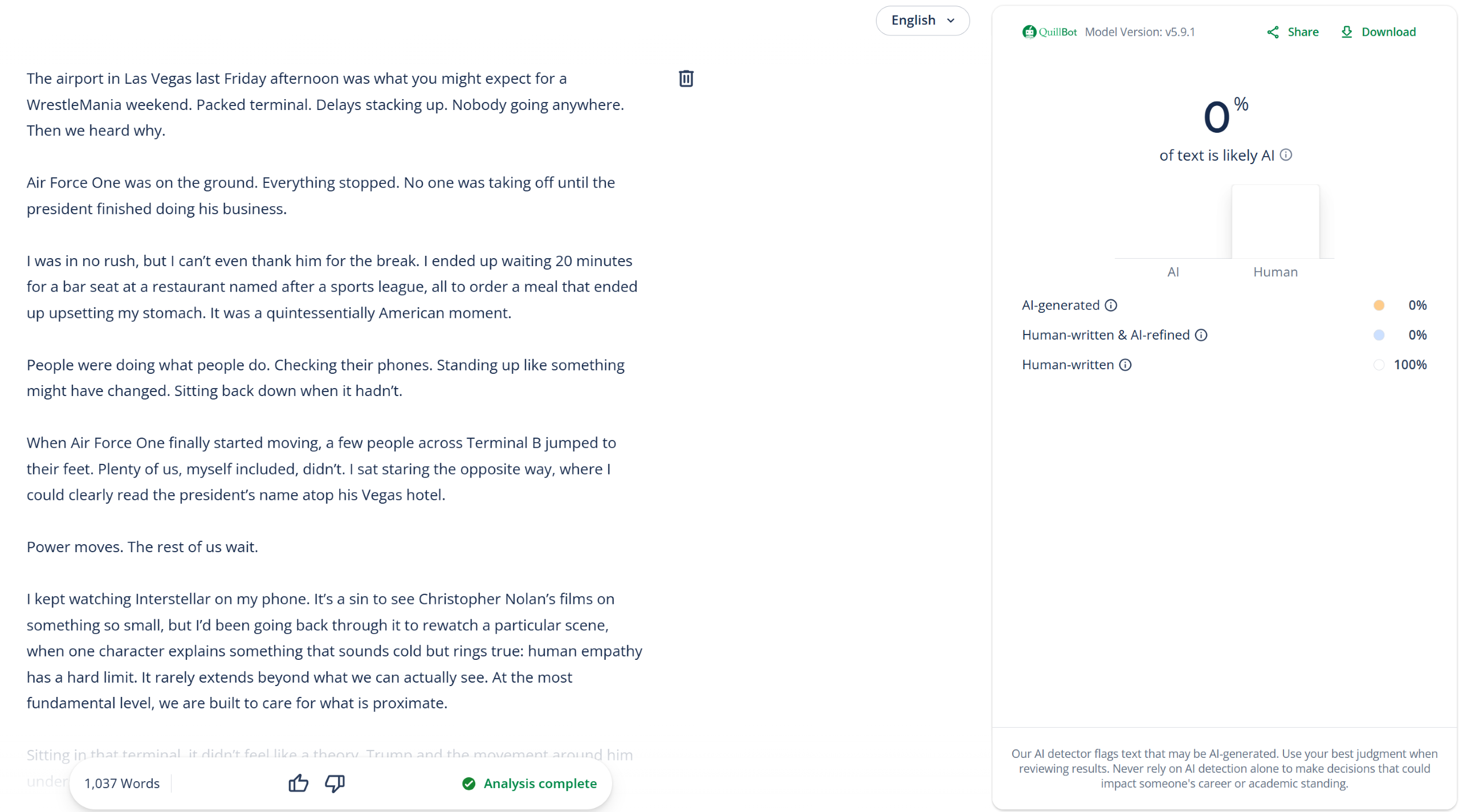
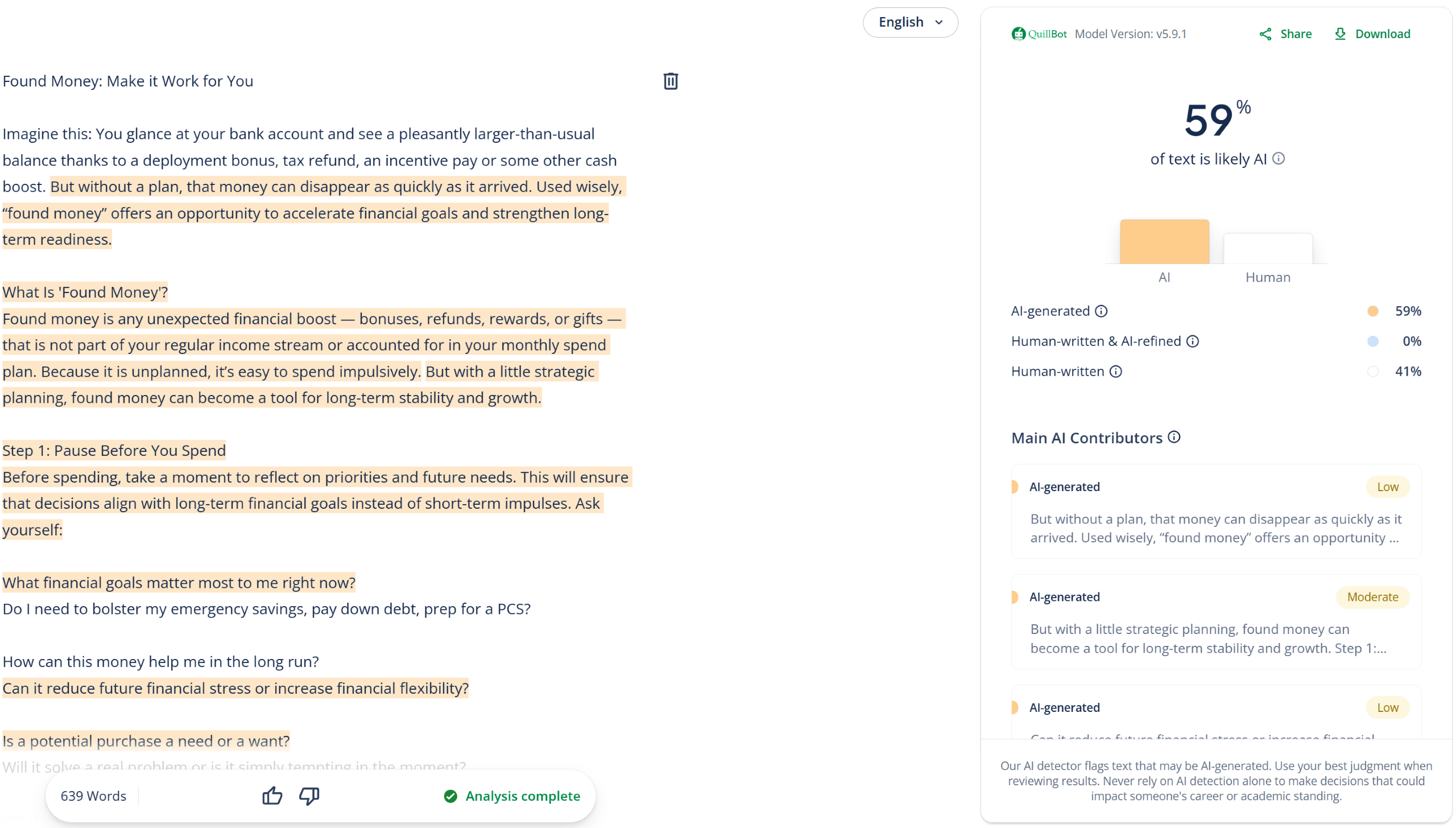
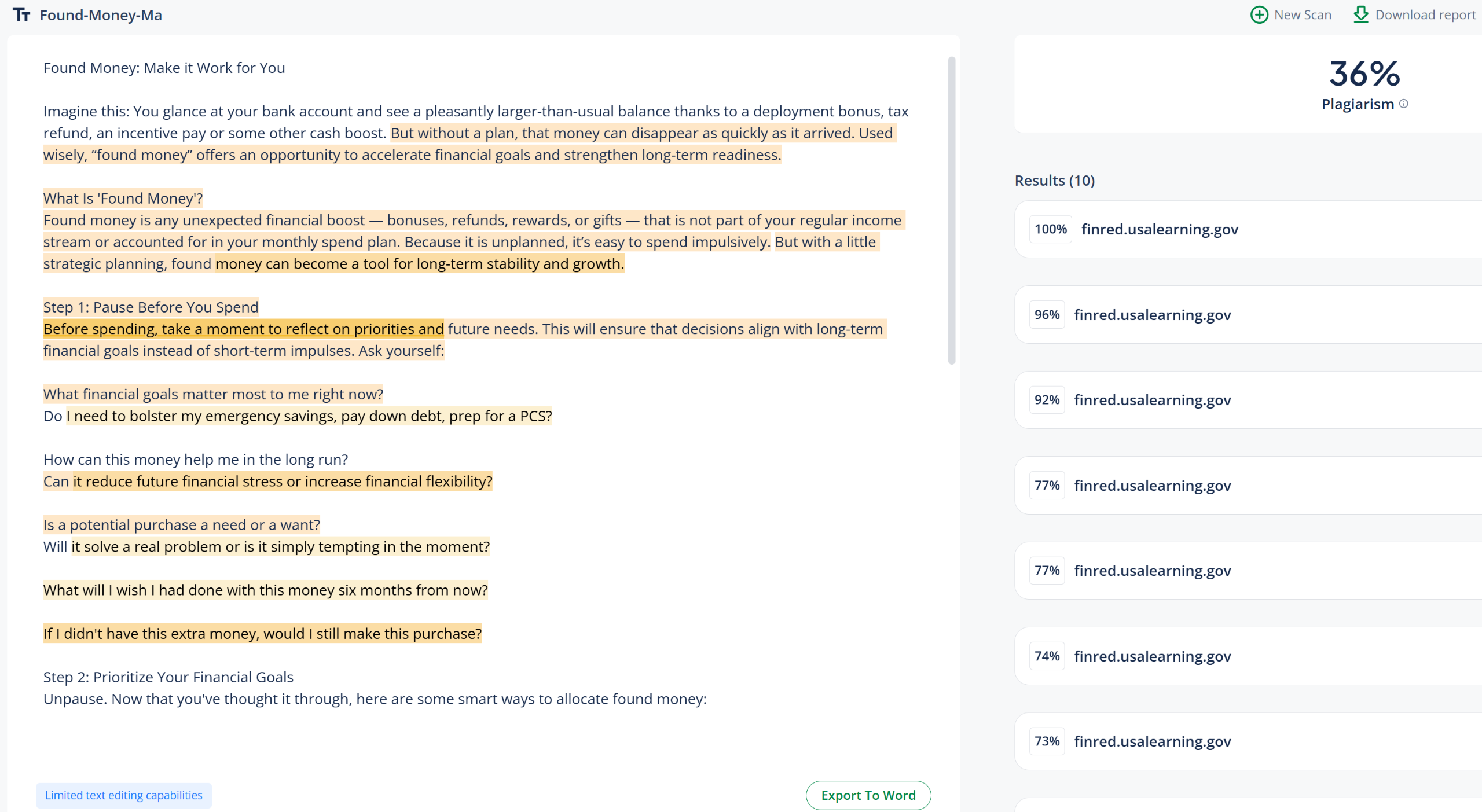
| Financial Readiness (article) | 41% Human, 36% Plagiarism
❌ |
 |
 |
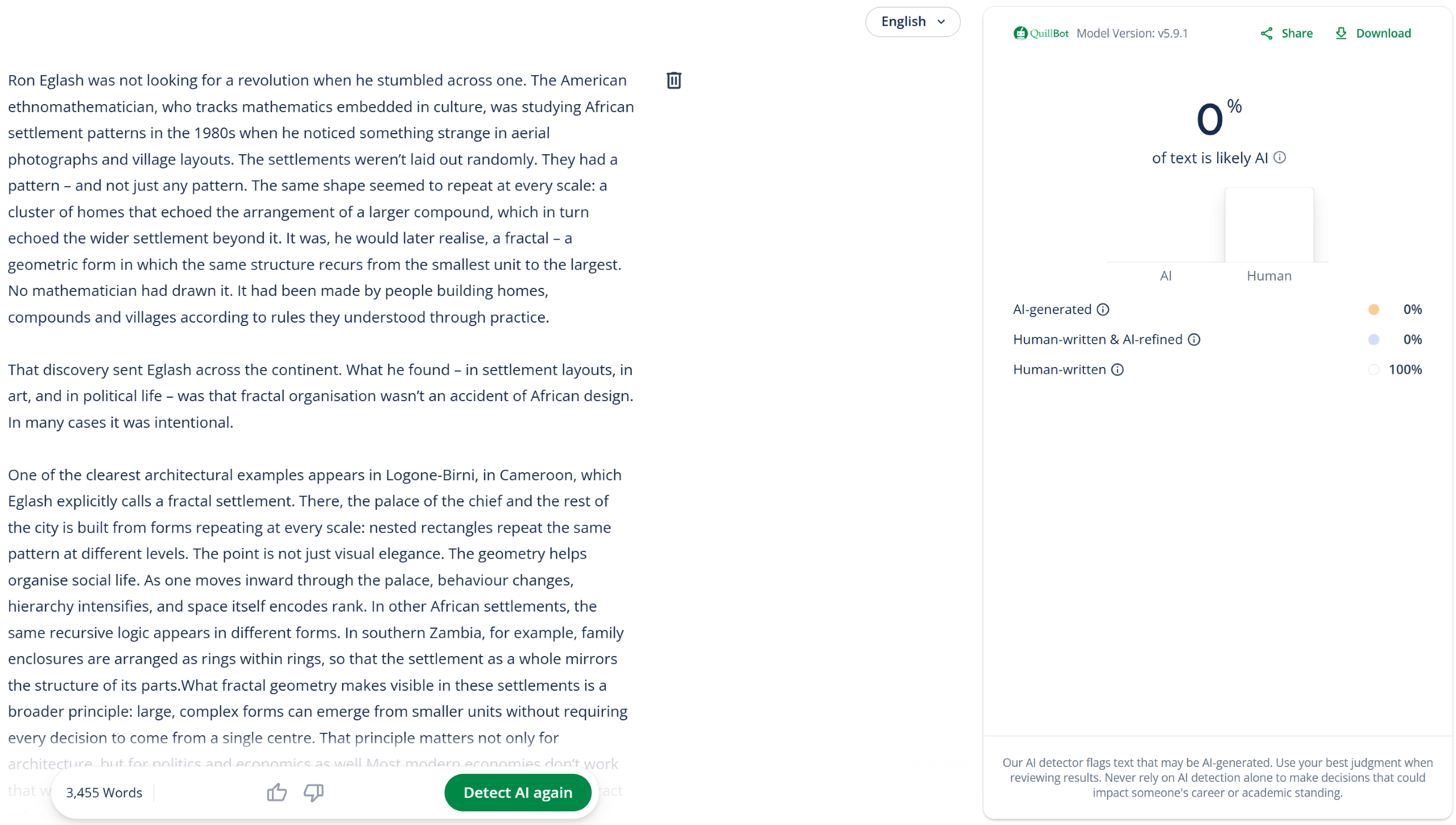
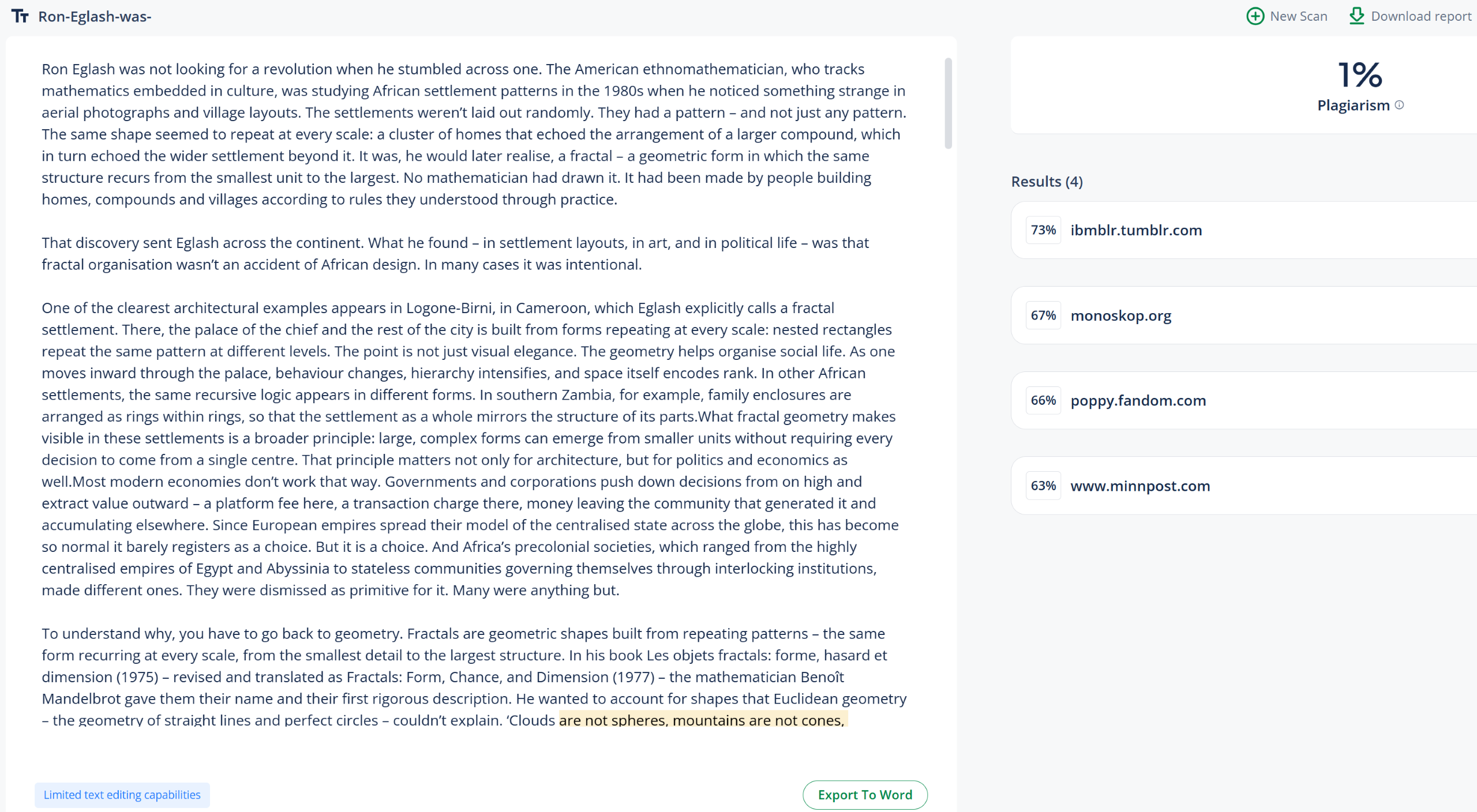
| Aeon.co (essay) | 100% Human, 1% Plagiarism
✅ |
 |
 |
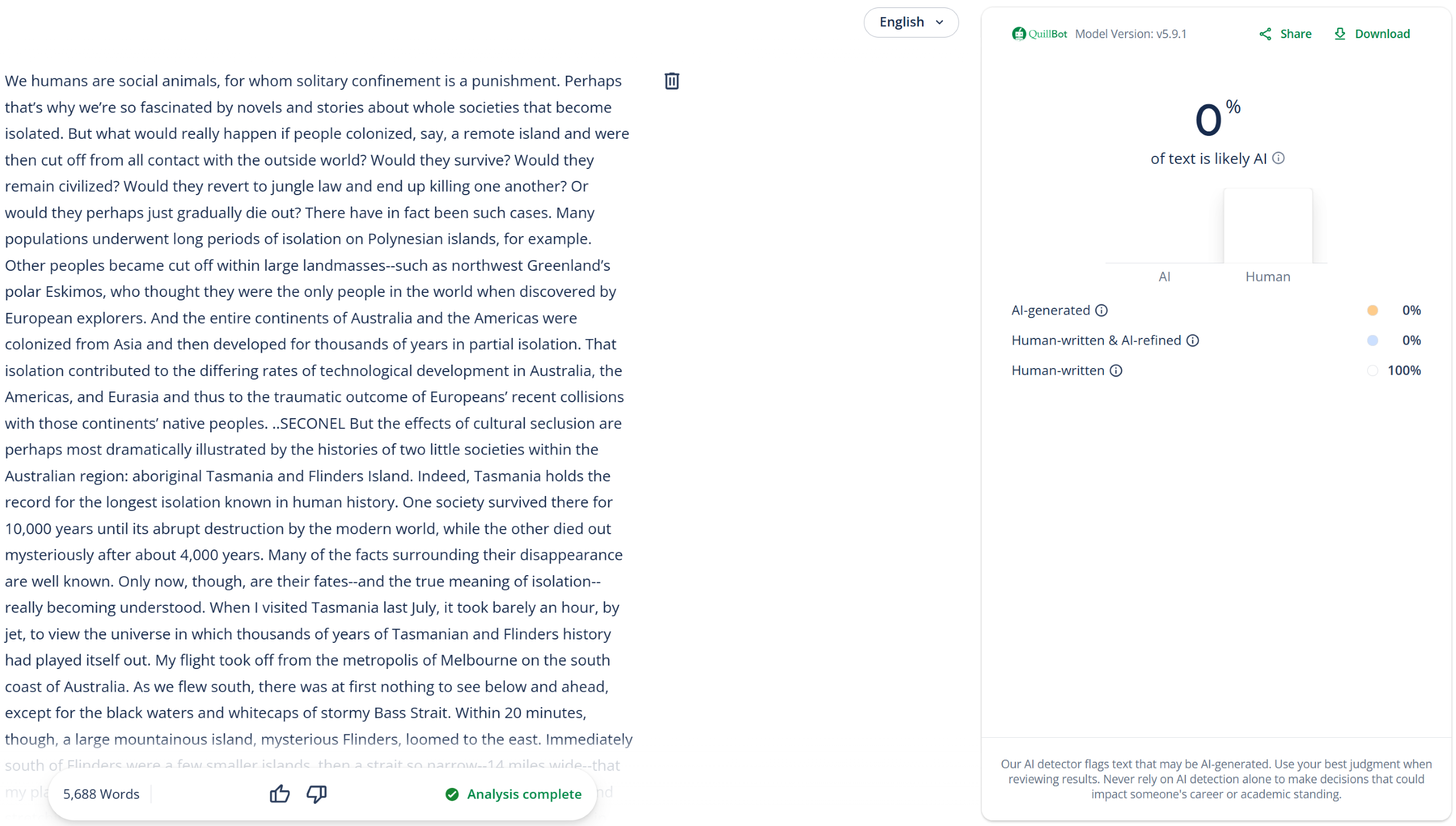
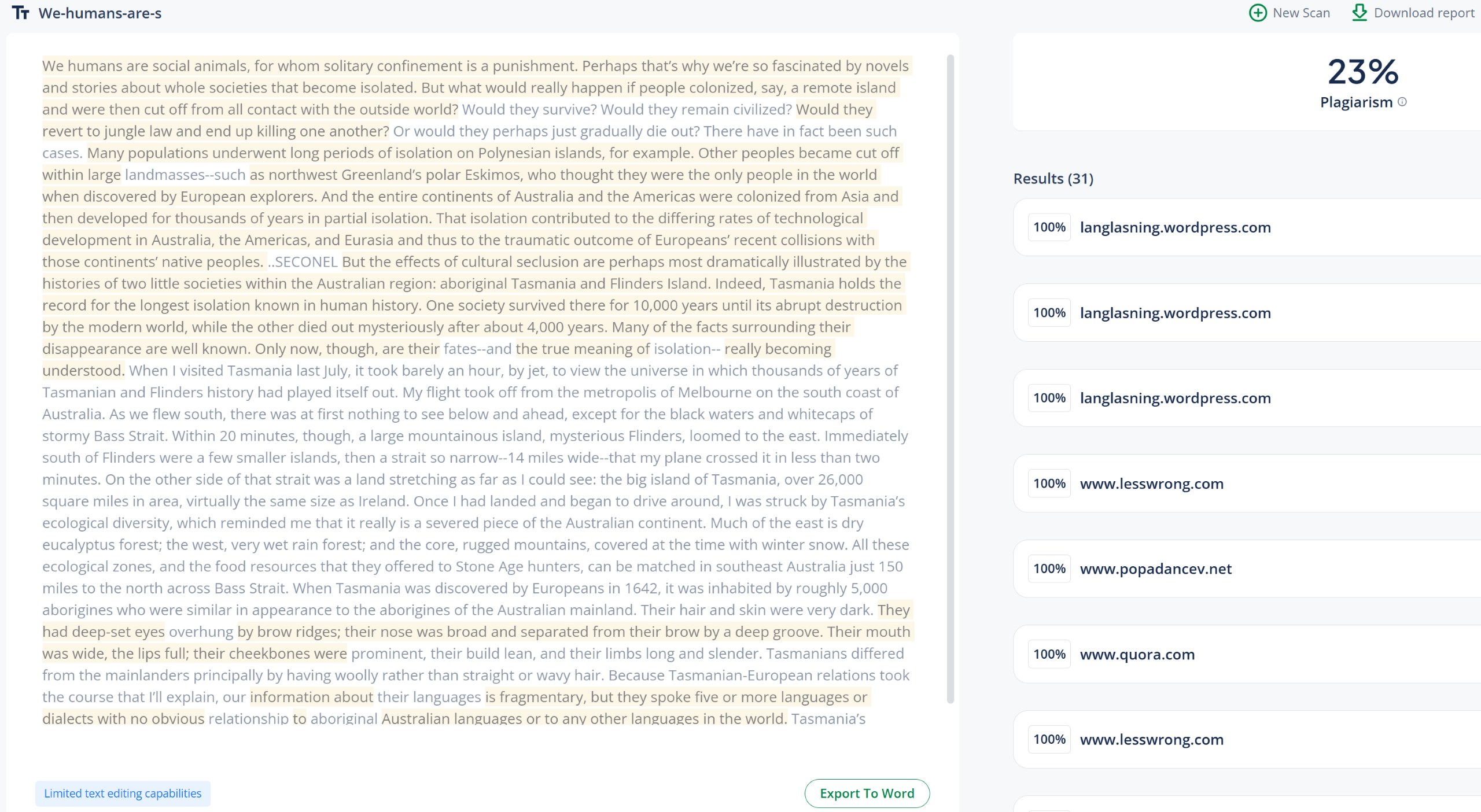
| Discover Magazine (article) | 100% Human, 23% Plagiarism
✅ |
 |
 |
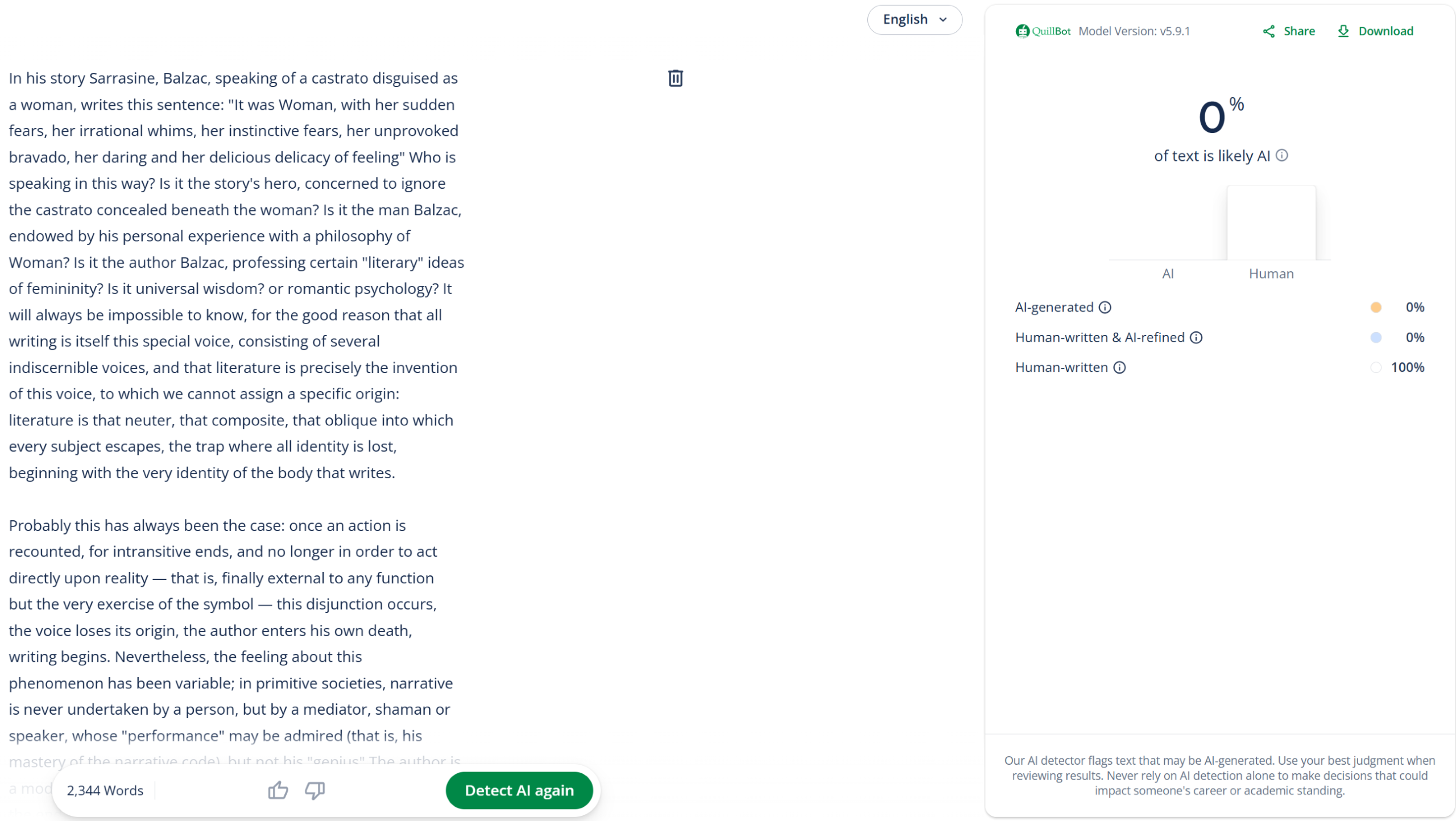
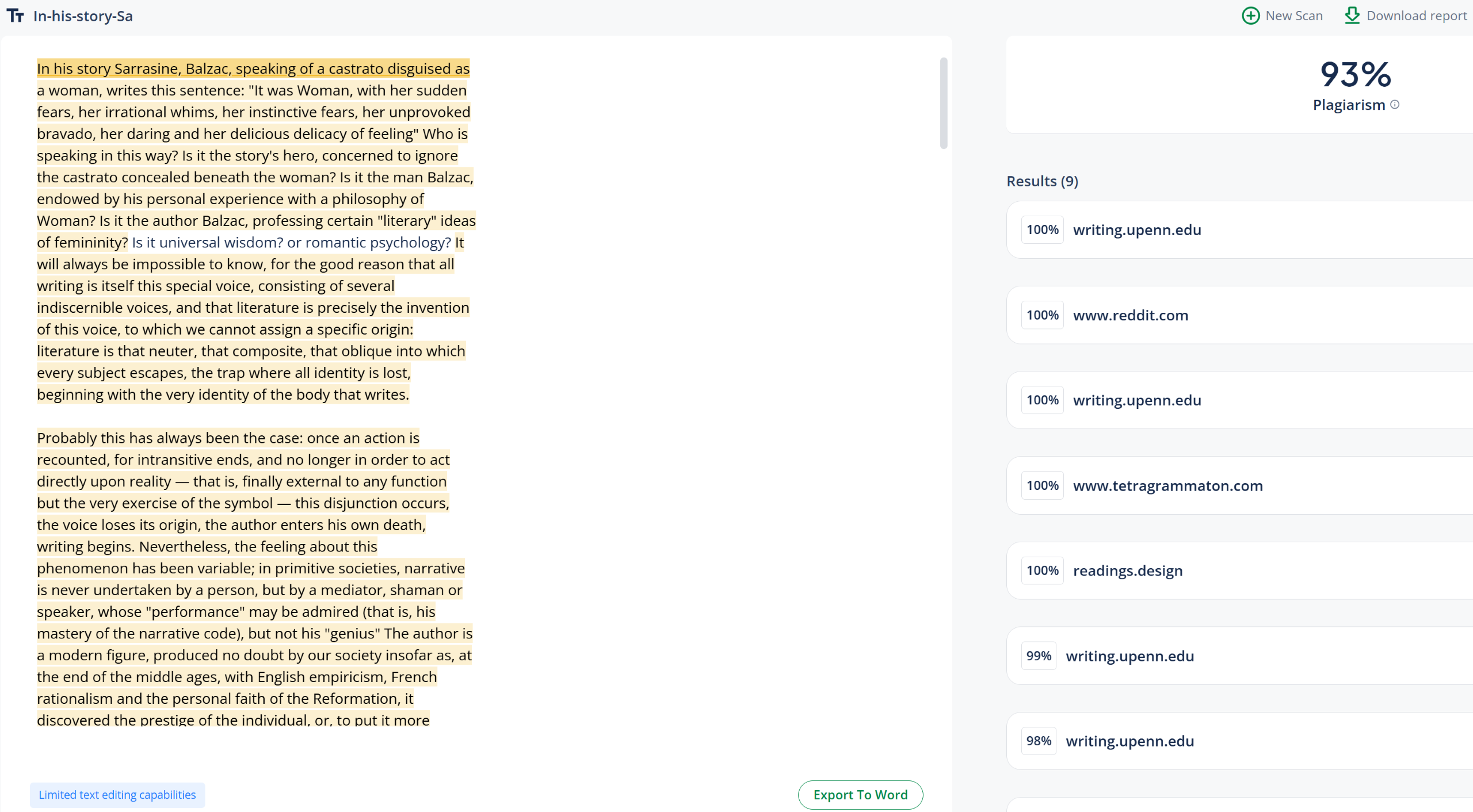
| UPenn (academic writing) | 100% Human, 93% Plagiarism
✅ |
 |
 |
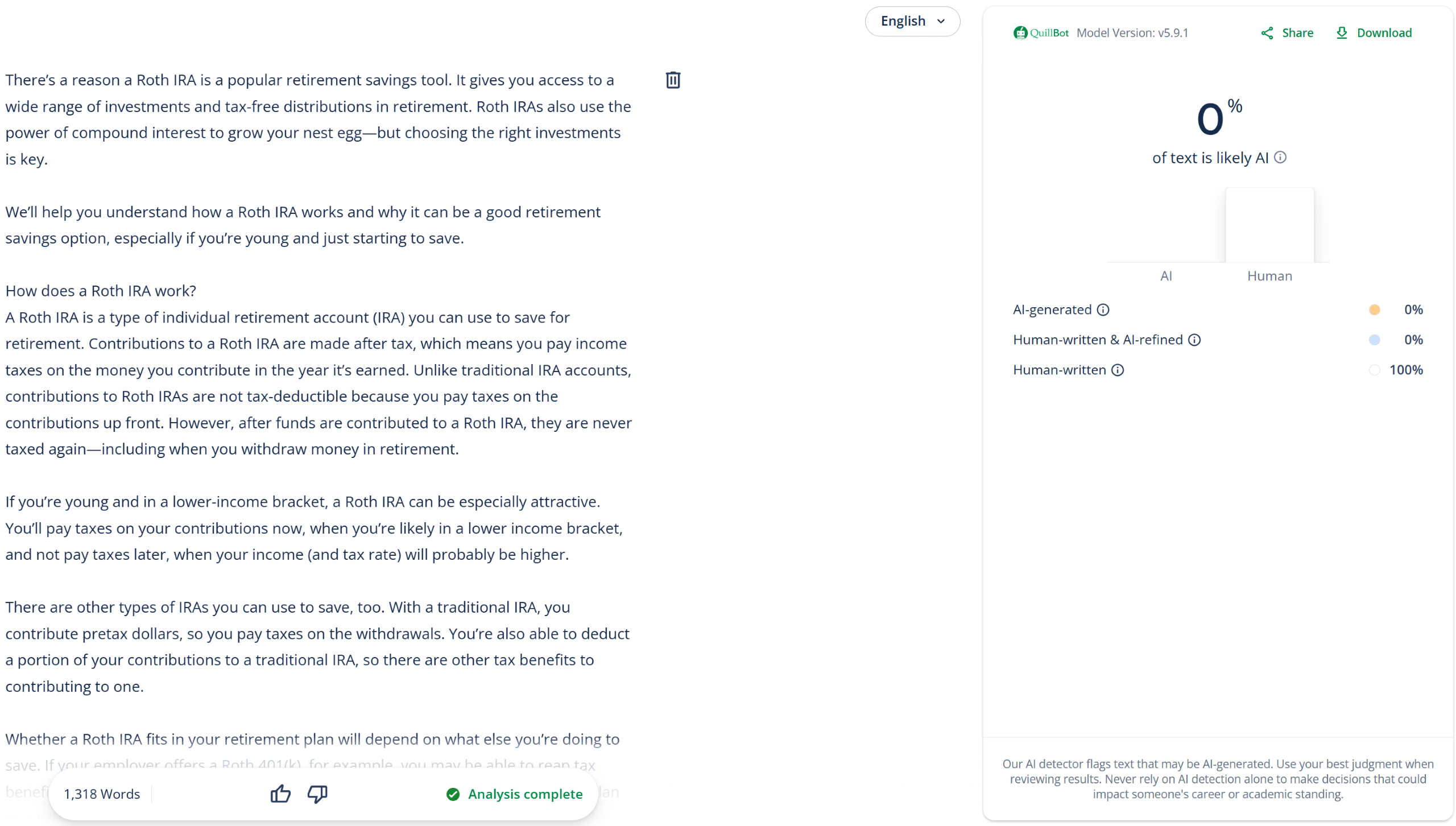
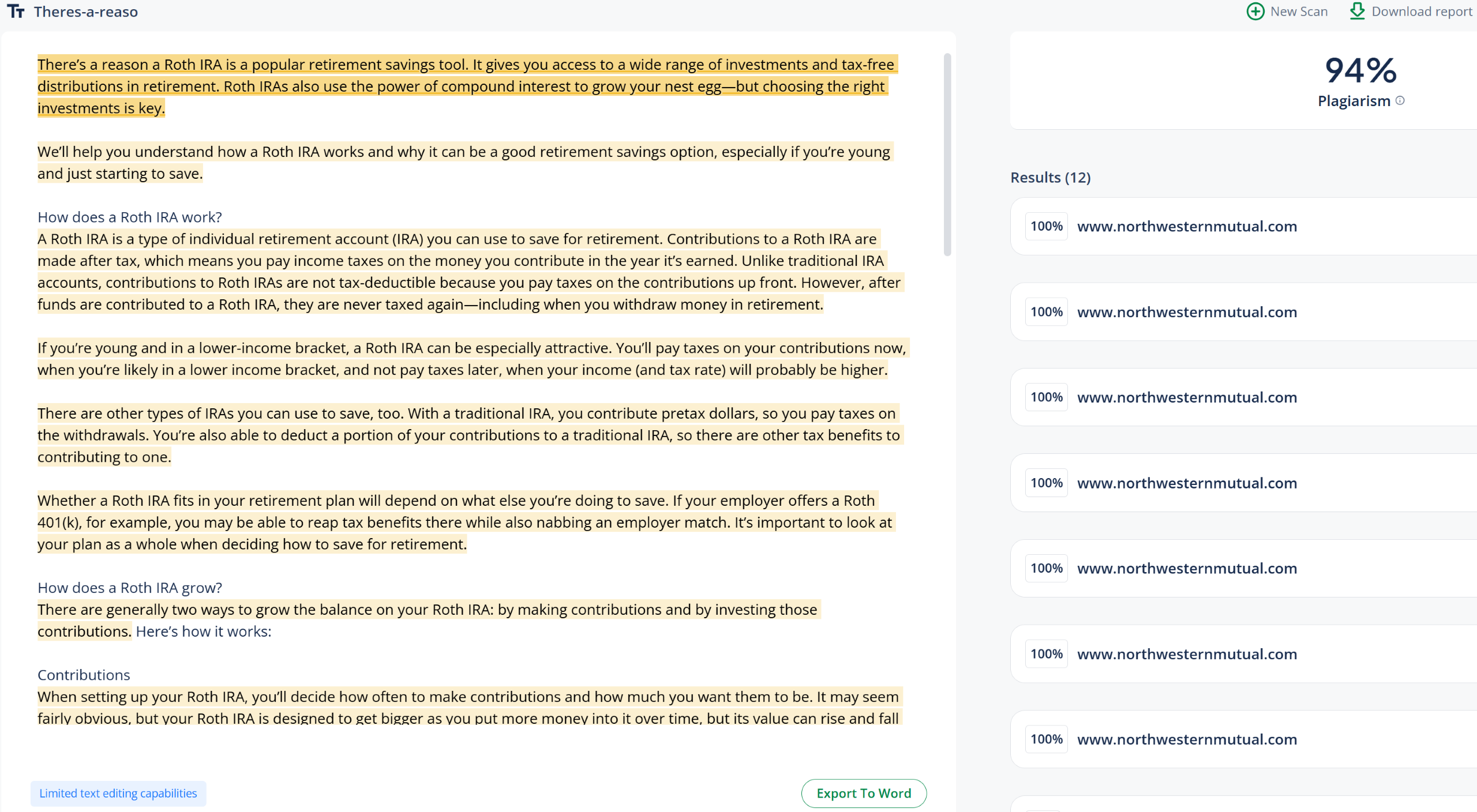
| Northwestern Mutual (article) | 100% Human, 94% Plagiarism
✅ |
 |
 |
Is QuillBot Accurate?
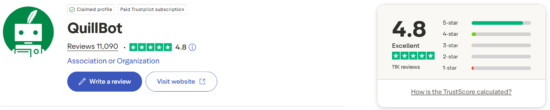
Our testing showed that QuillBot was not very accurate at detecting AI-generated content, though most user reviews on Trustpilot suggest a different experience; 85% of its 11K+ reviews are 5 stars.
Many praise QuillBot as an effective writing assistant thanks to its paraphraser and grammar checker. Users also report positive experiences with its overall ease of use.
Frequently Asked Questions
Do unused plagiarism words carry over?
No, unused words for the plagiarism checker do not carry over and reset each billing cycle. However, any additional words purchased separately will carry over until used.[2]
Are sentence-by-sentence breakdowns provided?
Yes, QuillBot breaks down sentences using two highlight colors: peach for content likely generated by AI and blue for content likely written by a human and altered by AI. It also provides a probability score to show how confident it is in its detection (see image).
Is document scanning allowed?
Yes, QuillBot’s AI detector scans PDF and DOCX files, while its plagiarism checker supports those formats plus TXT files.
Is image scanning provided?
Yes, it’s possible to scan JPEG, PNG, GIF, and WebP images (maximum of 10 MB per file).
Are reports shareable?
Yes, users can generate a shareable link that anyone can access to view results. Reports can also be downloaded as PDFs and shared as files.[3]
Does QuillBot provide certifications?
No, reports are not “certified” per se, though shareable links do include a green badge indicating that content has been checked for AI detection (see image).
Are AI detections used for internal training?
Yes, detection data is used to train AI models and personalize services. To opt out, users can change their settings in the Data and Privacy menu.[4]
Sources
- https://quillbot.com/about
- https://help.quillbot.com/hc/en-us/articles/35902665345431-Do-my-unused-words-carry-over-to-the-next-month-in-QuillBot-s-Plagiarism-Checker
- https://help.quillbot.com/hc/en-us/articles/35295898594967-How-to-share-an-AI-Detector-report
- https://help.quillbot.com/hc/en-us/articles/360056530894-How-does-QuillBot-use-my-data